Label Printer Studio
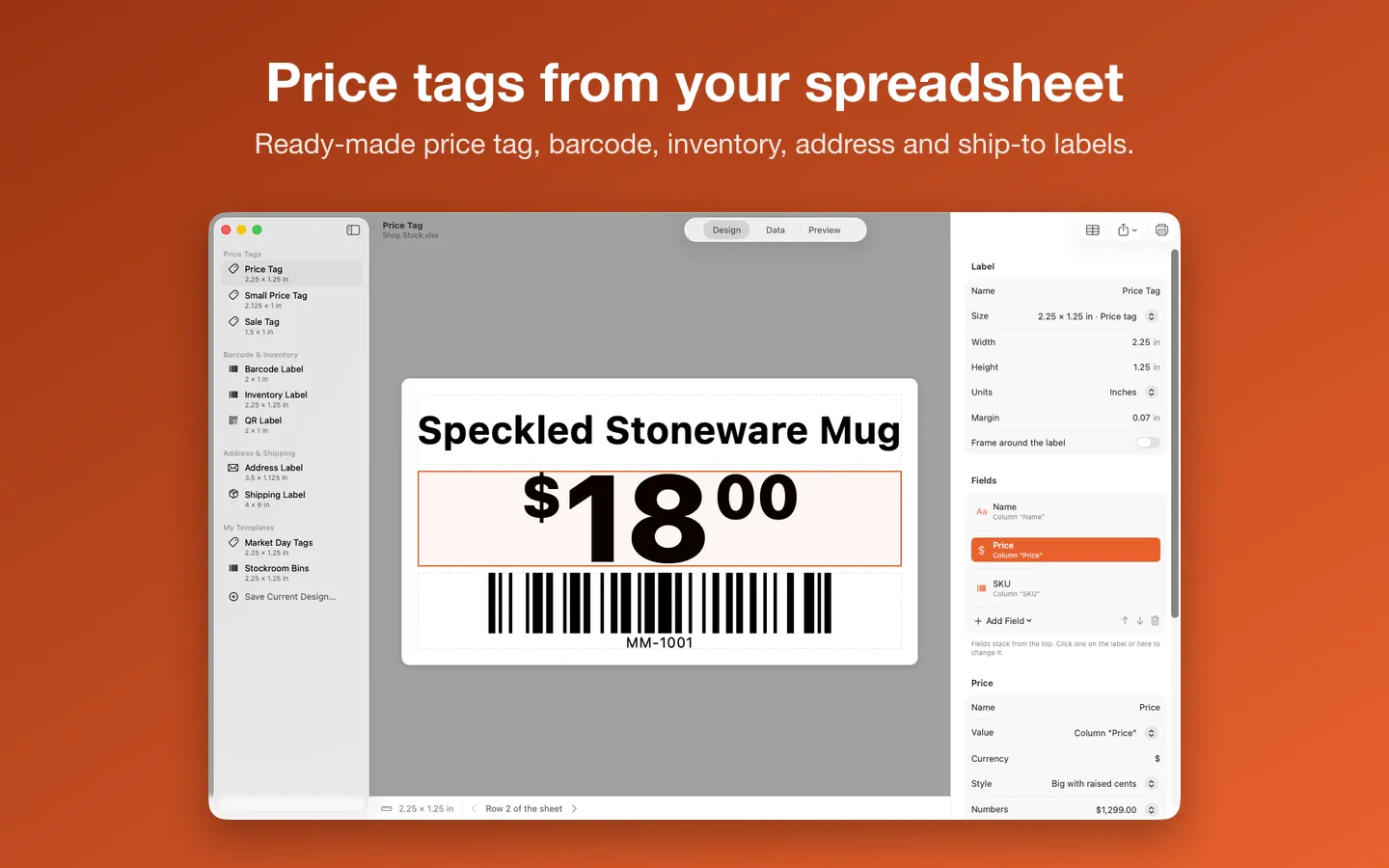
Turn a CSV or Excel stock sheet into price tags, barcode, inventory, seller and address labels, and print them on your label printer or on Avery sheets through the Mac’s own print dialog. It also turns a carrier’s or marketplace’s letter-size shipping label PDF into a 4 × 6 label. Everything stays on your Mac, and there’s no subscription.
Free to use without a key: the label-roll templates and sizes, stickers, logos and borders, Printer Setup, spreadsheet import and a preview of every label; print or save up to 10 labels at a time with a small watermark, and convert 3 shipping labels a day.
Buy a license key to unlock Pro: whole spreadsheets in one job without the watermark, serial numbers, saved templates, Avery sheets, Code 39, GS1-128, ITF-14 and Data Matrix barcodes, the eBay, Etsy, Poshmark and FNSKU templates, and any number of 4 × 6 shipping labels with a Downloads watch.
macOS 14 Sonoma or later · Version 1.2 · 4.6 MB disk image · Notarized by Apple
One-time $15.99 for the app with Pro: whole spreadsheets in one job, no watermark, serial numbers, saved templates, Avery sheets, more barcodes, seller templates and unlimited 4 × 6 shipping labels. No subscription, no account. One license key works on up to 3 of your Macs.
Download: The download (a signed, notarized .dmg) comes with your purchase in your Gumroad receipt, together with your license key. Updates install from inside the app.
Buy now opens Gumroad's checkout on this page; Gumroad is the seller and handles payment, sales tax and your receipt.
Features
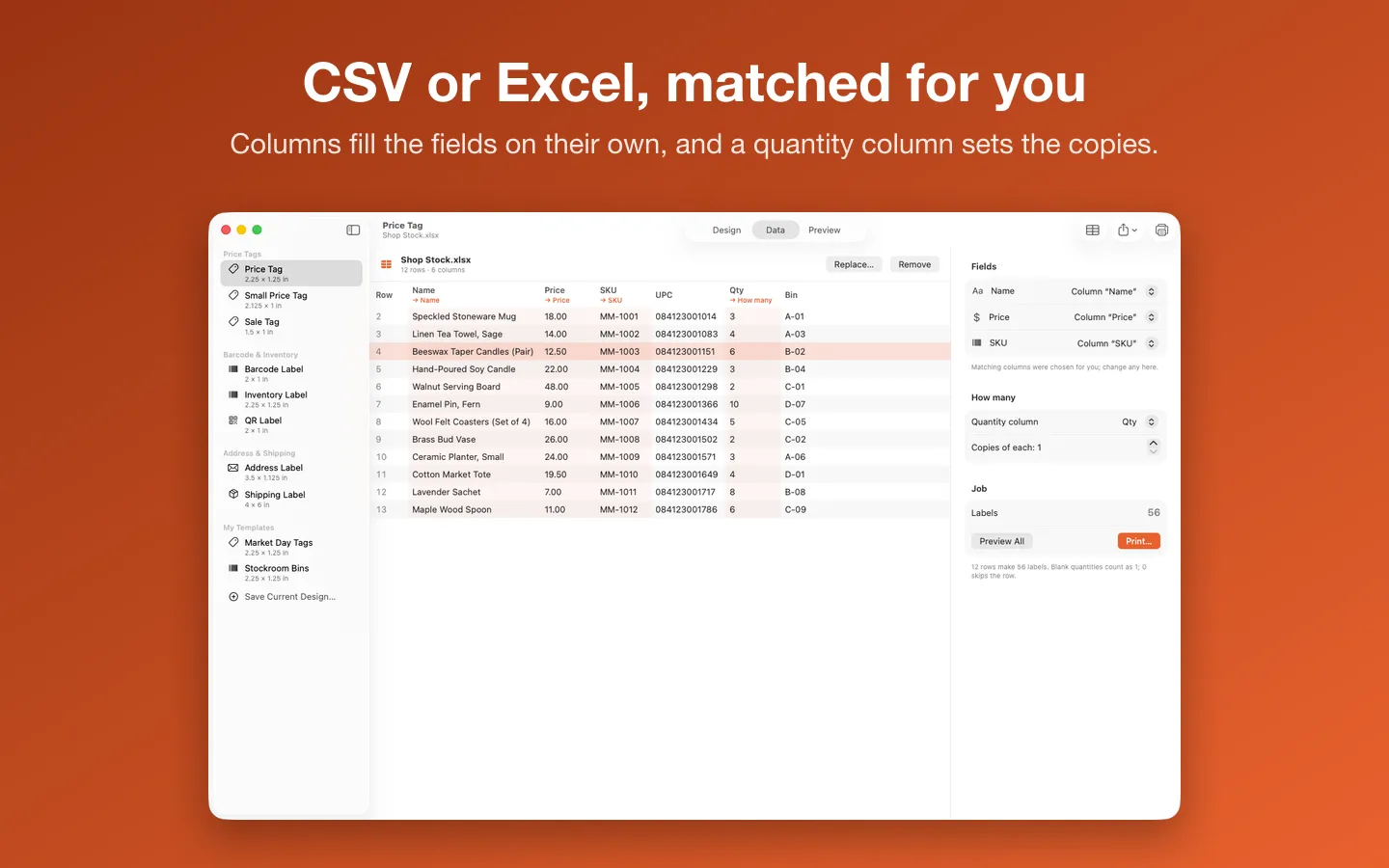
- Import a CSV or Excel (.xlsx) sheet; matching columns fill the label, and a quantity column sets the copies
- Ready-made price tag, barcode, inventory, address, name tag, pantry, moving box and gift tag labels, in color or black
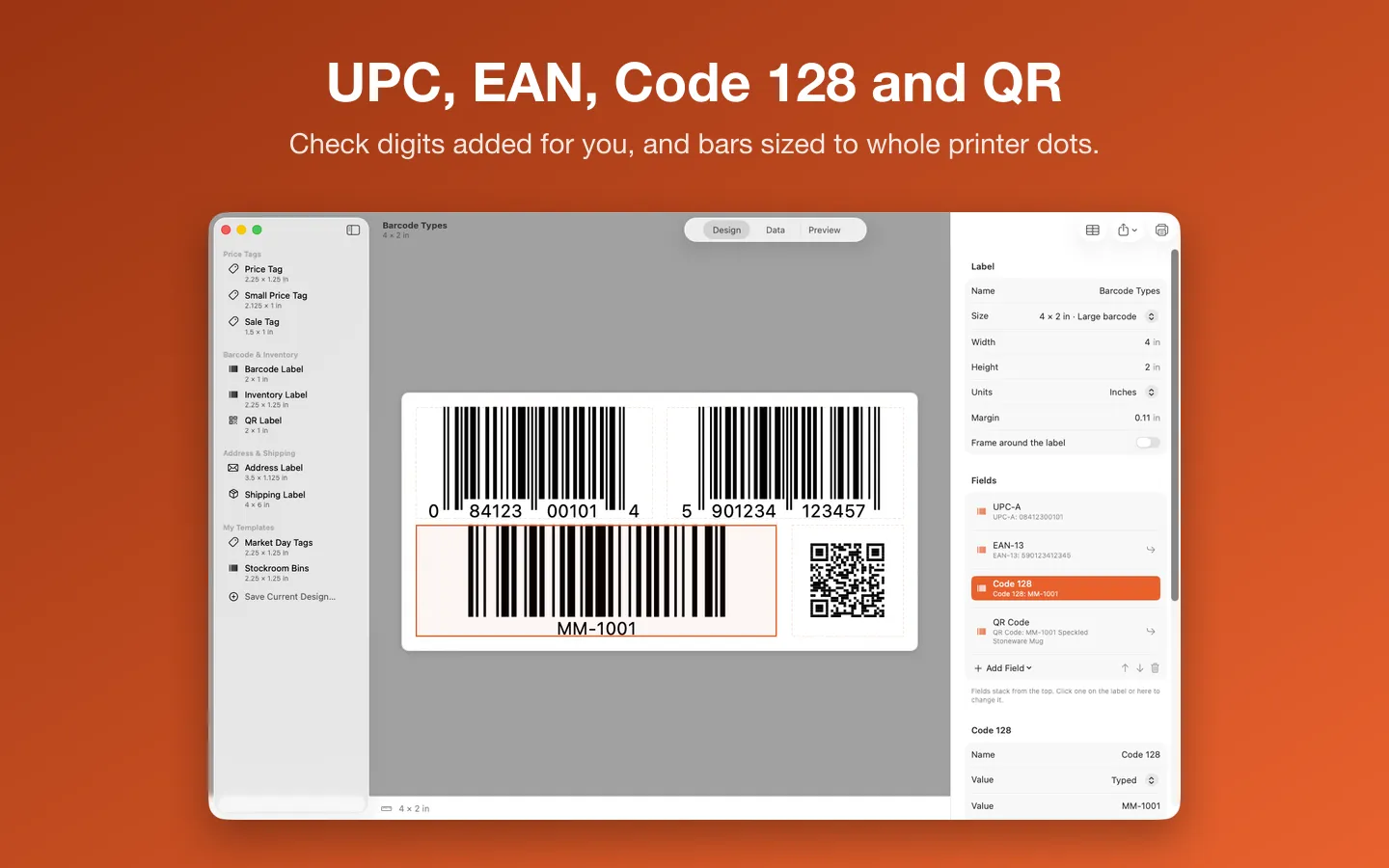
- UPC, EAN, Code 128 and QR codes, with check digits added and bars sized to whole printer dots
- Printer Setup: print a test page, measure it with a ruler, and labels land where they should
- PDF to 4×6: turn a letter-size shipping label PDF into a 4 × 6 label, upright and checked so its barcodes still read
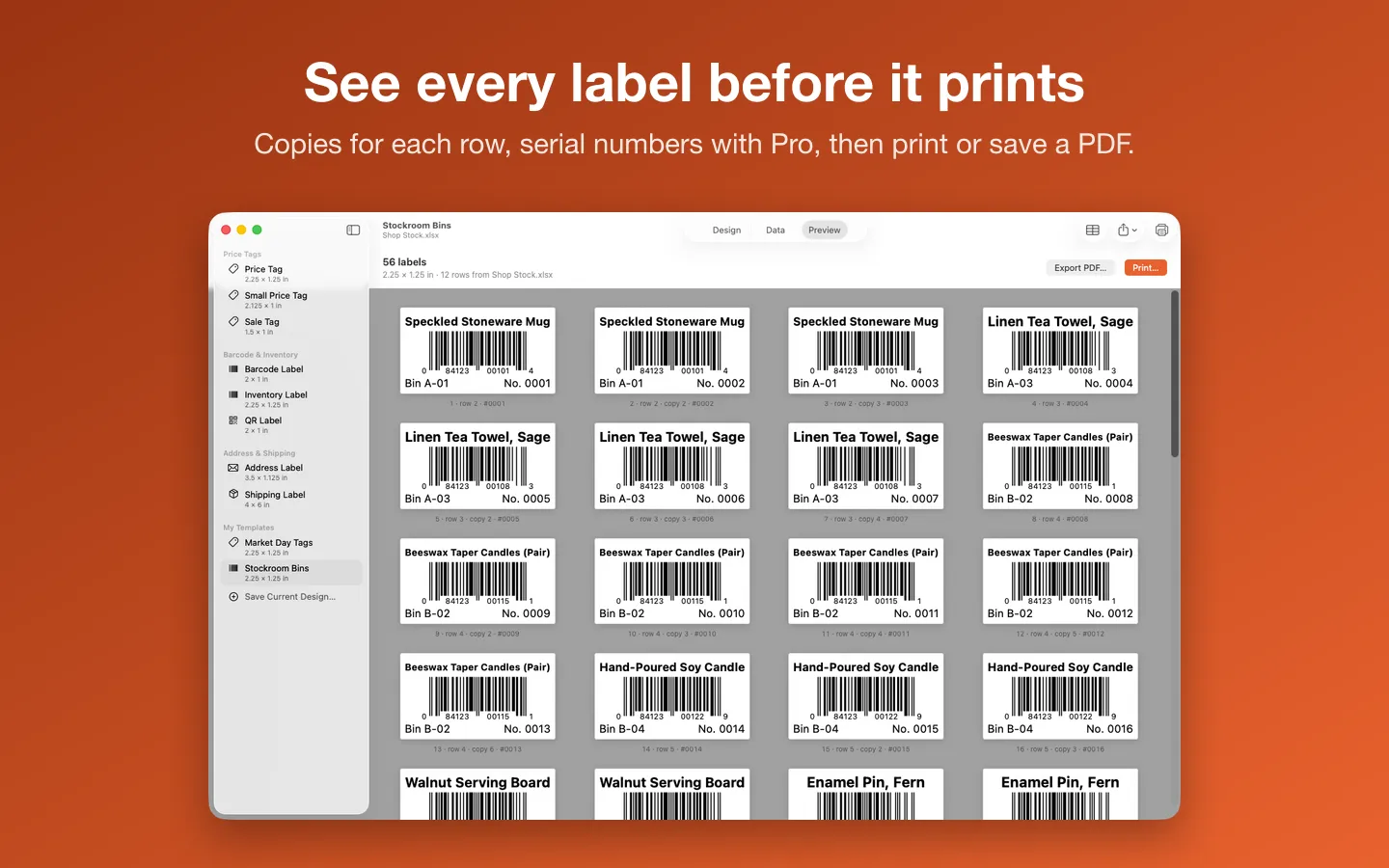
- Preview every label, then print through the Mac’s print dialog or save a PDF or PNGs
- Pro: Avery and other label sheets (5160, 5163, L7160 and more), starting partway down a used sheet
- Pro: eBay, Etsy, Poshmark and FNSKU templates that read the sites’ own downloads
- Pro: serial numbers, saved templates, no watermark, and Code 39, GS1-128, ITF-14 and Data Matrix
Requirements
macOS 14 Sonoma or later. Apple silicon and Intel. A label printer with a macOS driver from its maker (tested with a Rollo 4×6 thermal printer), or any printer for label sheets. Current version: 1.2.
Privacy
Your spreadsheets, labels and PDFs stay on your Mac and are never uploaded. Label Printer Studio opens only the files you choose. The only network requests are the license check with Gumroad and checking for updates.
Questions about your purchase or license key? Reply to your Gumroad receipt or contact us.