
Pairtrim
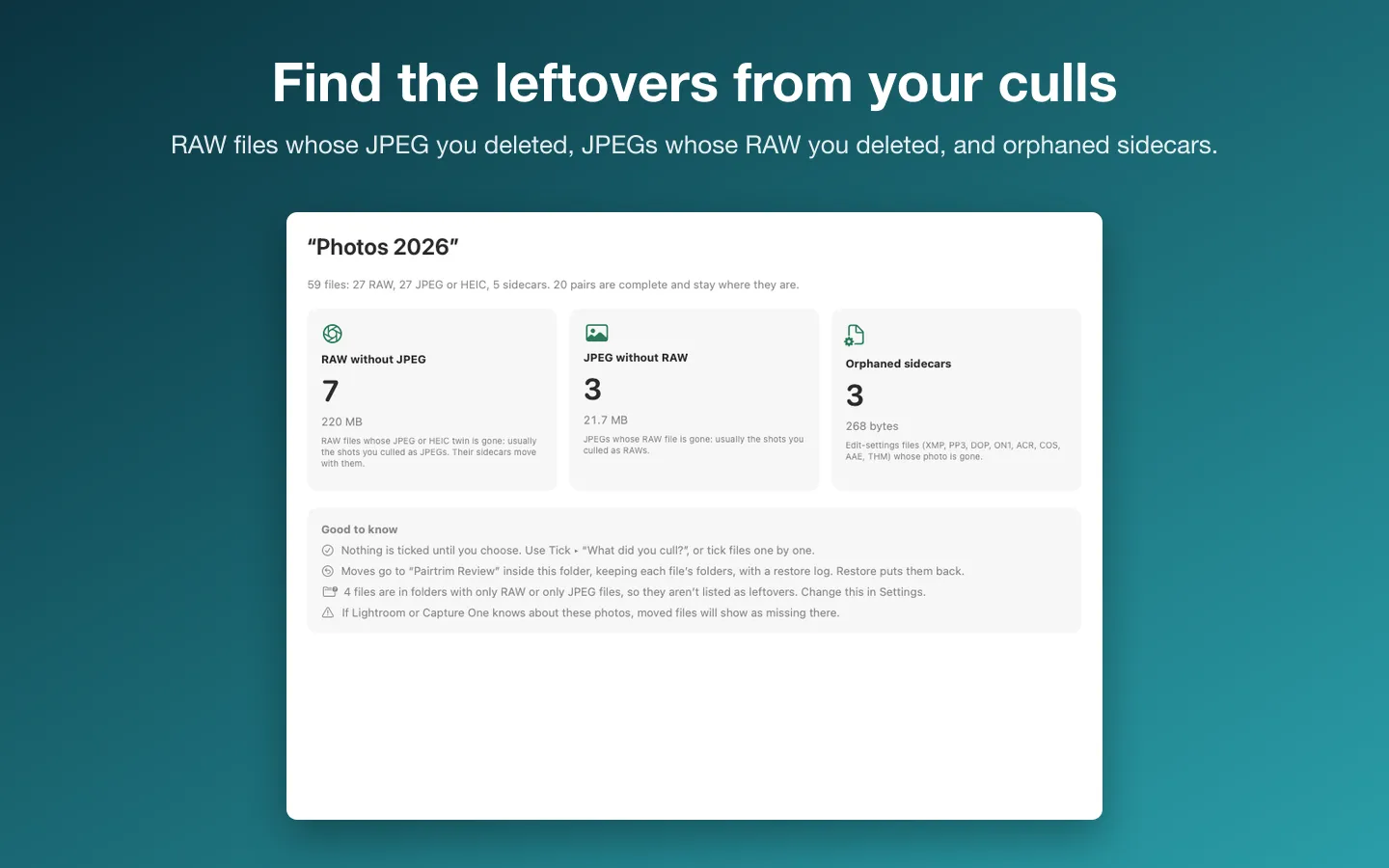
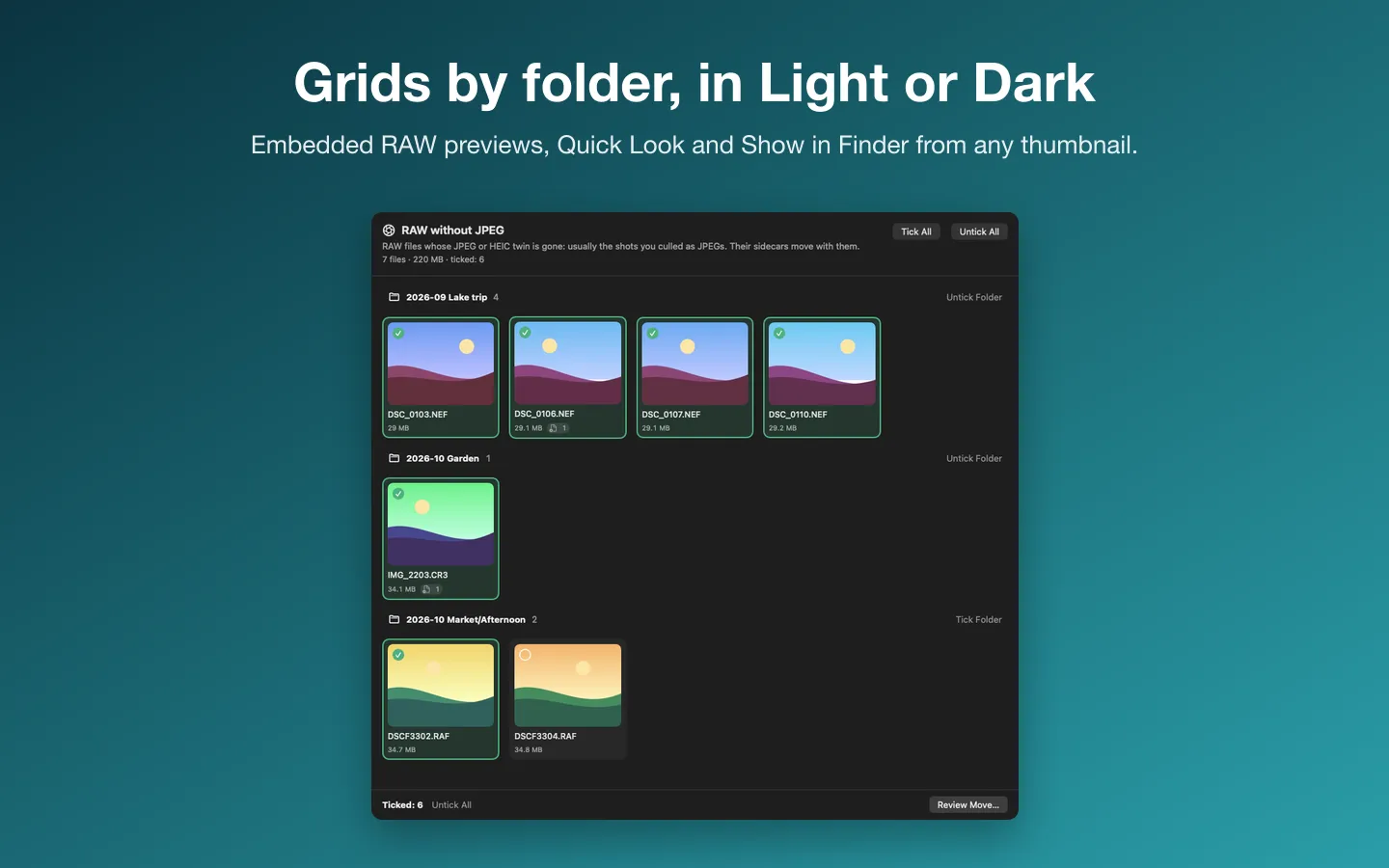
Shoot RAW and JPEG, cull in one format, and the twins of the shots you deleted stay behind. Pairtrim finds them: RAW files whose JPEG is gone, JPEGs whose RAW is gone, and edit-settings sidecars whose photo is gone. It shows them as thumbnails, and moves only the ones you tick into a review folder with a restore log. It never deletes a file.
Free to use without a key: the full scan and report for any folder, Restore, and up to 25 moved files from each folder in total.
Buy a license key to unlock Pro: any number of files, and pairing by capture time.
macOS 14 Sonoma or later · Version 1.0 · 2.9 MB disk image · Notarized by Apple
One-time $12.99 for the app with Pro: move any number of files and pair renamed files by capture time. No subscription. One license key works on up to 3 of your Macs.
Download: The download (a signed, notarized .dmg) comes with your purchase in your Gumroad receipt, together with your license key. Updates install from inside the app.
Buy now opens Gumroad's checkout on this page; Gumroad is the seller and handles payment, sales tax and your receipt.
Features
- RAW without JPEG, JPEG (or HEIC) without RAW, and orphaned sidecars (XMP, PP3, DOP, ON1, ACR, COS, AAE, THM)
- 27 RAW formats, including CR3, CR2, NEF, ARW, RAF, ORF, RW2 and DNG
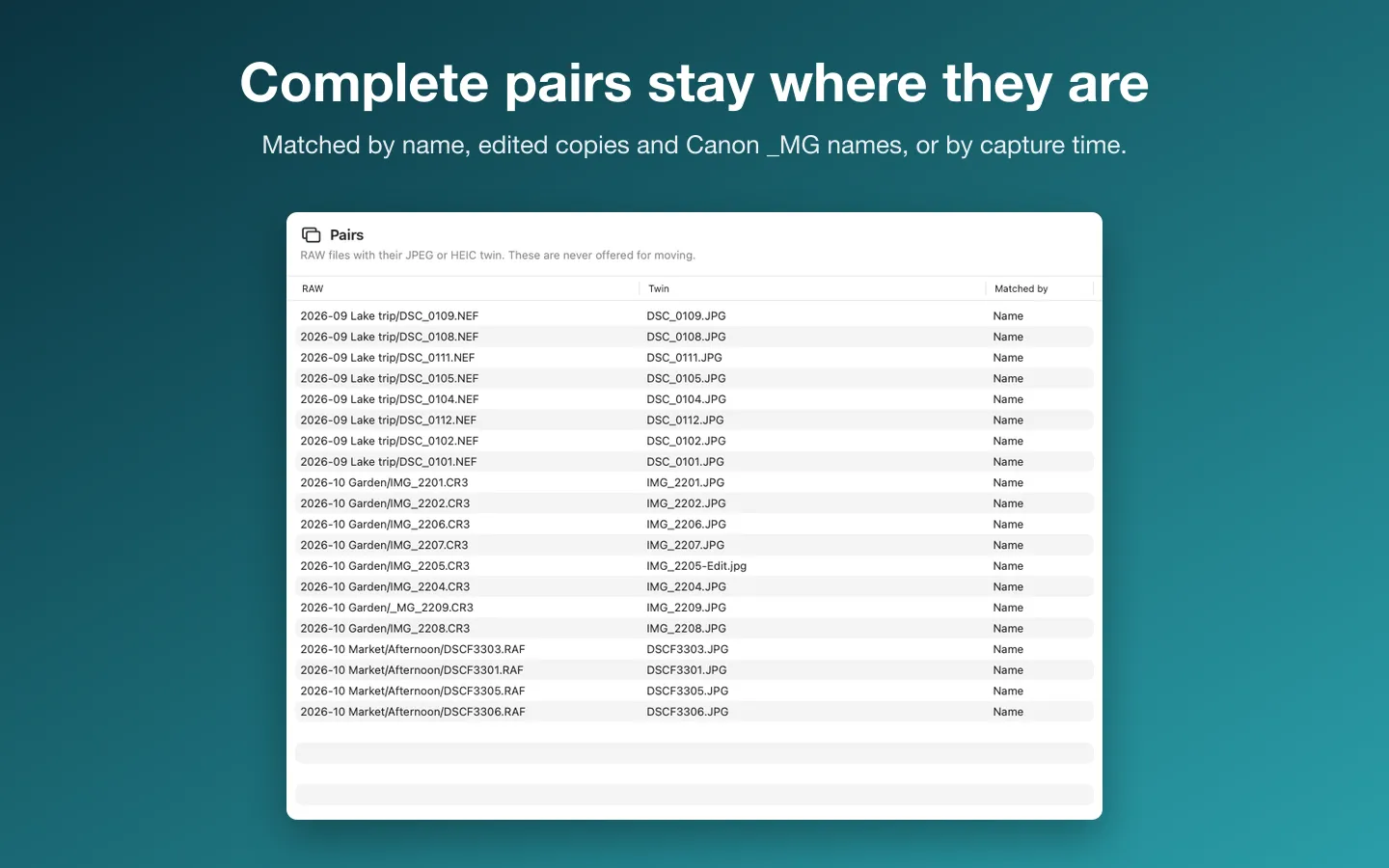
- Edited copies count as the JPEG; Canon _MG_ names match IMG_; bursts never cross-match
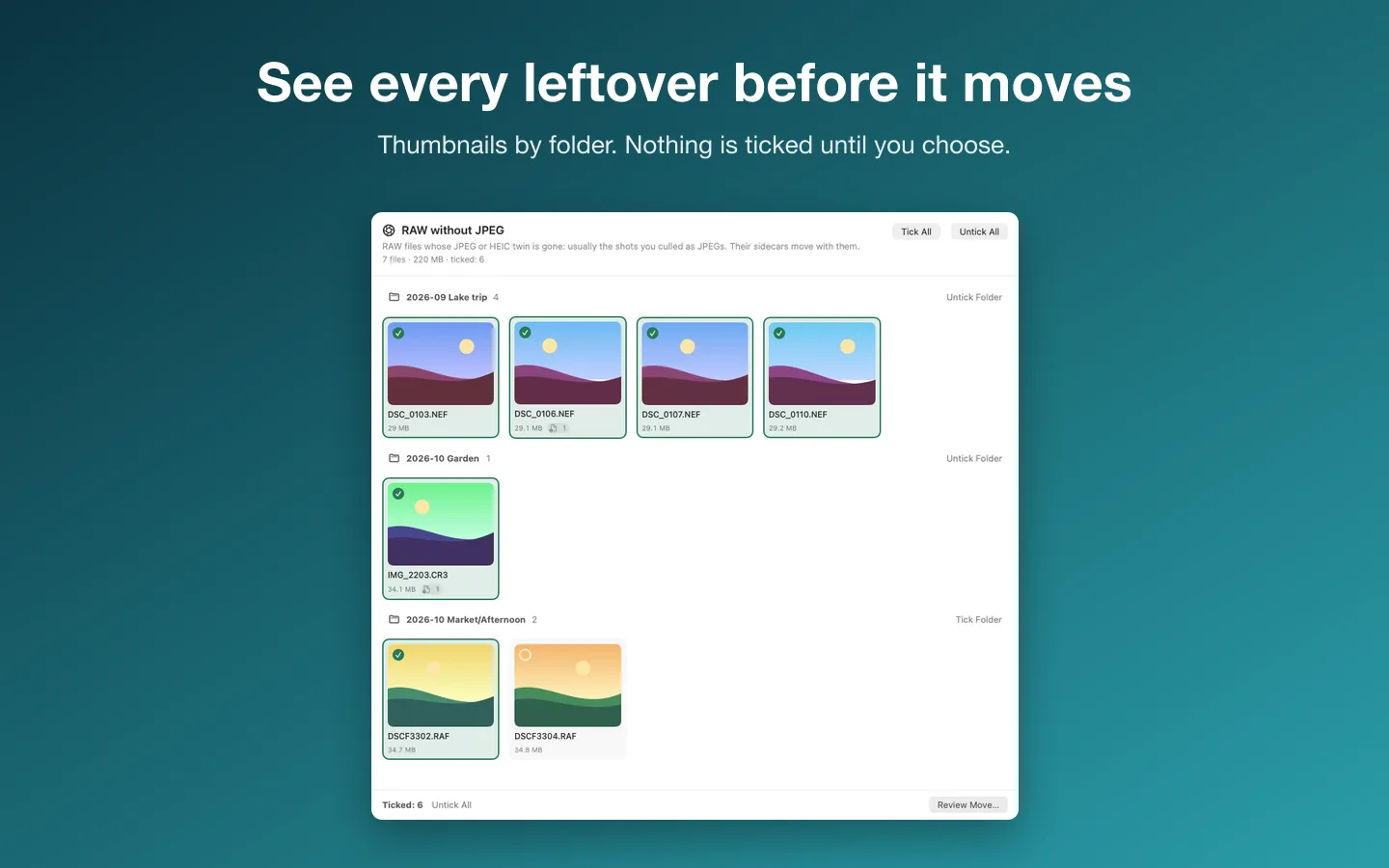
- Thumbnails by folder from the embedded RAW previews, with Quick Look and Show in Finder
- Nothing is ticked until you choose: by file, folder, group, or "What did you cull?"
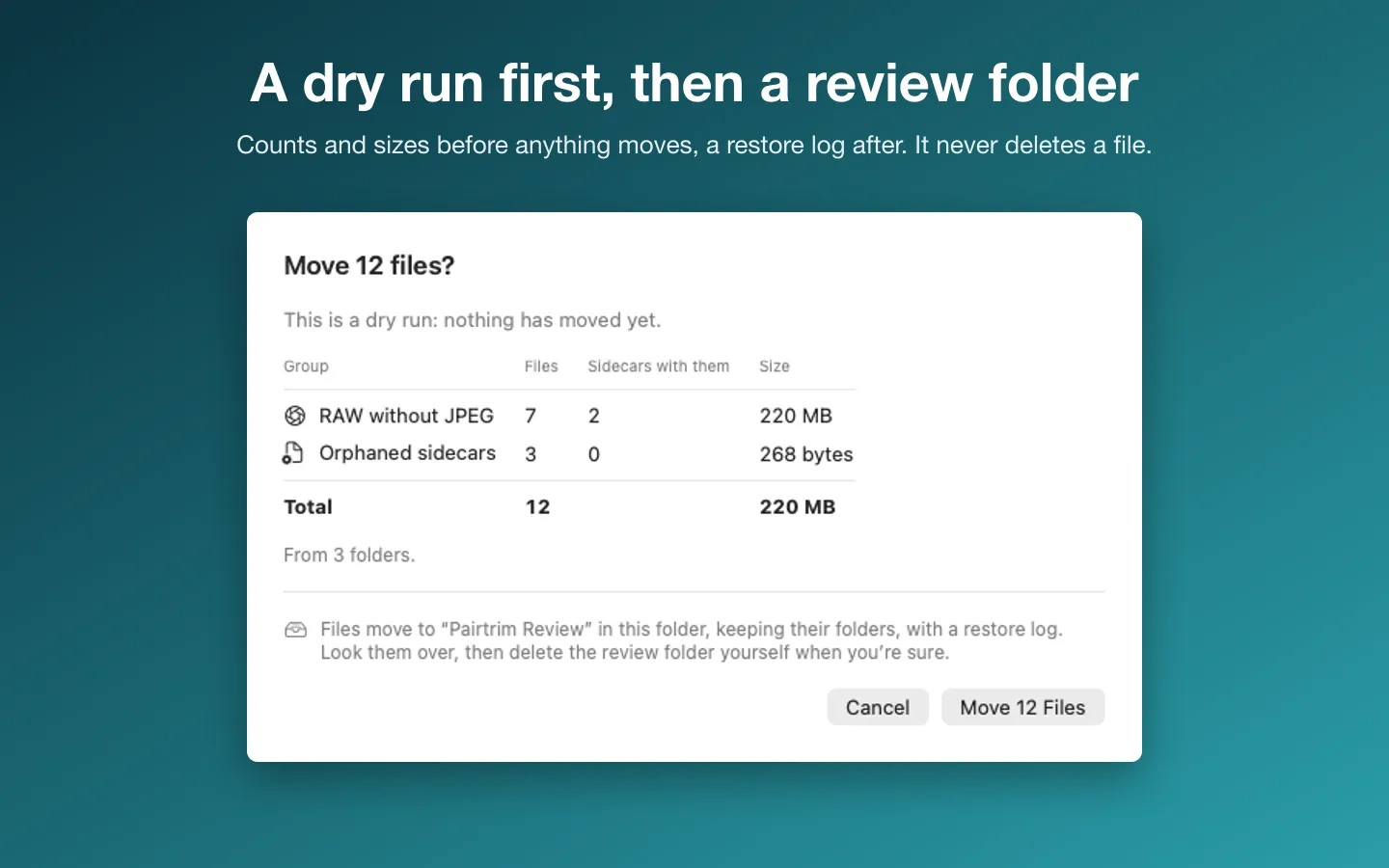
- A dry run with counts, sidecars and sizes before anything moves
- Moves go to a "Pairtrim Review" folder inside the scanned folder, keeping subfolders
- A restore log for every move; Restore puts files back, even after a relaunch, and never overwrites a file
- Refuses Photos, Lightroom and Capture One libraries and catalogs
- English and Spanish, Light and Dark mode
Requirements
macOS 14 Sonoma or later. Apple silicon and Intel. Works on folders of files, not the Photos library; if Lightroom or Capture One knows about the photos, moved files will show as missing there. Current version: 1.0.
Privacy
Your photos never leave your Mac. Pairtrim reads only the folders you choose and moves only the files you tick, into a review folder inside that folder. The only network requests are the license check with Gumroad and checking for updates.
Questions about your purchase or license key? Reply to your Gumroad receipt or contact us.