
Vintage Disk Reader
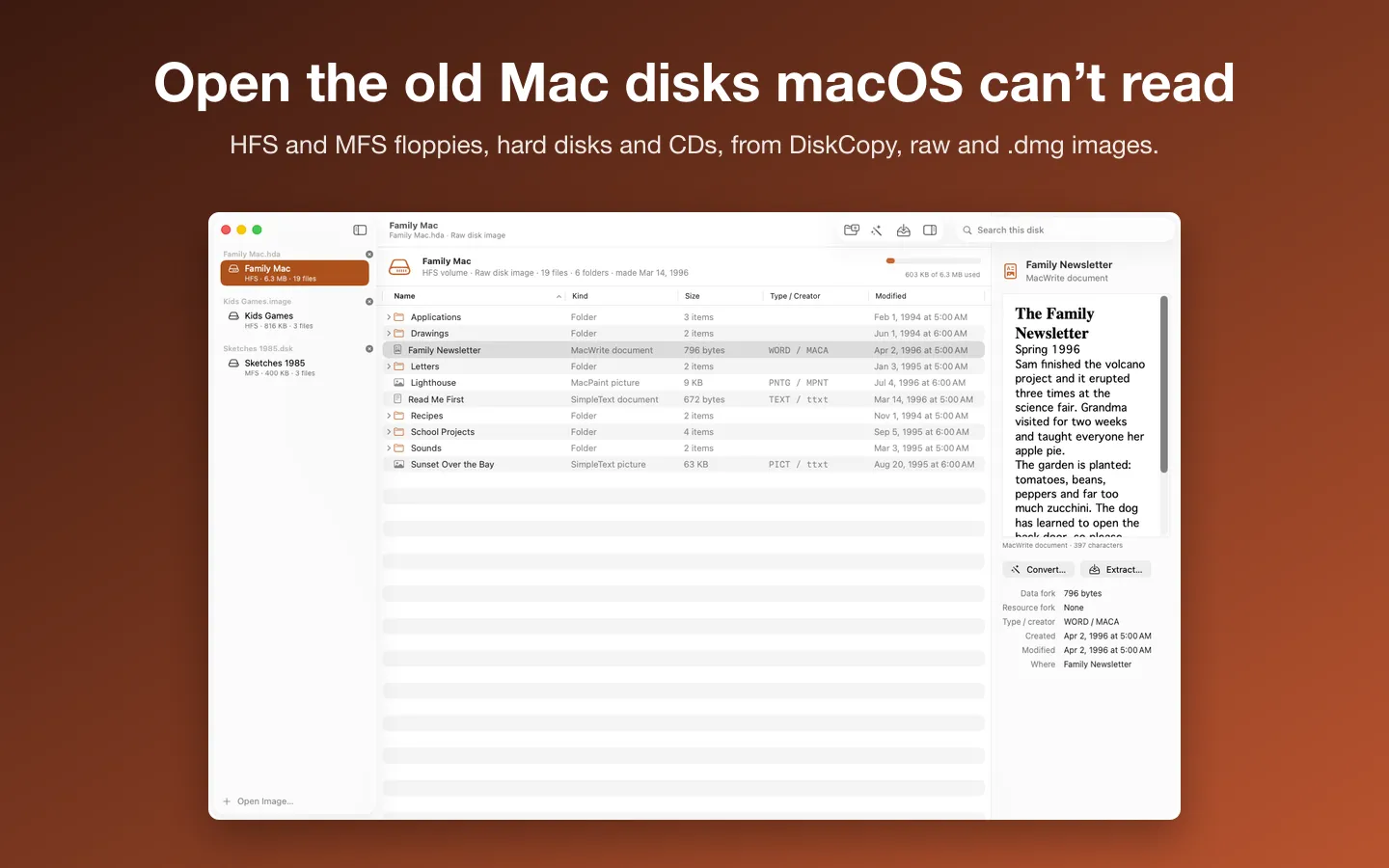
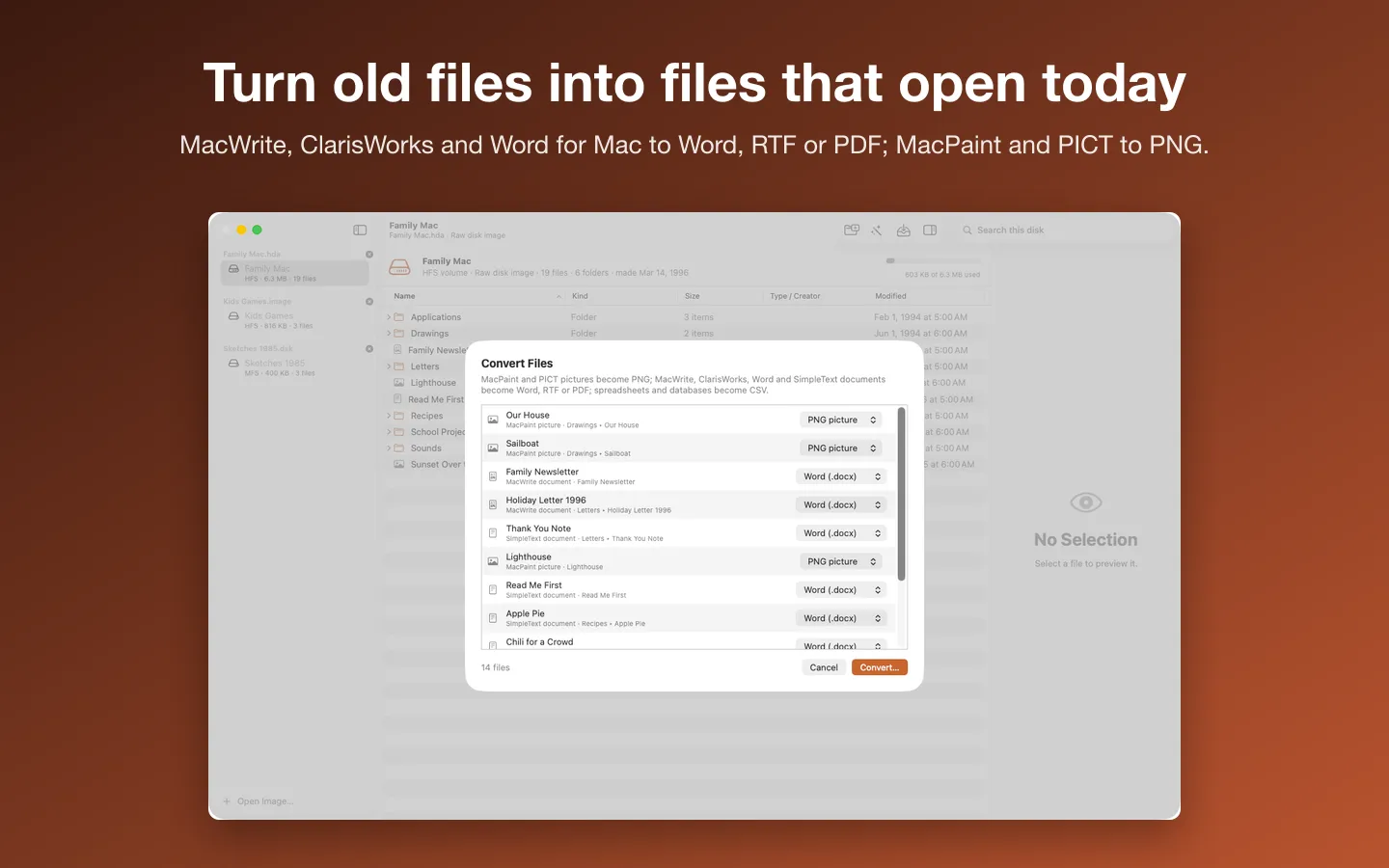
Vintage Disk Reader opens the old Mac disk images macOS can't read any more (DiskCopy floppies, raw hard disk and CD images, .dmg files) and turns the classic documents and pictures inside into files that open today: MacWrite, ClarisWorks, Word for Mac and WordPerfect to Word, RTF or PDF, MacPaint and PICT to PNG, old spreadsheets to CSV. Copy files out with their resource forks, or drop in a single old document. Images are only ever read, never changed.
Free to use without a key: open any image, browse and search every folder, and preview every picture and document.
Buy a license key to unlock Pro: extract files with their resource forks and convert them, one at a time or a whole disk at once.
macOS 14 Sonoma or later · Version 1.1 · 15.3 MB disk image · Notarized by Apple
One-time $14.99 for the app with Pro: extract and convert, one file or a whole disk at once. No subscription. One license key works on up to 3 of your Macs.
Download: The download (a signed, notarized .dmg) comes with your purchase in your Gumroad receipt, together with your license key. Updates install from inside the app.
Buy now opens Gumroad's checkout on this page; Gumroad is the seller and handles payment, sales tax and your receipt.
Features
- DiskCopy 4.2 floppies, raw .dsk, .img, .hda, .toast and .iso images, ISO/HFS hybrid CDs and .dmg images, also inside MacBinary
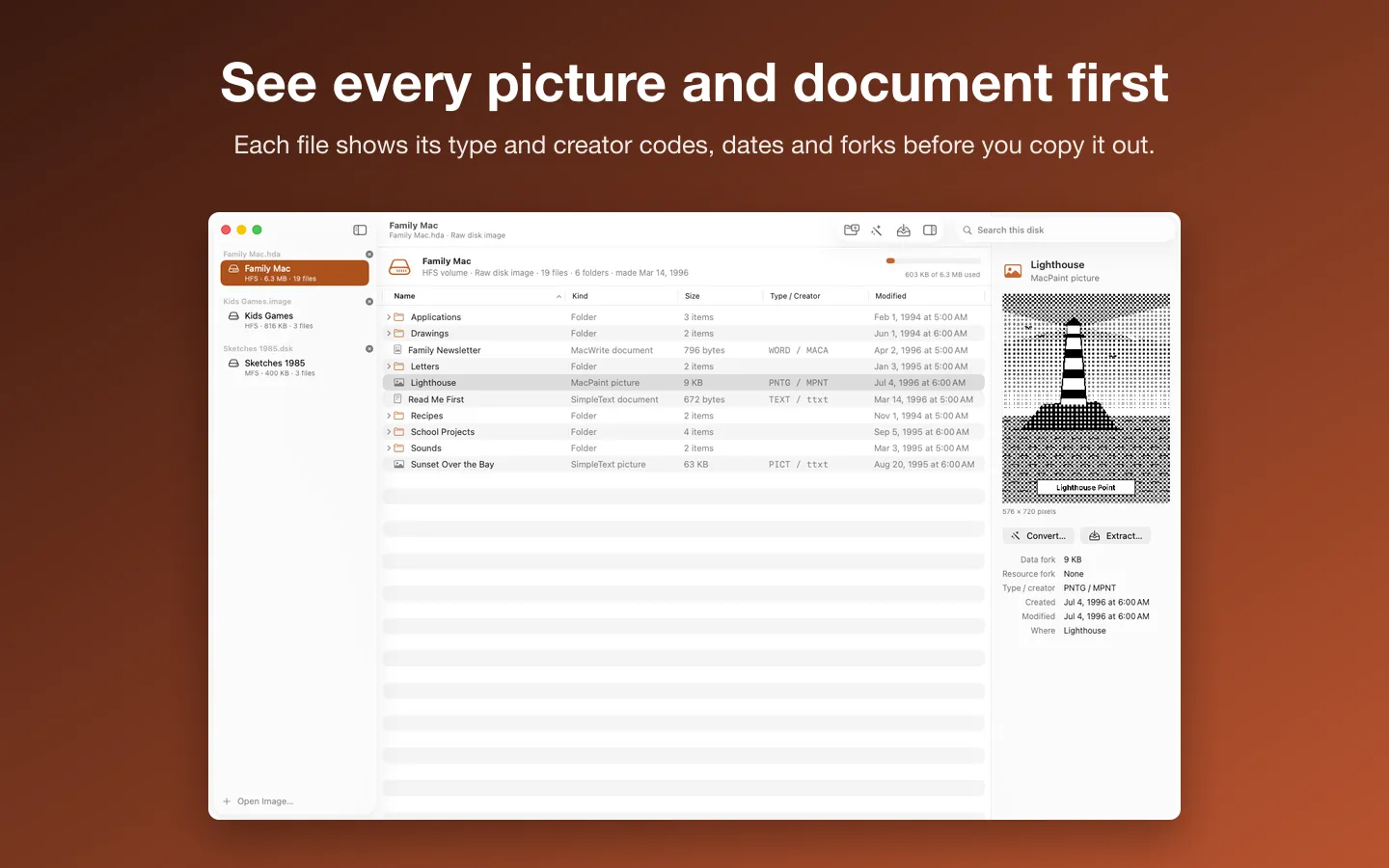
- HFS (Mac OS Standard), the original MFS and ISO 9660 volumes, with search and each file's type and creator codes, dates and forks
- MacPaint and PICT pictures to PNG or PDF, at their real size
- MacWrite, ClarisWorks and AppleWorks, Word for Mac, WriteNow, SimpleText and about 40 more word processors to Word, RTF, PDF or plain text
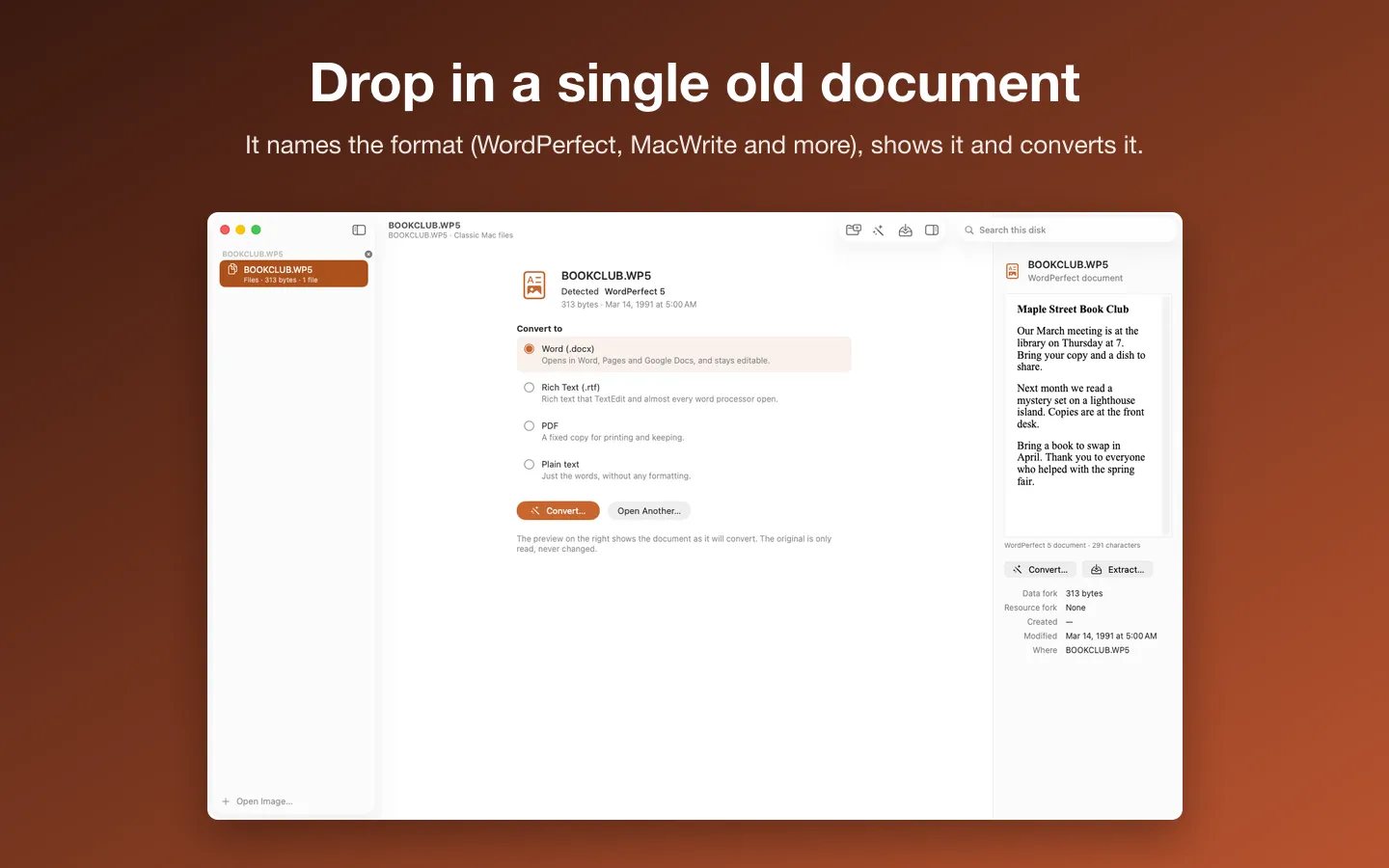
- WordPerfect documents (DOS and Windows 4.2 to X, WordPerfect for Mac 1 to 3.5) to the same four
- Old spreadsheets and databases (ClarisWorks, AppleWorks, Microsoft Works and more) to CSV
- Drop a single old document on the window to convert it, no disk image needed
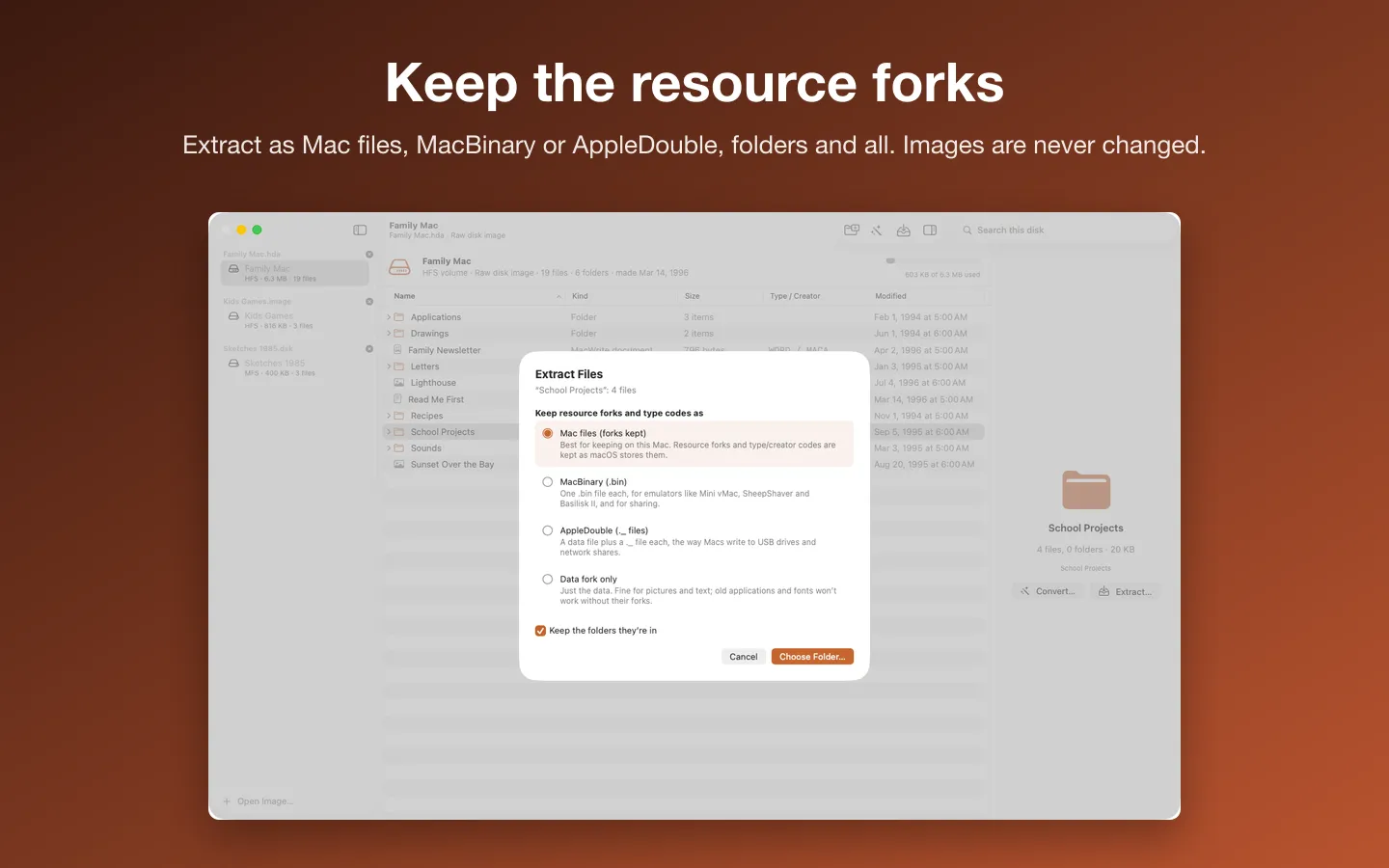
- Extract as Mac files with forks kept, MacBinary for emulators, AppleDouble or the data fork; nothing is overwritten
- A Quick Look extension previews classic pictures and documents in Finder
- Made-up sample disks to try it right away
Requirements
macOS 14 Sonoma or later. Apple silicon and Intel. Reads image files, not physical disks (Help shows how to image a floppy or CD); no HFS+, DiskCopy 6 or StuffIt yet. Includes libmwaw, libwpd and librevenge, unmodified, under the Mozilla Public License 2.0: source at sourceforge.net/projects/libmwaw and sourceforge.net/projects/libwpd (exact files: dev-www.libreoffice.org/src/libmwaw-0.3.22.tar.xz, libwpd-0.10.3.tar.xz, librevenge-0.0.5.tar.bz2); notices in the app under Acknowledgements and in the download. Current version: 1.1.
Privacy
Your files never leave your Mac. Vintage Disk Reader opens only the images and files you choose and writes only to the folders you choose; images are never changed. The only network requests are the license check with Gumroad and checking for updates.
Questions about your purchase or license key? Reply to your Gumroad receipt or contact us.