Drive Verdict: USB Checker
What it does: Plug in a USB stick, SD card or external drive and find out if it's fake, how fast it really is, and whether the cable is slowing it down, in plain English.
Screenshots
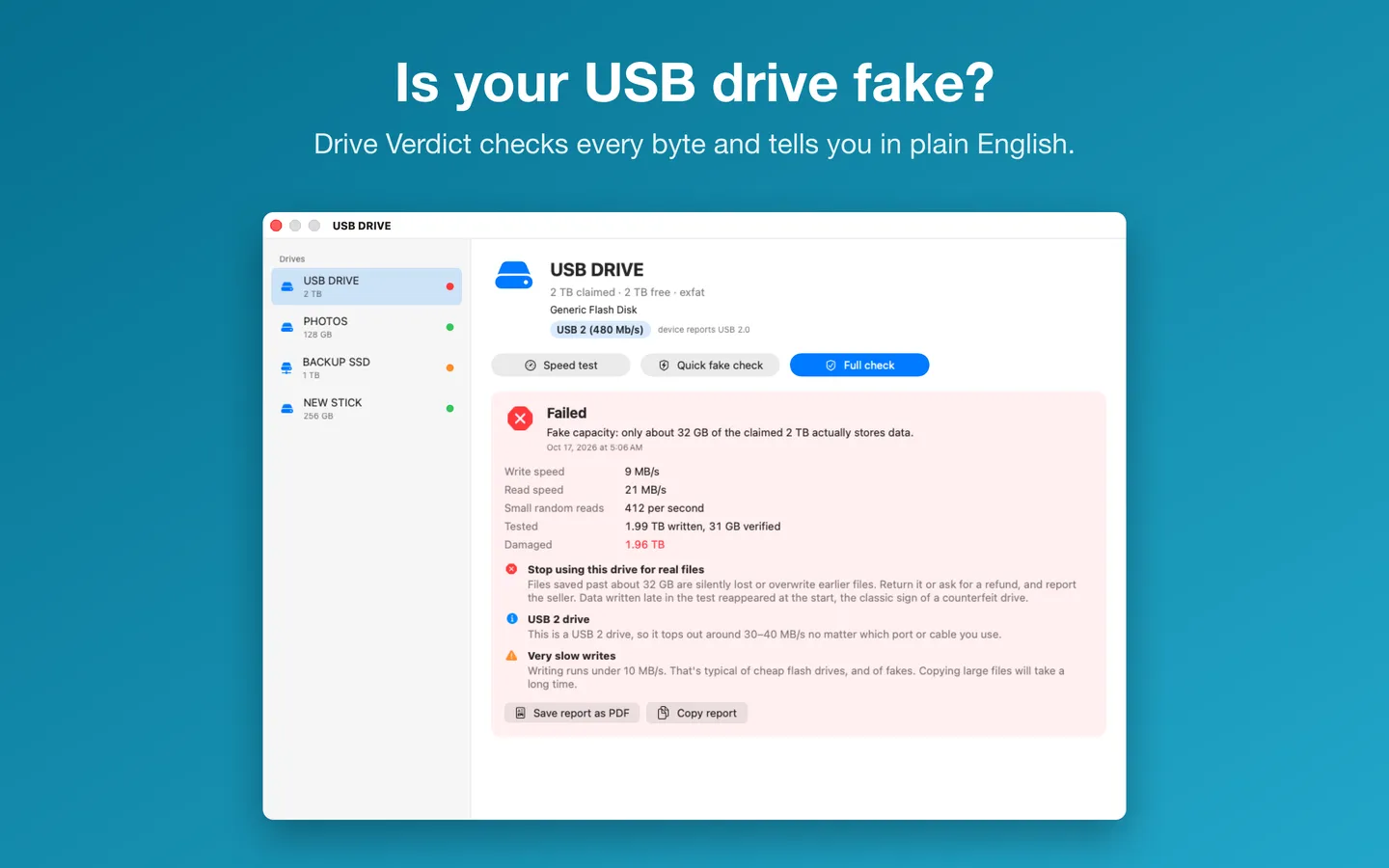
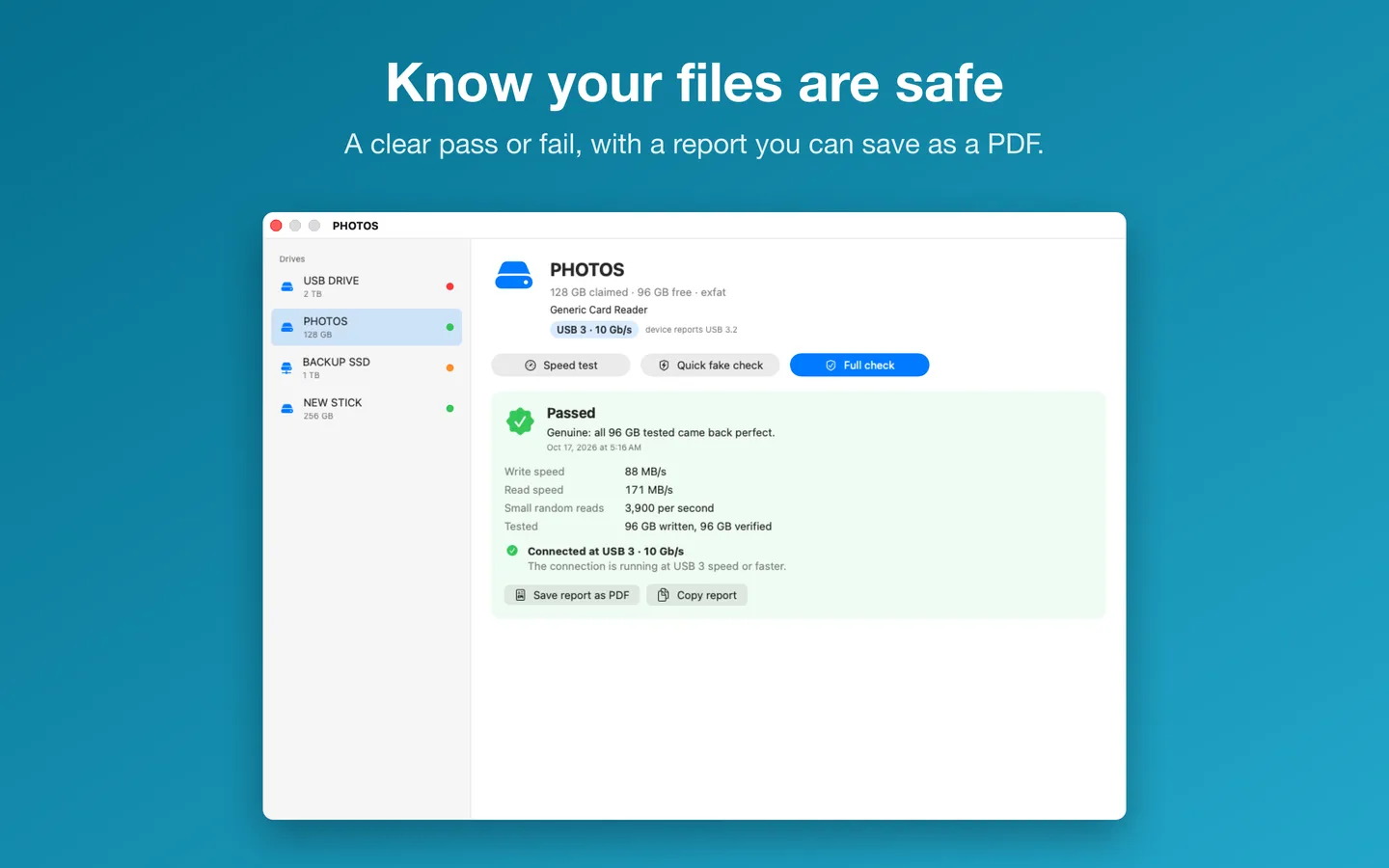
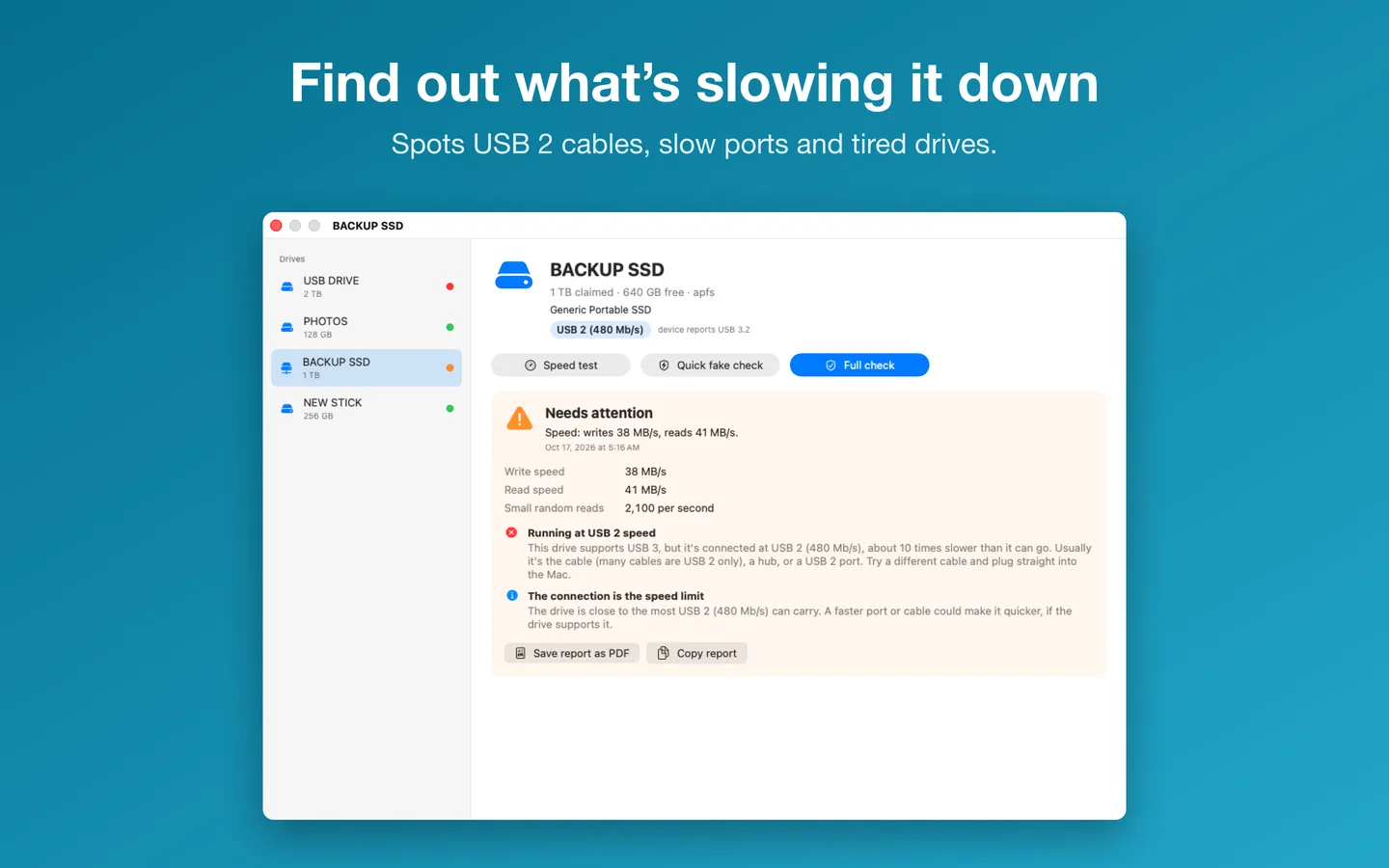
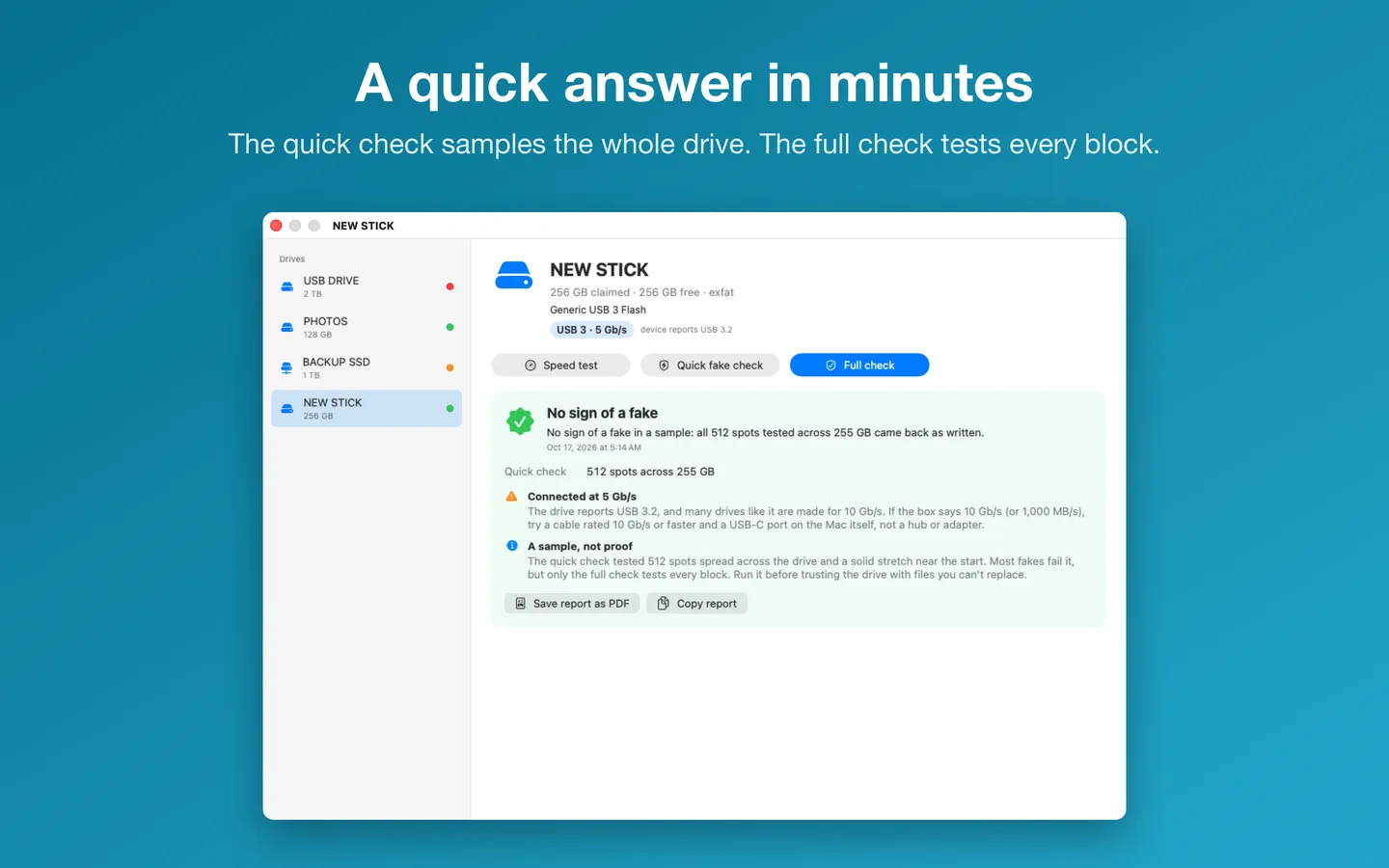
4 pictures: swipe or scroll sideways.
What you get
- Drive Verdict: USB Checker for Mac, from the Mac App Store
- $3.99 on the App Store
Questions
Which drives can I check?
USB sticks, SD and other memory cards, and external drives that appear in Finder. Your Mac’s startup disk and internal disks can’t be tested.
Why does it ask me to select the drive?
Mac apps from the App Store can only write where you allow them. You select a drive once, and Drive Verdict remembers it.
Will a check erase my files?
No. Drive Verdict never formats or erases anything and writes only its own test folder. One caution: a counterfeit drive can damage files already on it when it fills up, because that’s how fakes behave. The full check reminds you to back up first.
How long does a full check take?
It writes and reads back all the free space, so it depends on the drive’s size and speed. A small, fast drive takes minutes; a large, slow one can take well over an hour. The speed test writes and reads 1 GB, so it takes from under a minute to a few minutes.
How do I get a refund?
Apple handles App Store refunds. Request one at reportaproblem.apple.com.
Do I have to pay again on another Mac?
No. Sign in to the App Store with the same Apple Account on your other Mac and download it from your purchases.
From the Drive Verdict: USB Checker help page.
How-to guide
How to check if a USB drive or SD card is fake on a Mac
The free and built-in ways first, where they stop, and how Drive Verdict does it.
Support
Questions, a bug, or an idea? Contact us and mention Drive Verdict: USB Checker. We usually reply within one business day. Installing, license keys and refunds: Help and FAQ.
Help page for Drive Verdict: USB CheckerPrivacy
Drive Verdict does not collect or share your data, and nothing is sent to us. There are no ads, analytics or tracking. It writes test files only to the drive you choose, then deletes them. Your test history, including drive details such as serial numbers, and the drives you've allowed stay on your Mac.
Privacy policy page