Batesmark
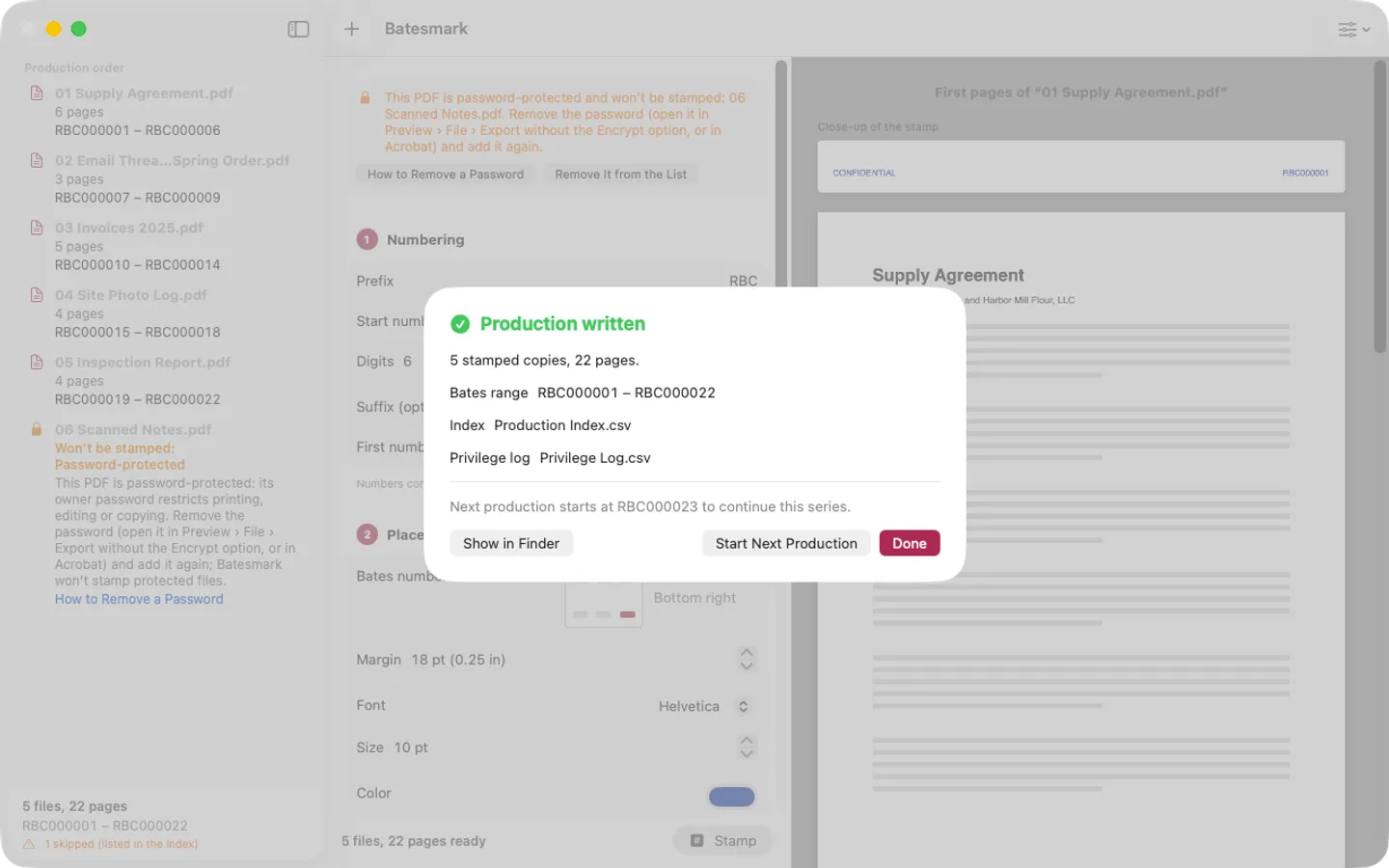
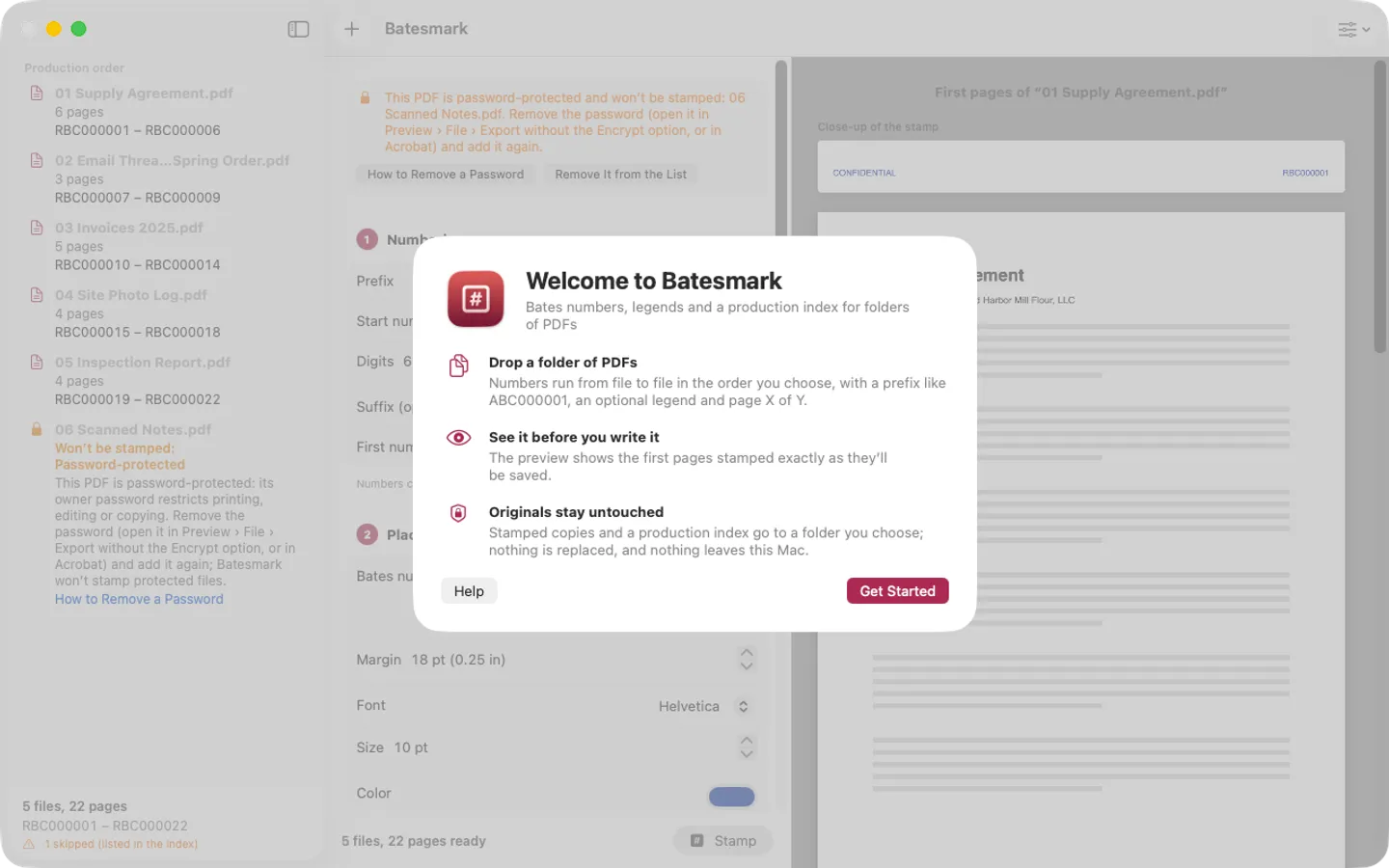
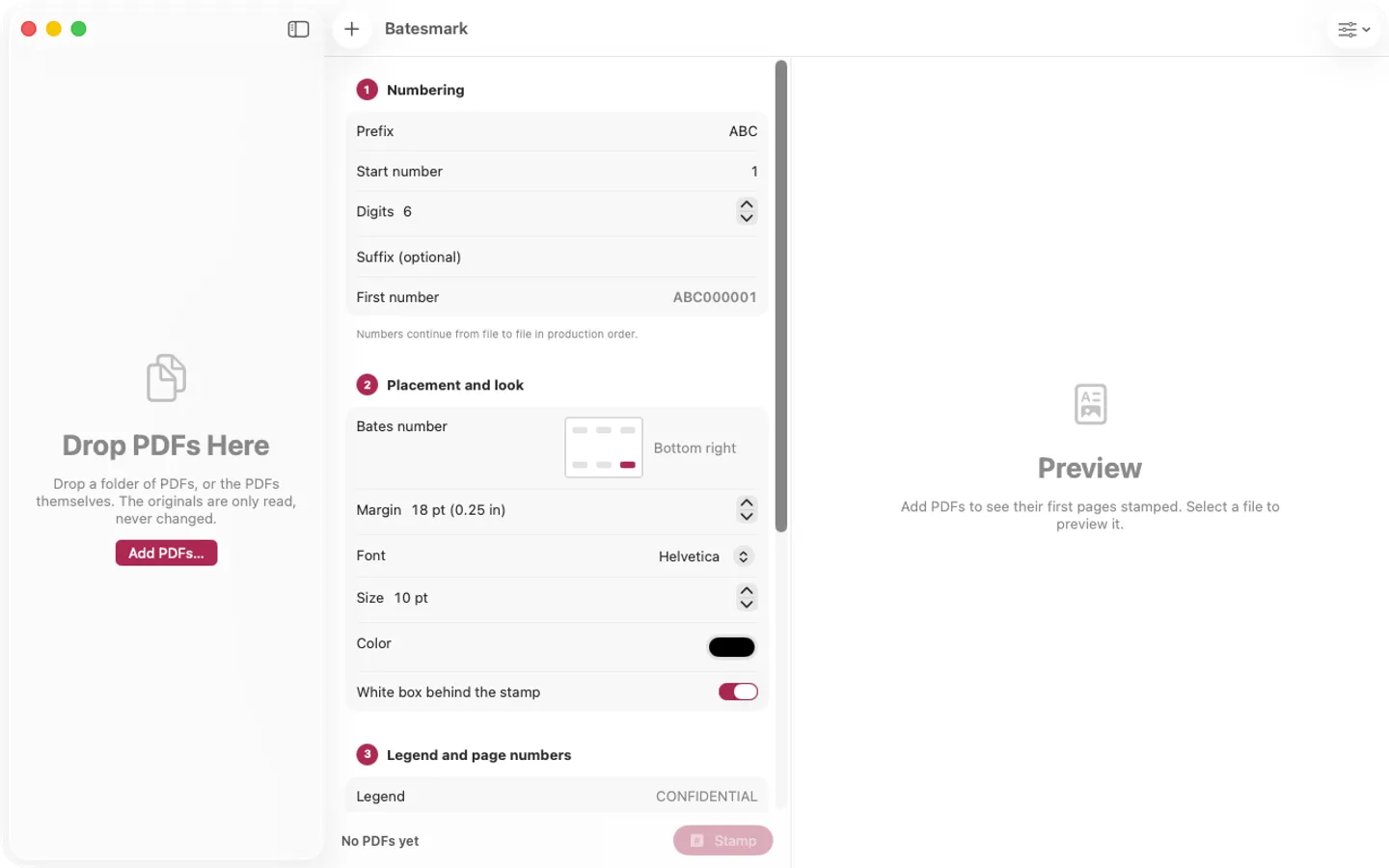
What it does: Batesmark stamps Bates numbers on a whole folder of PDFs at once, continuing from file to file, with an optional legend and Page X of Y, and writes a production index. Originals are only read; everything stays on your Mac, with no account and no tracking.
- Checkout by Gumroad
- Notarized by Apple
- No FitzTopPicks account needed
Free to use without a key: every stamp option, the live preview and the production index, for the first 25 pages of a Bates series.
Buy a license key to unlock Pro: productions of any size, numbering that continues from one production to the next, a privilege log template and saved presets.
macOS 14 Sonoma or later · Version 1.0 · 2.9 MB disk image · Notarized by Apple
One-time $19.99 for Pro. No subscription. One license key works on up to 3 of your Macs.
Download: The download (a signed, notarized .dmg) comes with your purchase in your Gumroad receipt, together with your license key. Updates install from inside the app.
Buy now opens Gumroad's checkout on this page; Gumroad is the seller and handles payment, sales tax and your receipt.
Screenshots
4 pictures: swipe or scroll sideways.
What you get
- Batesmark for Mac: macOS 14 Sonoma or later
- The signed, notarized .dmg download and your license key, in your Gumroad receipt
- One license key for up to 3 of your Macs
- Updates that install from inside the app
- A one-time price: no subscription
Features
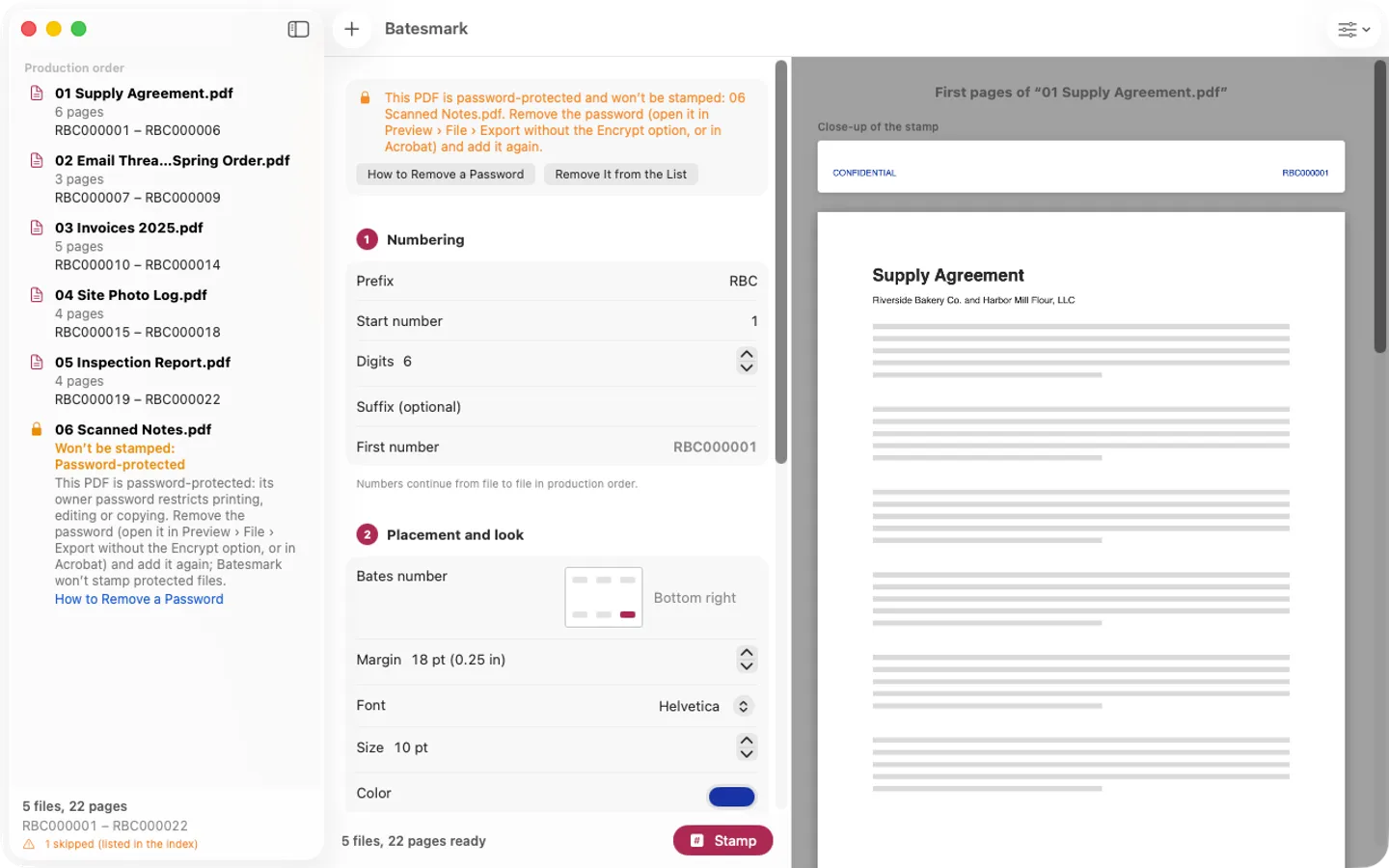
- Drop a folder of PDFs; numbers continue from file to file (prefix, 1–12 digits, suffix, start number)
- A legend such as CONFIDENTIAL and Page X of Y, in six positions each, with font, size, color and a white box
- Cover page options, and output names by original name, first Bates number or Bates range
- A live preview of the first pages, stamped exactly as they’ll be written
- A production index CSV; Pro adds a privilege log template
- Password-protected PDFs are flagged, never skipped silently, with how to remove the password first
- Originals are only read, never overwritten
- English and Spanish
Free vs Pro
| Feature | Free | Pro |
|---|---|---|
| What you can do | Every stamp option, the live preview and the production index, for the first 25 pages of a Bates series | Everything free, plus productions of any size, numbering that continues from one production to the next, a privilege log template and saved presets |
| Price | Free download | $19.99 one-time |
Questions
Are my original PDFs changed?
No. Batesmark only reads them and writes stamped copies to the output folder you choose, and it never replaces a file that is already there.
A PDF is marked “Won’t be stamped: Password-protected”.
Batesmark never removes a password, and a stamped copy can’t keep the PDF’s restrictions, so it leaves that file out (the index says skipped: password-protected). If you’re allowed to, open it in Preview, choose File › Export without the Encrypt option (or remove the password in Acrobat), and add the new copy.
What’s free, and what does a key add?
Without a key you can stamp the first 25 pages of a Bates series with every option, the preview and the production index, for as long as you like. A key adds productions of any size, numbering that continues from one production to the next, a privilege log template and saved presets, on up to 3 Macs. It’s a one-time purchase on Gumroad, with no subscription.
Where do I enter my license key?
Choose Batesmark › Settings…, open the Pro tab, paste the key from your Gumroad receipt and click Activate.
How do I get updates?
Batesmark checks for updates on its own; you can also choose Check for Updates… from the Batesmark menu. Updates are free.
Do I have to pay again on another Mac?
No. One license key works on up to 3 of your Macs. Download the app again from your Gumroad receipt or library and enter the same key.
From the Batesmark help page.
Requirements
- macOS
- macOS 14 Sonoma or later
- Processor
- Apple silicon and Intel
- Languages
- English, Spanish
- Download
- 2.9 MB disk image
- Version
- 1.0
Privacy
Batesmark stamps your PDFs on your Mac and has no account or tracking. Your license key is kept in your Keychain. The only internet requests are the license check with Gumroad (when you enter a key and about once a week) and checking for updates at fitztoppicks.com.
Questions about your purchase or license key? Reply to your Gumroad receipt or contact us.