GuidedSpace
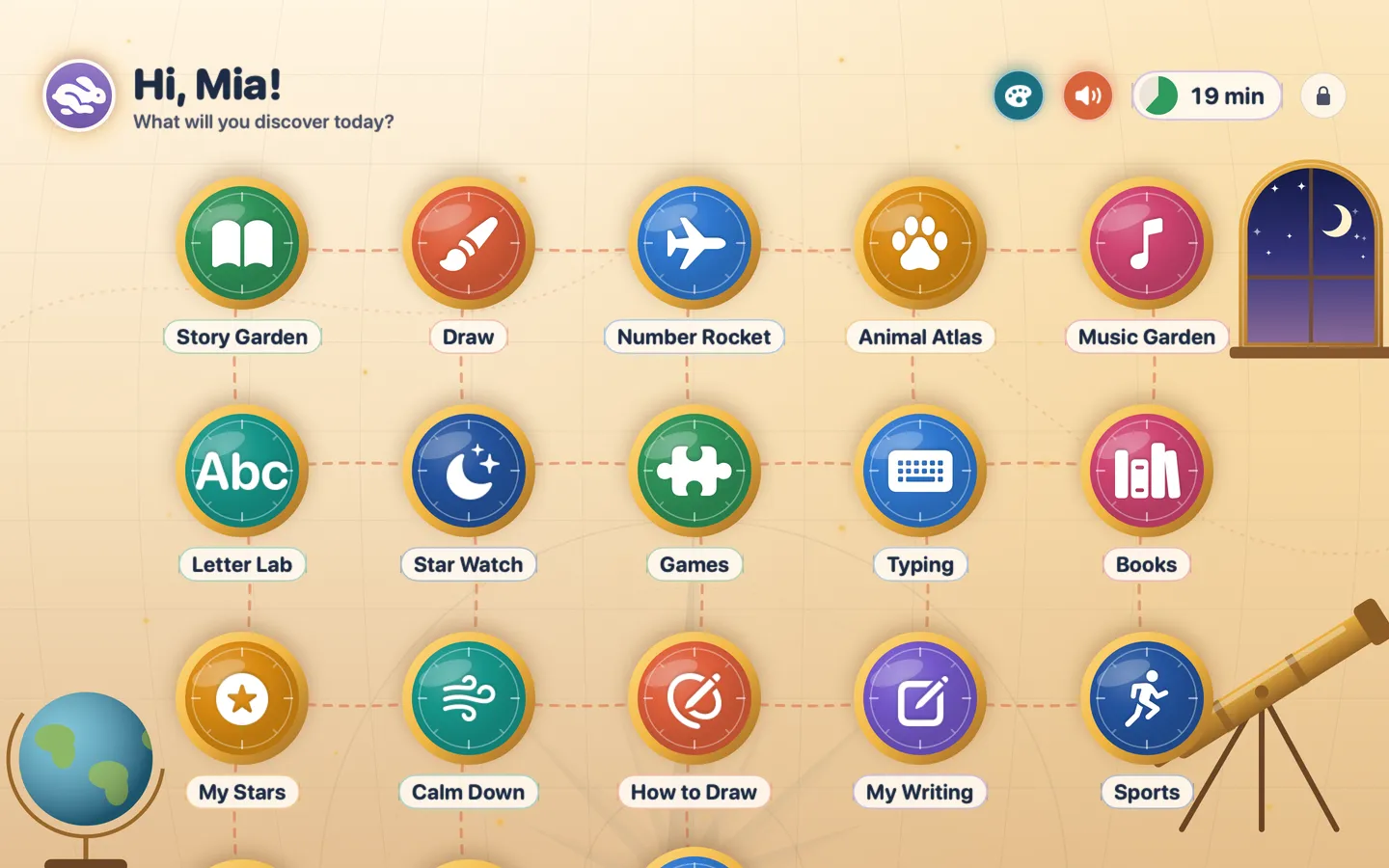
What it does: Give young kids a full-screen desk of their own: big tiles for the websites you approve, a drawing pad, learning games and a timer they can read. The Dock, menu bar and app switching are off while a session runs, and leaving the desk takes your parent PIN.
- Checkout by Gumroad
- Notarized by Apple
- No FitzTopPicks account needed
Free to use without a key: one kid, three websites, the drawing pad, the timer and the PIN lock, plus Math Facts, Sight Words, Mazes, Pop the Balloons, Feed the Animals, typing games, My Writing, five How to Draw lessons, Penalty Kicks, Sprint Race, Hurdles, Music Maker and two Story Time stories.
Buy a license key to unlock Pro: up to six kids, unlimited websites, schedules and daily limits, every game and lesson, the sports and seasonal packs, stars and chores, the reading corner and the parent report.
macOS 14 Sonoma or later · Version 1.0 · 7.2 MB disk image · Notarized by Apple
One-time $9.99 for the app with Pro: up to six kids, unlimited websites, schedules and daily limits, and every game, lesson and pack. No subscription. One license key works on up to 3 of your Macs.
Download: The download (a signed, notarized .dmg) comes with your purchase in your Gumroad receipt, together with your license key. Updates install from inside the app.
Buy now opens Gumroad's checkout on this page; Gumroad is the seller and handles payment, sales tax and your receipt.
Screenshots
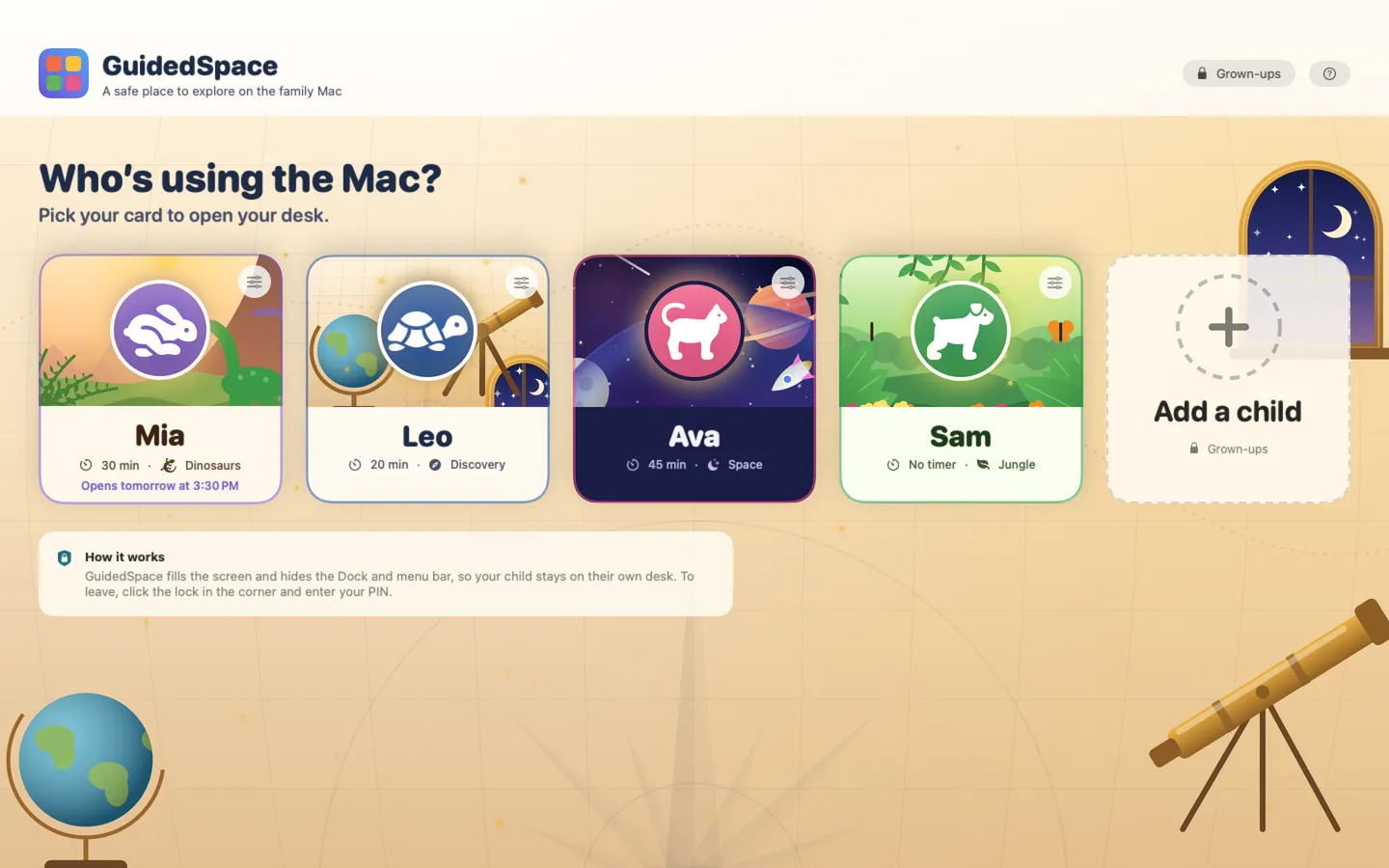
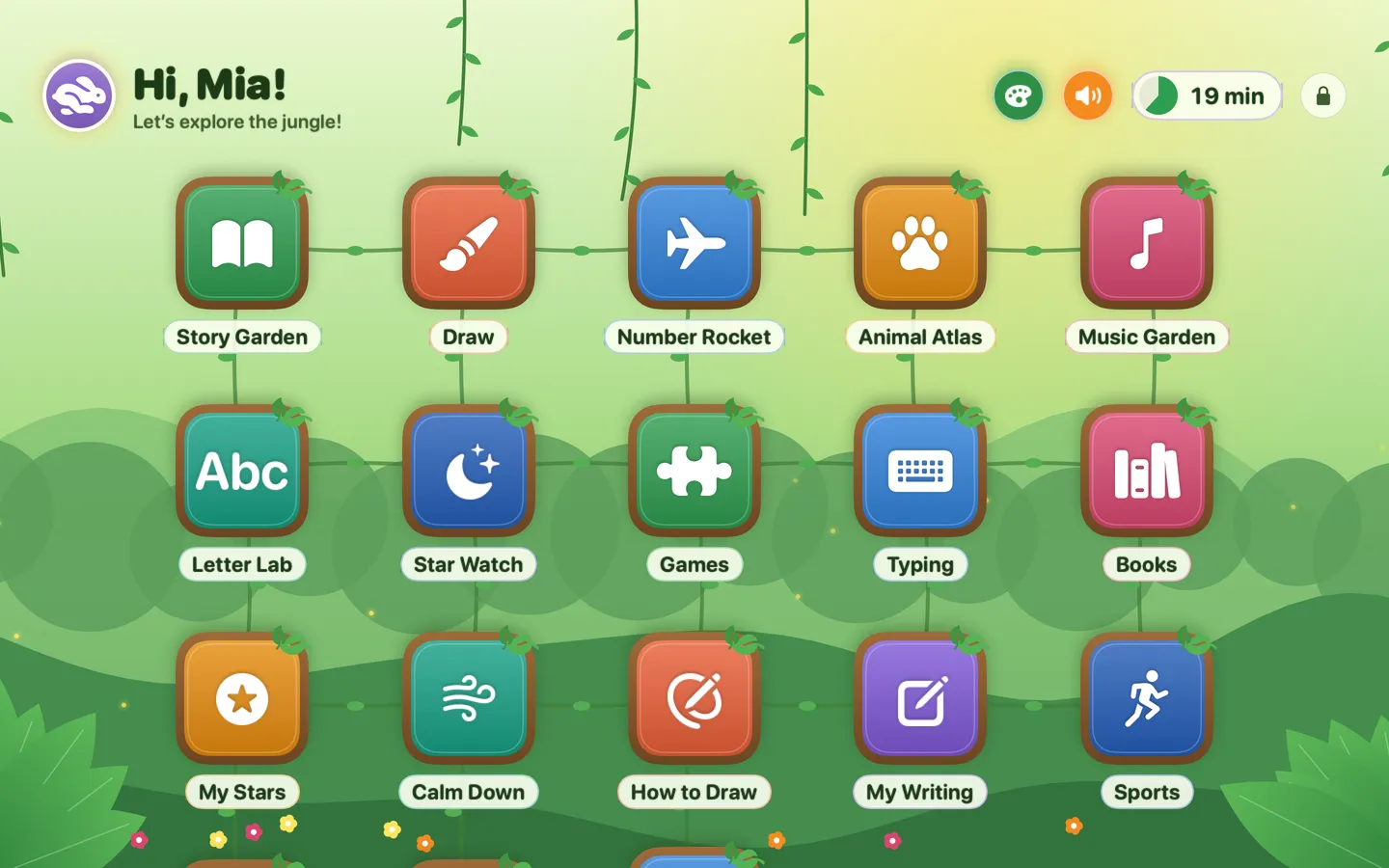
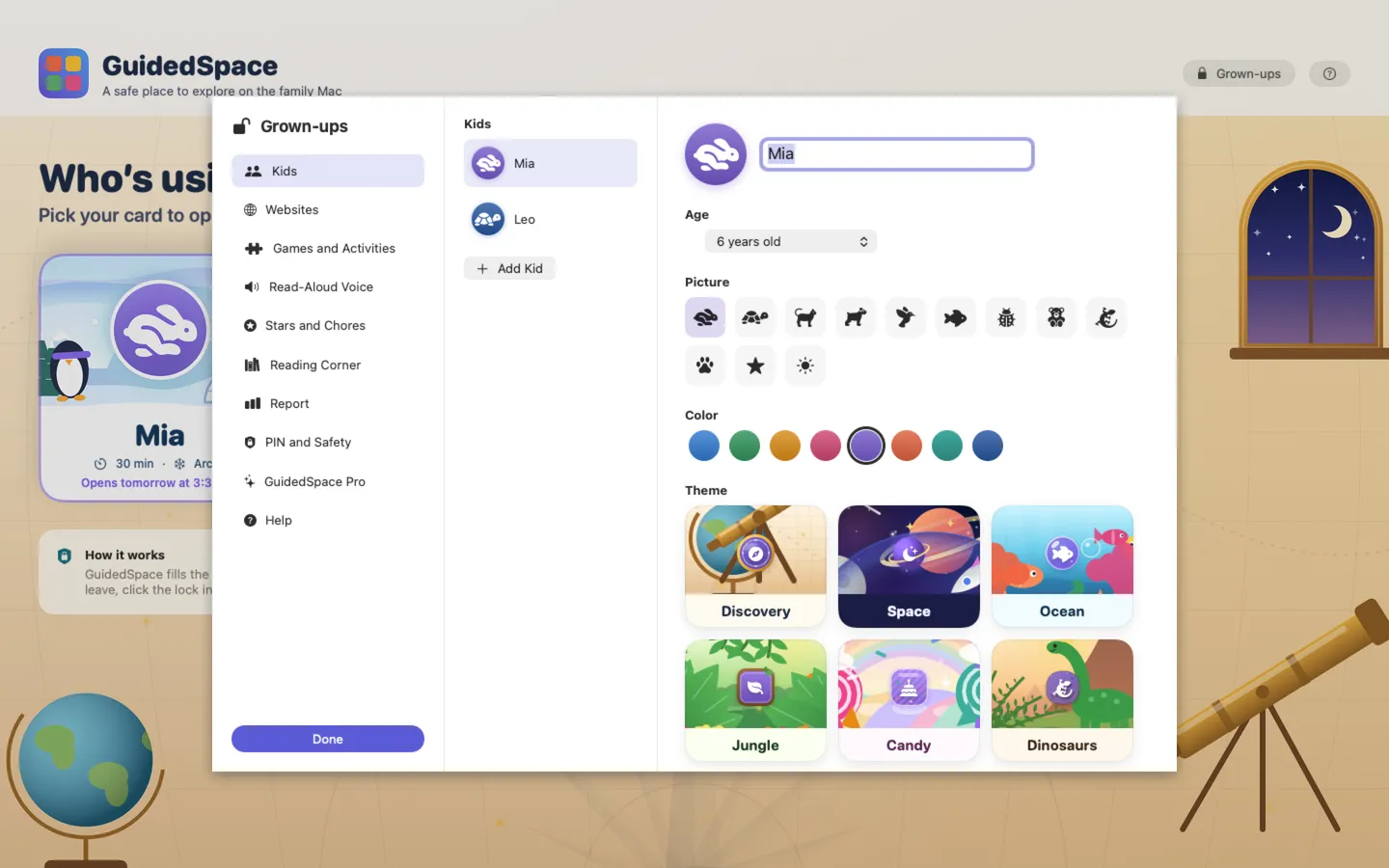
7 pictures: swipe or scroll sideways.
What you get
- GuidedSpace for Mac: macOS 14 Sonoma or later
- The signed, notarized .dmg download and your license key, in your Gumroad receipt
- One license key for up to 3 of your Macs
- Updates that install from inside the app
- A one-time price: no subscription
Features
- Big tiles for the websites you approve; other sites, other apps, downloads and file pickers never open
- A locked full-screen desk: no Dock, menu bar, app switching or Force Quit, and quitting takes your PIN
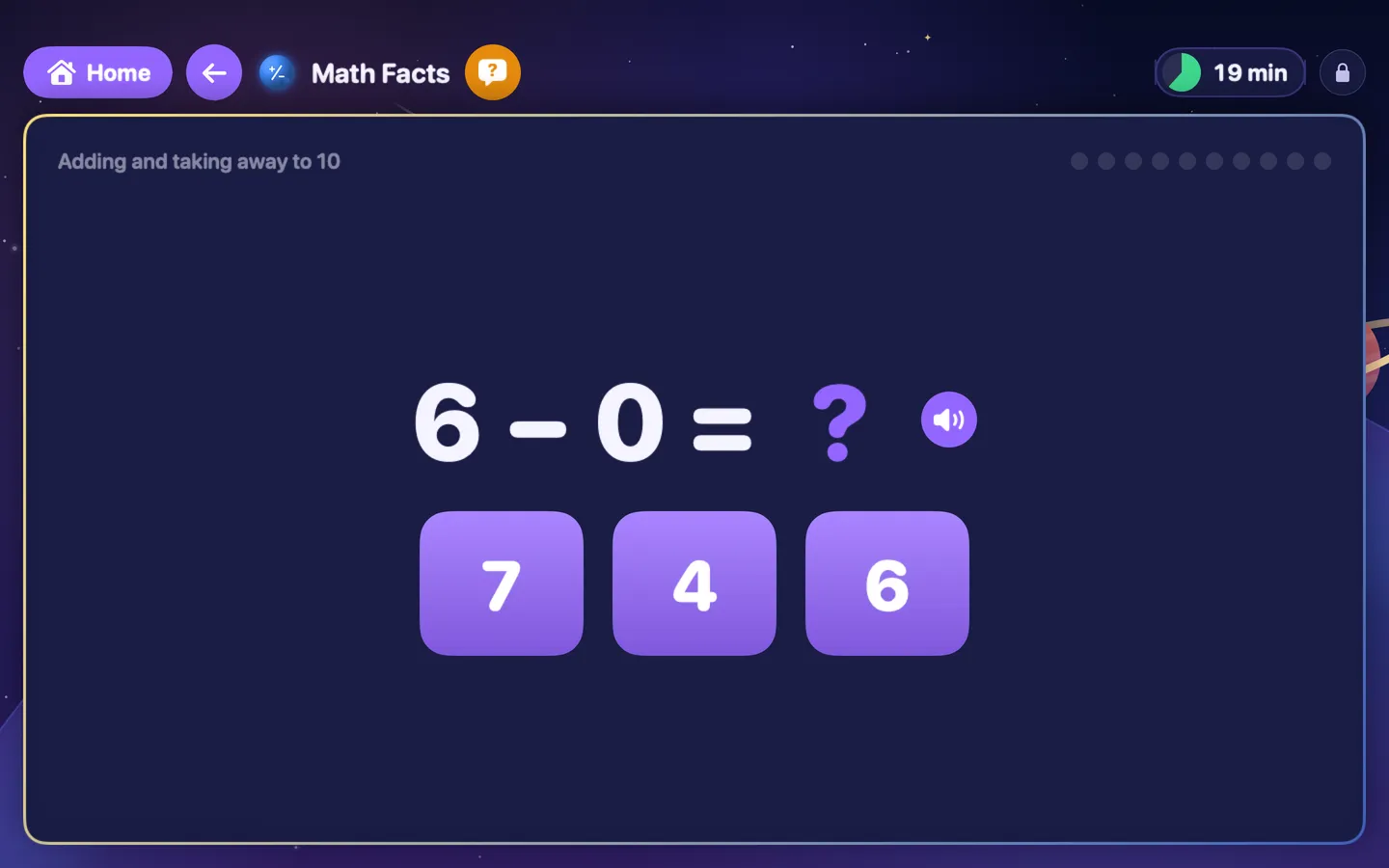
- Learning games by age: Math Facts, Sight Words, Tracing, Mazes, Sudoku, Word Search, Memory Match, Shape Puzzle, Odd One Out and more
- Typing practice, Falling Letters, Word Race and My Writing, read aloud
- A drawing pad with coloring pages, stamps, shapes and mirror drawing, and 22 How to Draw lessons
- Seasonal packs: Halloween, Thanksgiving, Christmas, Valentine’s, Easter and summer
- Sports: Penalty Kicks, Sprint Race, Hurdles, Basketball, Bowling, Mini Golf, Batting Practice, Score Math and Sports Words
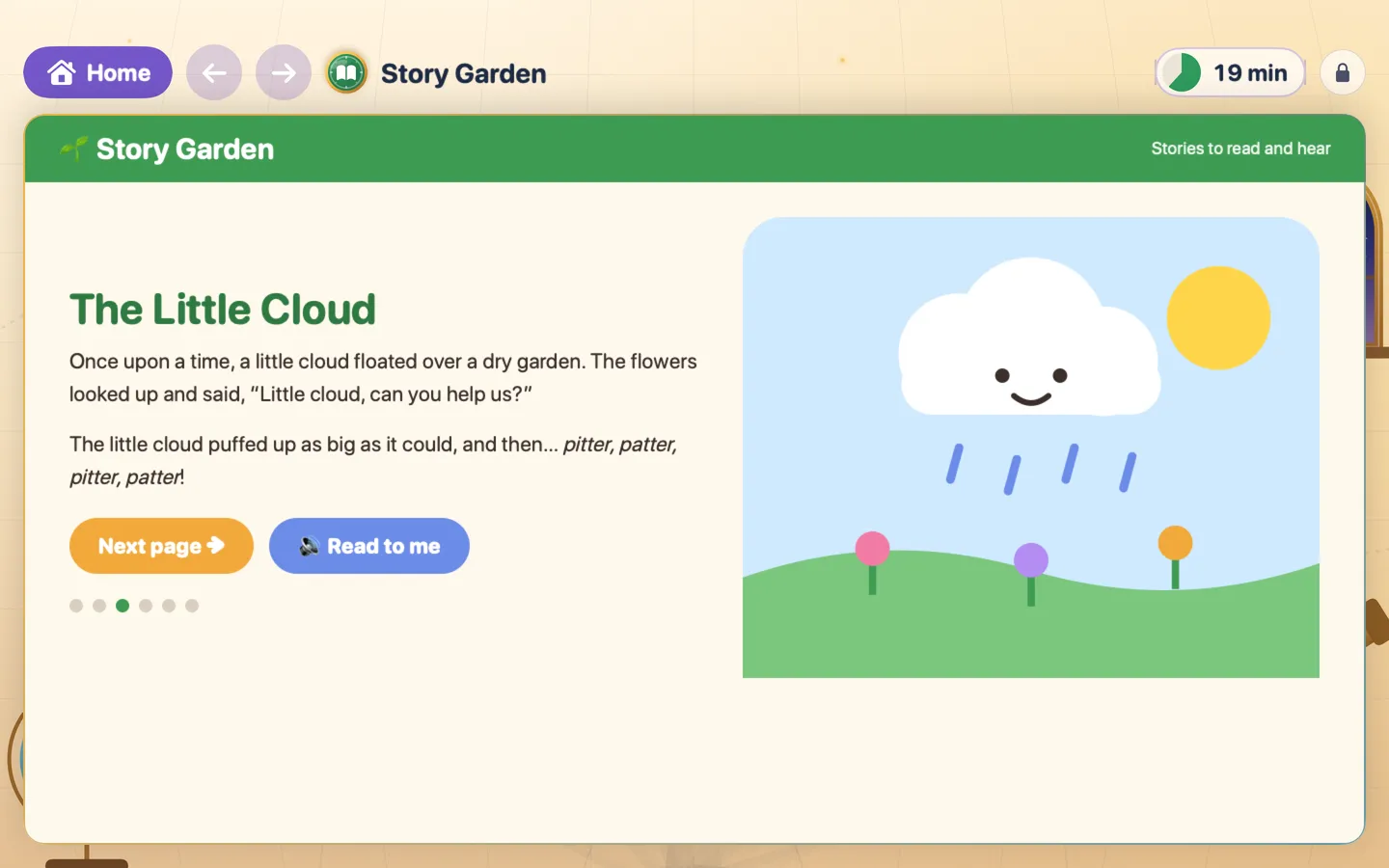
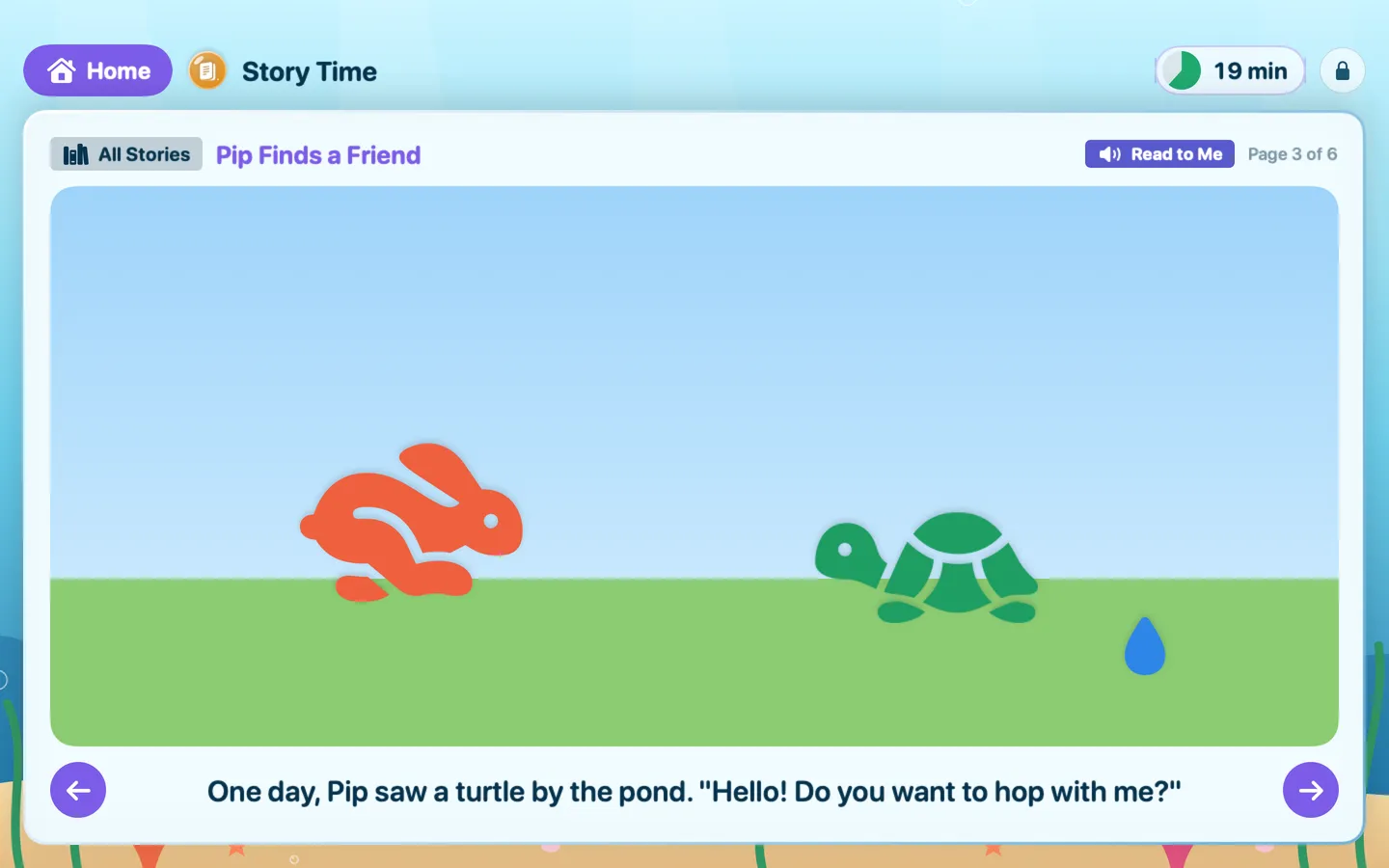
- Music Maker, Story Time read aloud, and Clock and Calendar, with a read-aloud voice you pick for each kid
- A timer kids can read, a wind-down screen, schedules, daily limits, stars and chores, and a parent report
Free vs Pro
| Feature | Free | Pro |
|---|---|---|
| What you can do | One kid, three websites, the drawing pad, the timer and the PIN lock, plus Math Facts, Sight Words, Mazes, Pop the Balloons, Feed the Animals, typing games, My Writing, five How to Draw lessons, Penalty Kicks, Sprint Race, Hurdles, Music Maker and two Story Time stories | Everything free, plus up to six kids, unlimited websites, schedules and daily limits, every game and lesson, the sports and seasonal packs, stars and chores, the reading corner and the parent report |
| Price | Free download | $9.99 one-time |
Questions
How do I set it up?
The first time you open GuidedSpace, choose a parent PIN of 4 to 8 digits, add your child’s name, and add up to three websites (each becomes a big tile; the drawing pad is always there). Then click your child on the start screen, choose how long, and click Start.
How do I add or change websites?
Click Grown-ups on the start screen (or the lock on the desk) and enter your PIN, then open Websites and click Add Website. Type the site’s address, give the tile a name, a picture and a color, and choose which kids see it.
A site’s videos or games don’t load.
Many kids’ sites play their videos and games from another site. Edit the tile in Websites and add that site under Also allow, and check that Allow videos and games embedded from other sites is on in PIN and Safety.
Can GuidedSpace start when my child logs in?
Yes. For the strongest setup, give your child their own Mac account with Screen Time on (System Settings › Screen Time), add GuidedSpace to Always Allowed, and add it to that account’s Login Items (System Settings › General › Login Items).
How do I unlock Pro?
Your key is in your Gumroad receipt. On the start screen, click Grown-ups, enter your PIN, open GuidedSpace Pro, paste the key and click Activate. The key field is only there, behind your PIN, and not during a kid’s session.
How do updates work?
GuidedSpace looks for a new version quietly on the start screen, at most once a day, and never during a kid’s session. When there is one, Grown-ups › GuidedSpace Pro says so; click Check for Updates… there (or in the GuidedSpace menu on the start screen) to install it. GuidedSpace never installs or restarts by itself.
From the GuidedSpace help page.
Setting it up
How to open a newly downloaded Mac app the first time
Step by step, with what to do if your Mac asks a question.
Requirements
- macOS
- macOS 14 Sonoma or later
- Processor
- Apple silicon and Intel
- Languages
- English, Spanish
- Download
- 7.2 MB disk image
- Version
- 1.0
What's new
Version 1.0
- First release: Explore, Learn & Play Safely. A calm, full-screen place for young learners on the family Mac: the websites you approve, learning games, drawing, music and stories. Leaving it takes your PIN.
From GuidedSpace's release notes. Updates install from inside the app.
Privacy
Everything about your kids stays on your Mac: no accounts, ads or tracking. It keeps kid profiles, a salted hash of your PIN and 60 days of usage for the parent report on your Mac only. Websites you approve load directly from those sites and may set their own cookies under their own privacy policies. The Gumroad version also checks your license with Gumroad (your license key, about once a week) and checks for updates at fitztoppicks.com, never during a kid’s session; the Mac App Store version does neither.
Questions about your purchase or license key? See Help and FAQ, reply to your Gumroad receipt or contact us.