
Mailtidy
What it does: One read-only scan finds the junk, newsletters and old mail clogging your inbox. Tick the groups you want gone and it all goes to Trash, with Undo right there. Banks, government, health care, receipts and people you write to are protected automatically, and your mail never leaves your Mac.
- Checkout by Gumroad
- Notarized by Apple
- No FitzTopPicks account needed
Free to use without a key: every feature, for as many Gmail and Yahoo accounts as you connect.
Nothing to unlock. If Mailtidy saves you time, a tip at ko-fi.com/fitztoppicks is welcome.
macOS 14 Sonoma or later · Version 1.1 · 83.9 MB disk image · Notarized by Apple
Free: download it on Gumroad for $0, or pay what you want. Tips at ko-fi.com/fitztoppicks keep it going. No subscription, no account.
Download: The download (a signed, notarized .dmg) comes with your purchase in your Gumroad receipt, together with your license key. Updates install from inside the app.
Buy now opens Gumroad's checkout on this page; Gumroad is the seller and handles payment, sales tax and your receipt.
Screenshots
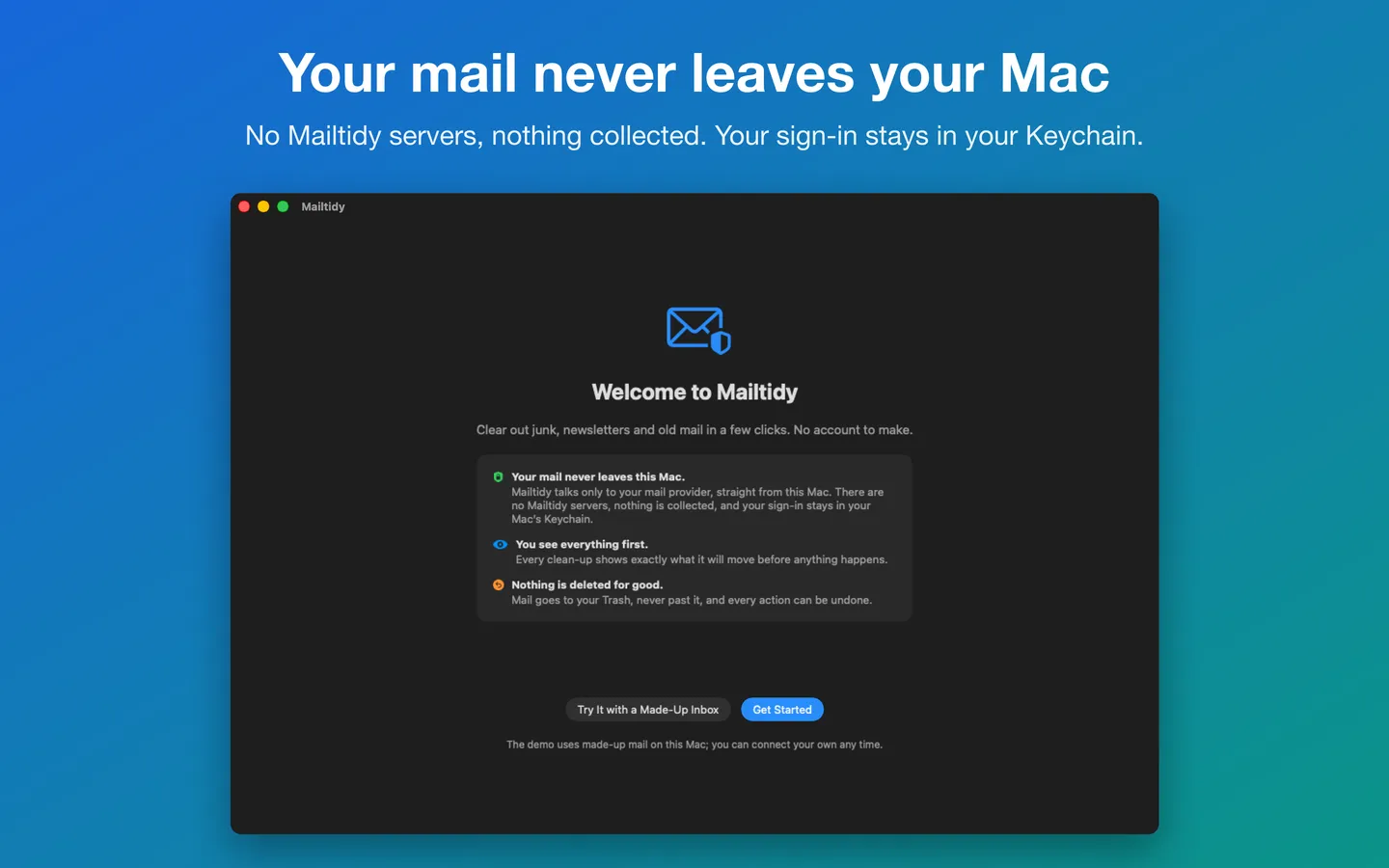
5 pictures: swipe or scroll sideways.
What you get
- Mailtidy for Mac: macOS 14 Sonoma or later
- The signed, notarized .dmg download and your license key, in your Gumroad receipt
- Updates that install from inside the app
- A one-time price: no subscription
Features
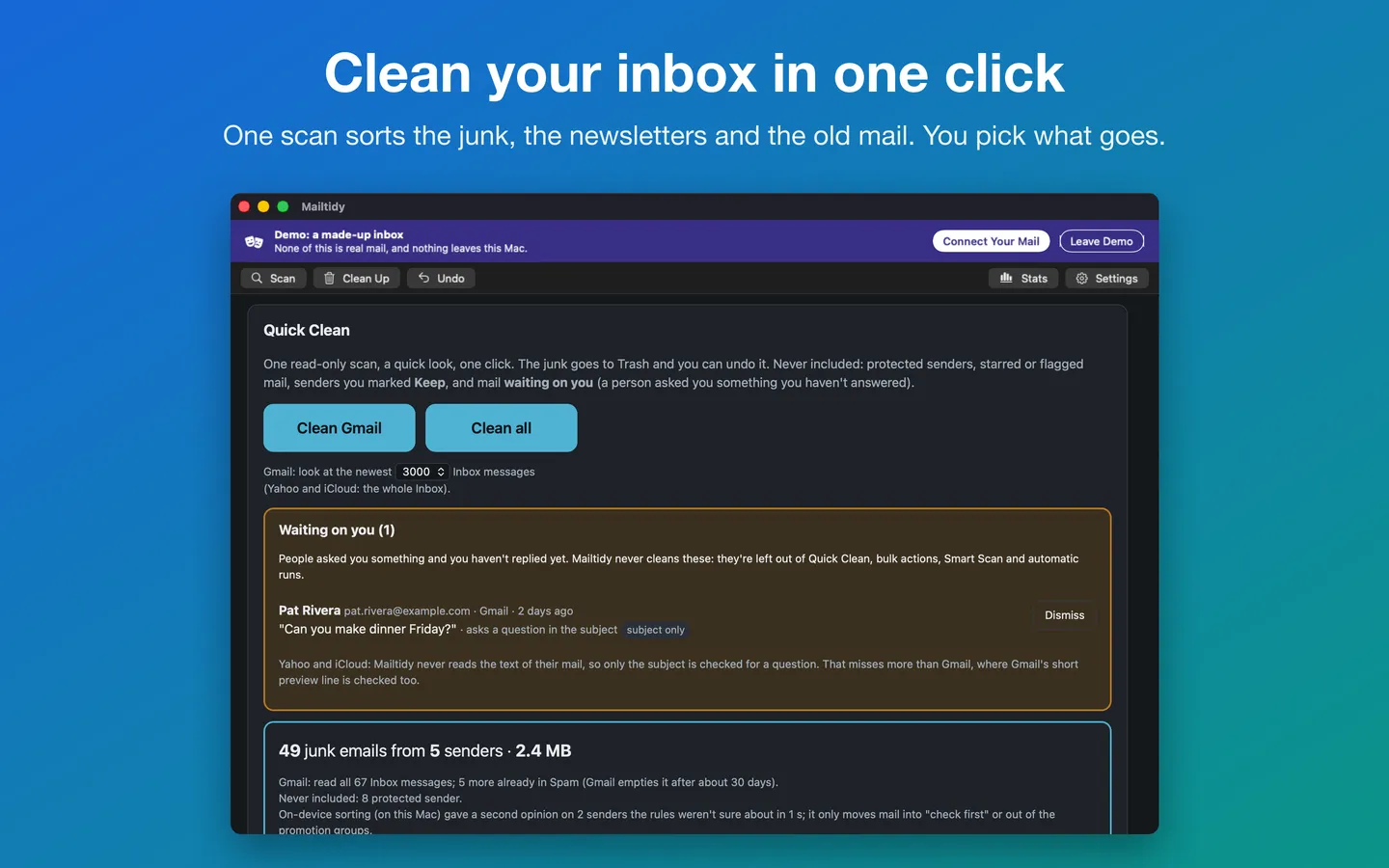
- Quick Clean: one read-only scan, a preview of exactly what would move, one click, and Undo
- Groups that make sense: senders already caught in Spam, likely junk, promotions you never open, large old mail
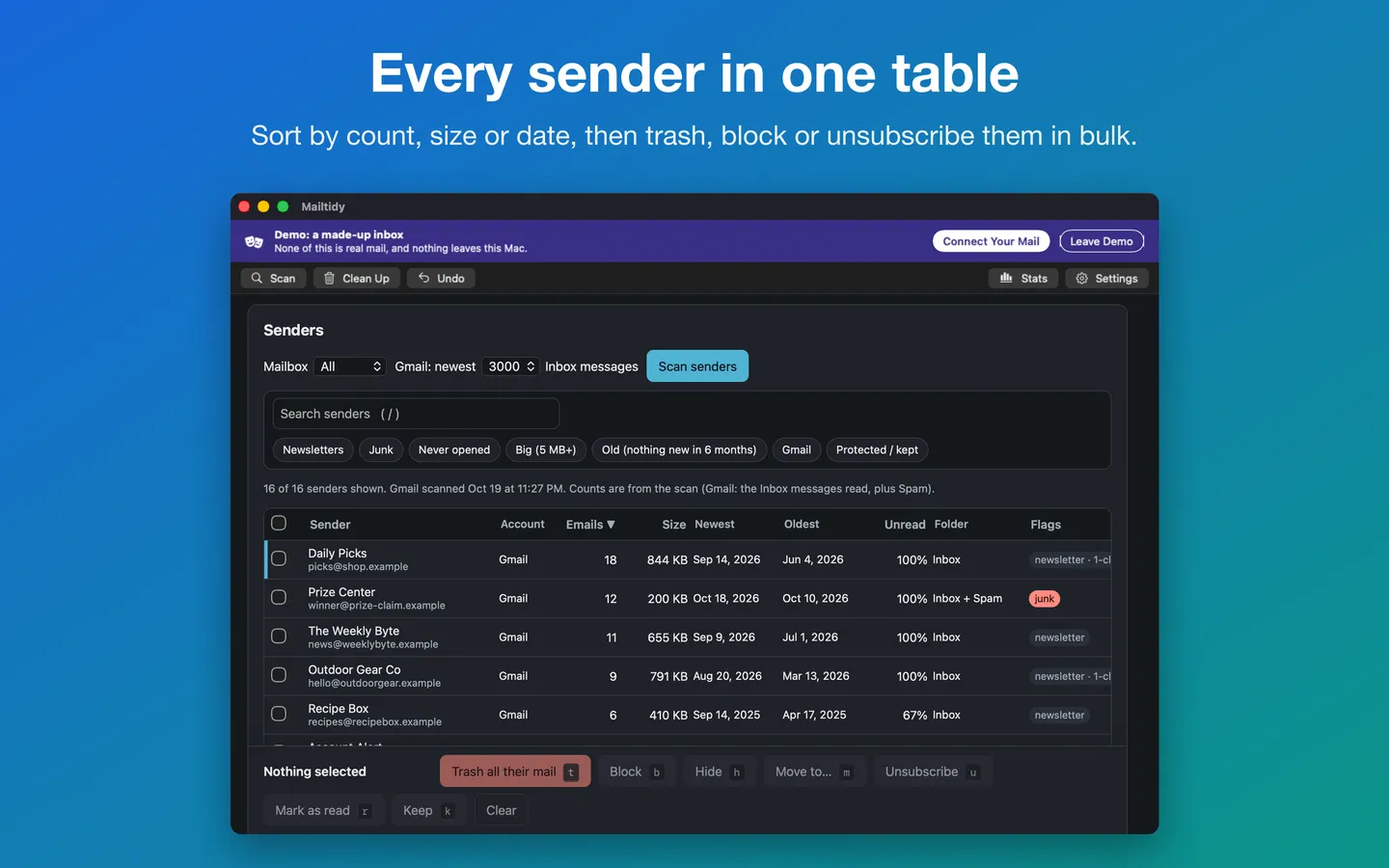
- Senders table: bulk Trash, Block, Hide, Move, Mark as read and one-click Unsubscribe
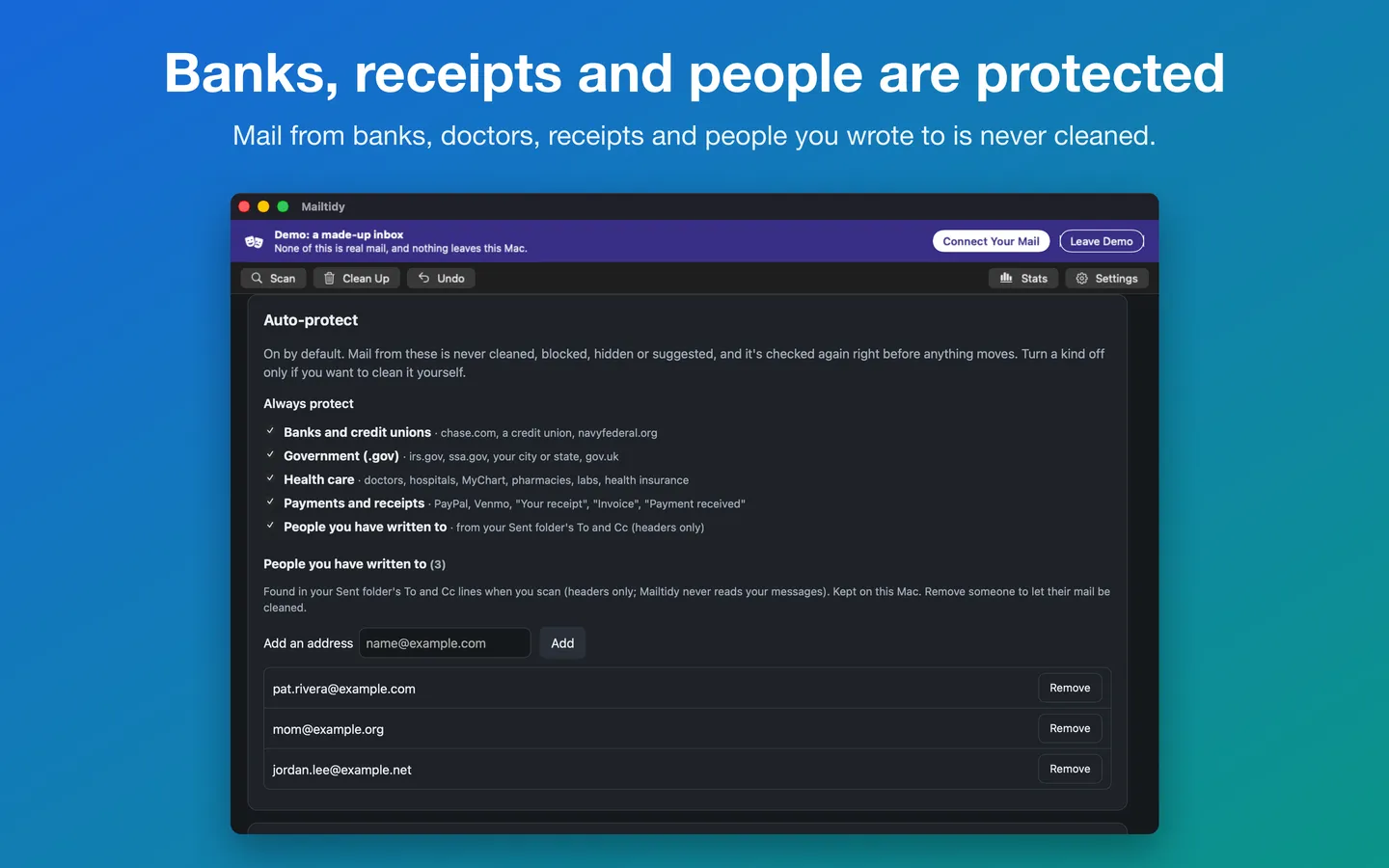
- Auto-protect, on by default: banks and credit unions, government (.gov), health care, payments and receipts, and people you have written to
- Waiting on you: mail from a person asking something you have not answered is never touched
- Scheduled cleanup (off unless you turn it on): daily or weekly, with a notification and an Undo button
- Stats: emails cleaned, space freed and senders unsubscribed, with a picture to share
- Try it first with a made-up inbox before connecting anything
- Keyboard shortcuts for Scan, Clean Up, Undo and Settings; adjustable text size
- Gmail and Yahoo Mail now; Outlook.com is coming in an update
Free vs With a license key
| Feature | Free | With a license key |
|---|---|---|
| What you can do | Every feature, for as many Gmail and Yahoo accounts as you connect | Nothing to unlock. If Mailtidy saves you time, a tip at ko-fi.com/fitztoppicks is welcome. |
| Price | Free download | Free one-time |
Questions
How do I make an app password?
Gmail: turn on 2-Step Verification, then open myaccount.google.com/apppasswords, type “Mailtidy” and click Create. Yahoo: open Account security and choose Generate app password. Paste the password into Mailtidy; spaces don’t matter. Work and school Google accounts, and accounts with Advanced Protection, can’t make app passwords.
Can I see it before connecting my mail?
Yes. On the welcome screen choose Try It with a Made-Up Inbox (or Mail › Try the Demo). Every screen works on made-up mail, and nothing leaves your Mac.
Does it work with Outlook.com or Hotmail?
Not yet: Outlook.com is coming in an update. Gmail and Yahoo Mail work now.
What will it never touch?
Starred or flagged mail, your sent mail and drafts, senders you protect or Keep, mail waiting on your reply, and (on by default, in Settings › Auto-protect) banks and credit unions, government addresses, health care, payments and receipts, and people you have written to. All of these are checked again right before anything moves.
How do I undo a cleanup?
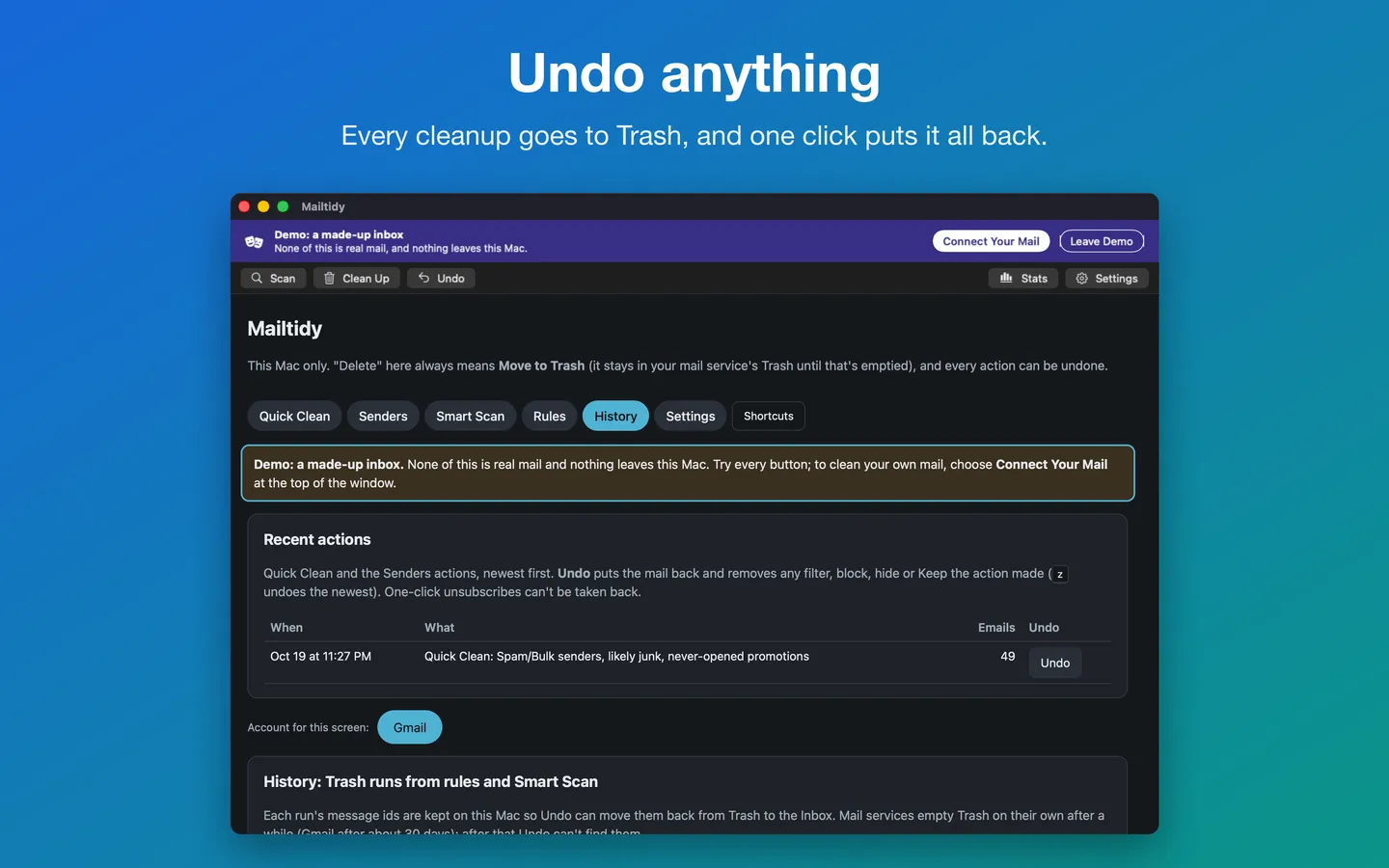
Click Undo on the result, choose Mail › Undo Last Cleanup (⌥⌘Z), use History, or click Undo in the notification after a scheduled cleanup. Gmail and Yahoo empty Trash on their own after about 30 days, so undo before then.
How does scheduled cleanup work?
It’s off until you turn it on in Settings › Scheduled cleanup. Pick daily or weekly and the groups to clean. It runs while Mailtidy is open (and soon after you open it, if a run is due), then shows a notification with what moved and an Undo button.
From the Mailtidy help page.
Requirements
- macOS
- macOS 14 Sonoma or later
- Processor
- Apple silicon and Intel
- Languages
- English
- Download
- 83.9 MB disk image
- Version
- 1.1
Gmail or Yahoo Mail with an app password.
What's new
Version 1.0
- Clean up Gmail and Yahoo Mail on your Mac: Quick Clean, Senders, Smart Scan, rules, History and Undo. Mail only ever goes to Trash.
- Try it first with a made-up inbox before connecting anything; nothing leaves your Mac.
- Auto-protect, on by default: banks and credit unions, government, health care, payments and receipts, and people you've written to are never cleaned.
- Scheduled cleanup (off unless you turn it on): daily or weekly, only the groups you pick, with a notification and an Undo button.
- Stats: emails cleaned, space freed and senders unsubscribed, with a picture to share.
- Keyboard shortcuts for Scan (⌘R), Clean Up (⌘↩), Undo (⌥⌘Z), Stats (⇧⌘S) and Settings (⌘,), and adjustable text size (⌘+ / ⌘−).
- Outlook.com is coming in an update.
From Mailtidy's release notes. Updates install from inside the app.
Privacy
Your mail never leaves your Mac. Mailtidy talks only to your mail provider, with an app password kept in your Mac's Keychain. No account, no analytics, no Mailtidy servers. It reads headers (and Gmail's short preview line for a few features), never sends or forwards mail, and only ever moves mail to Trash, never past it. The only other network request is checking for updates.
Questions about your purchase or license key? Reply to your Gumroad receipt or contact us.