
Sheetdiff
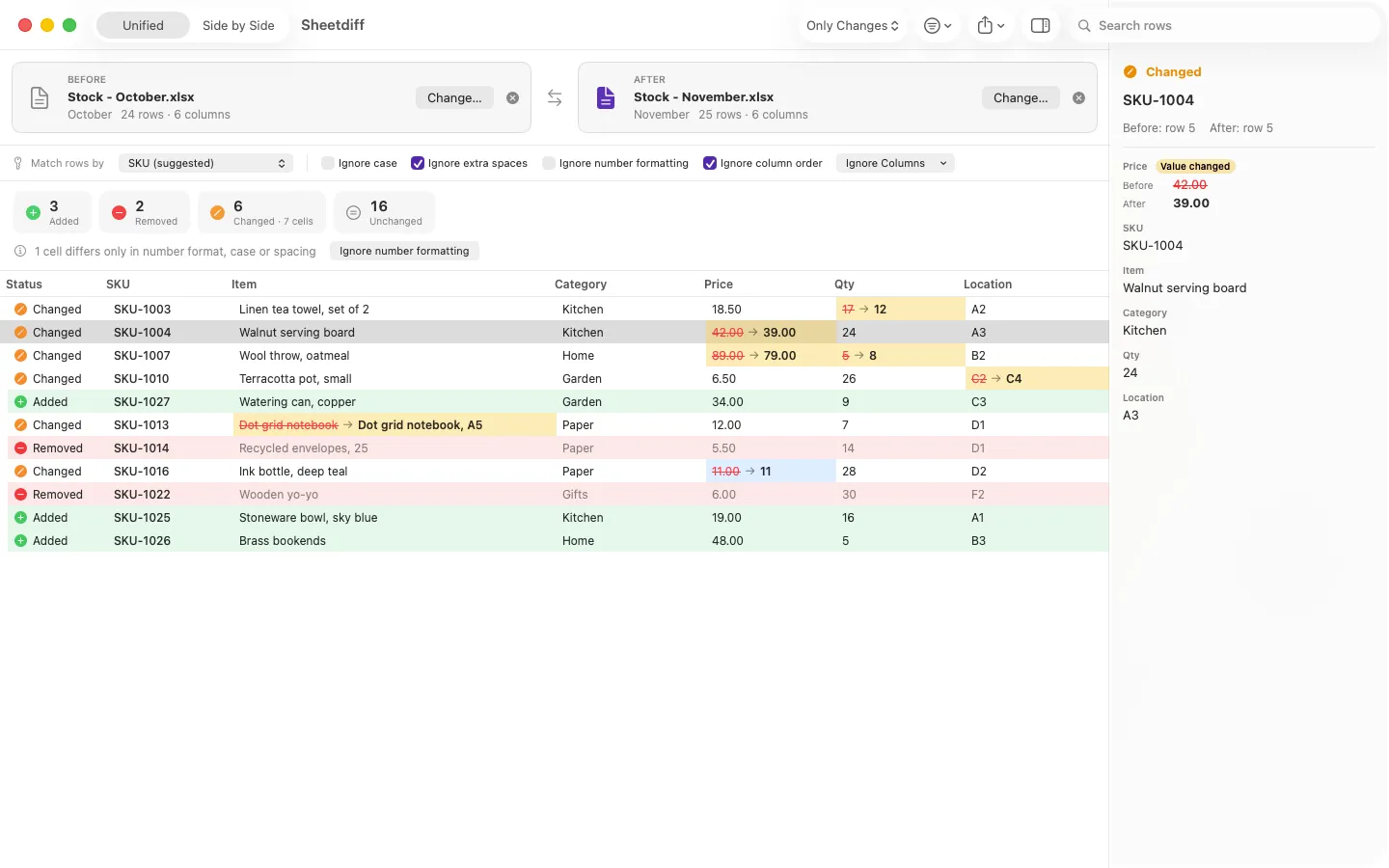
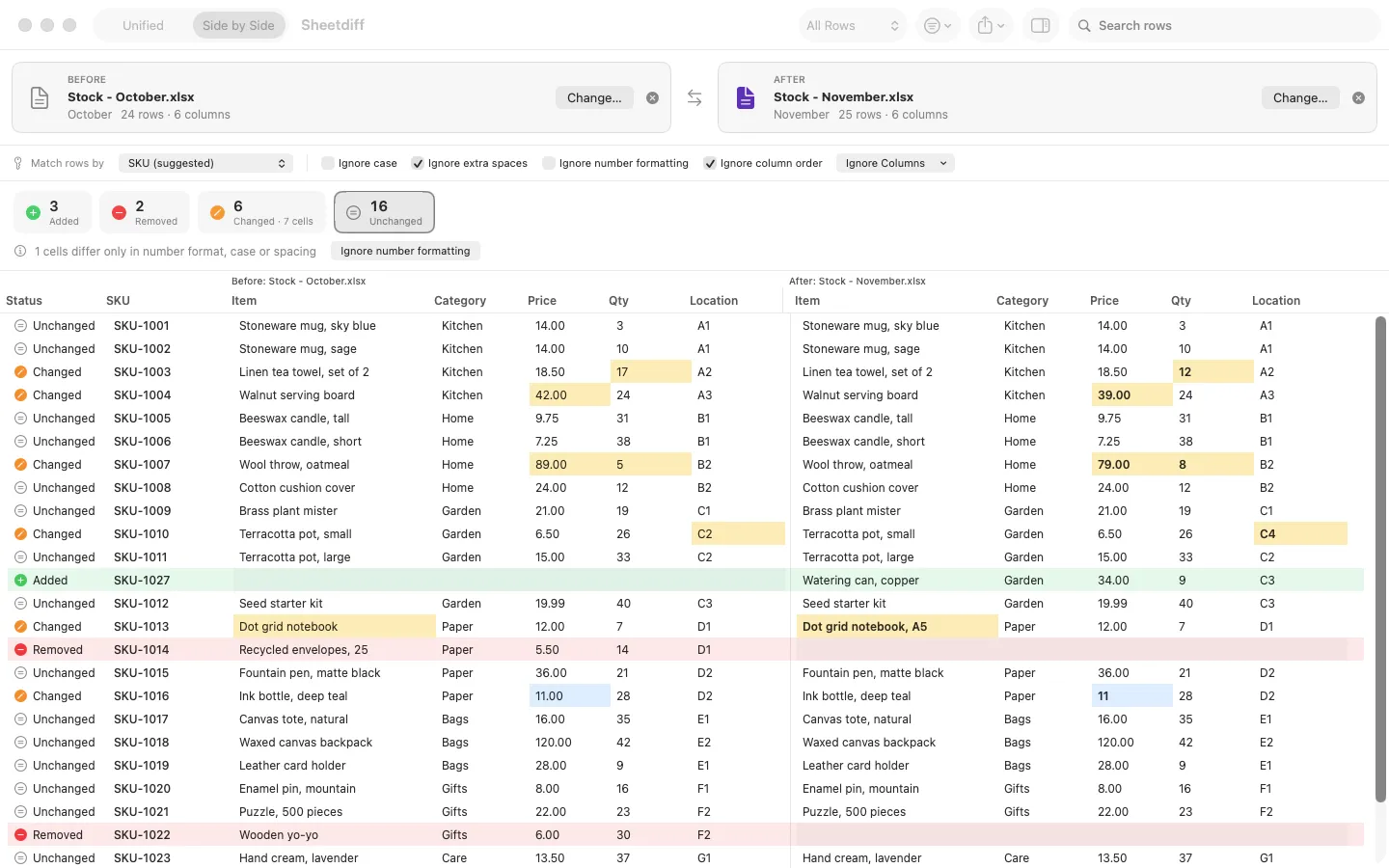
What it does: Sheetdiff compares two spreadsheets (.xlsx, CSV, TSV) by a key column and shows every added, removed and changed row, with changed cells highlighted. Everything stays on your Mac.
- Checkout by Gumroad
- Notarized by Apple
- No FitzTopPicks account needed
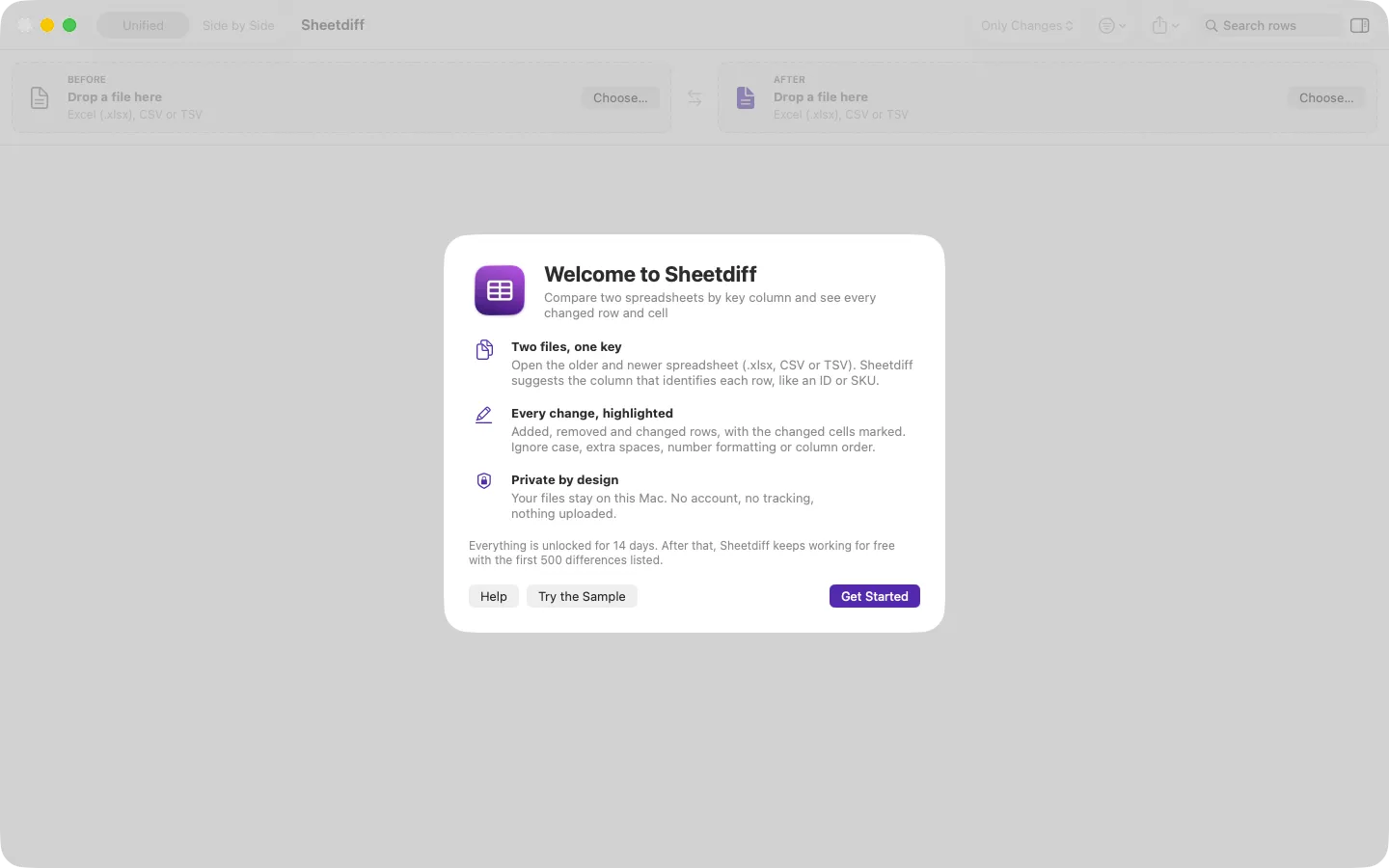
Free to use without a key: compare files of any size with full counts and the first 500 differences listed, for good. Everything is unlocked for the first 14 days.
Buy a license key to unlock every difference and the Excel and HTML reports.
macOS 14 Sonoma or later · Version 1.0 · 3.2 MB disk image · Notarized by Apple
One-time $19.99 after a 14-day free trial. No subscription. One license key works on up to 3 of your Macs.
Download: The download (a signed, notarized .dmg) comes with your purchase in your Gumroad receipt, together with your license key. Updates install from inside the app.
Buy now opens Gumroad's checkout on this page; Gumroad is the seller and handles payment, sales tax and your receipt.
Screenshots
4 pictures: swipe or scroll sideways.
What you get
- Sheetdiff for Mac: macOS 14 Sonoma or later
- The signed, notarized .dmg download and your license key, in your Gumroad receipt
- One license key for up to 3 of your Macs
- Updates that install from inside the app
- A one-time price: no subscription
Features
- Match rows by a key column (suggested for you) or by row order
- Added, removed and changed rows, with changed cells highlighted
- Unified and side-by-side views, filters by status, column and search
- Ignore case, extra spaces, number formatting or column order
- Duplicate keys and format-only differences reported
- 100,000-row files compare in seconds
- Pro: every difference listed, Excel report with highlights, HTML report
- English and Spanish
Free vs With a license key
| Feature | Free | With a license key |
|---|---|---|
| What you can do | Compare files of any size with full counts and the first 500 differences listed, for good. Everything is unlocked for the first 14 days | Buy a license key to unlock every difference and the Excel and HTML reports. |
| Price | Free download | $19.99 one-time |
Questions
Which files can it open?
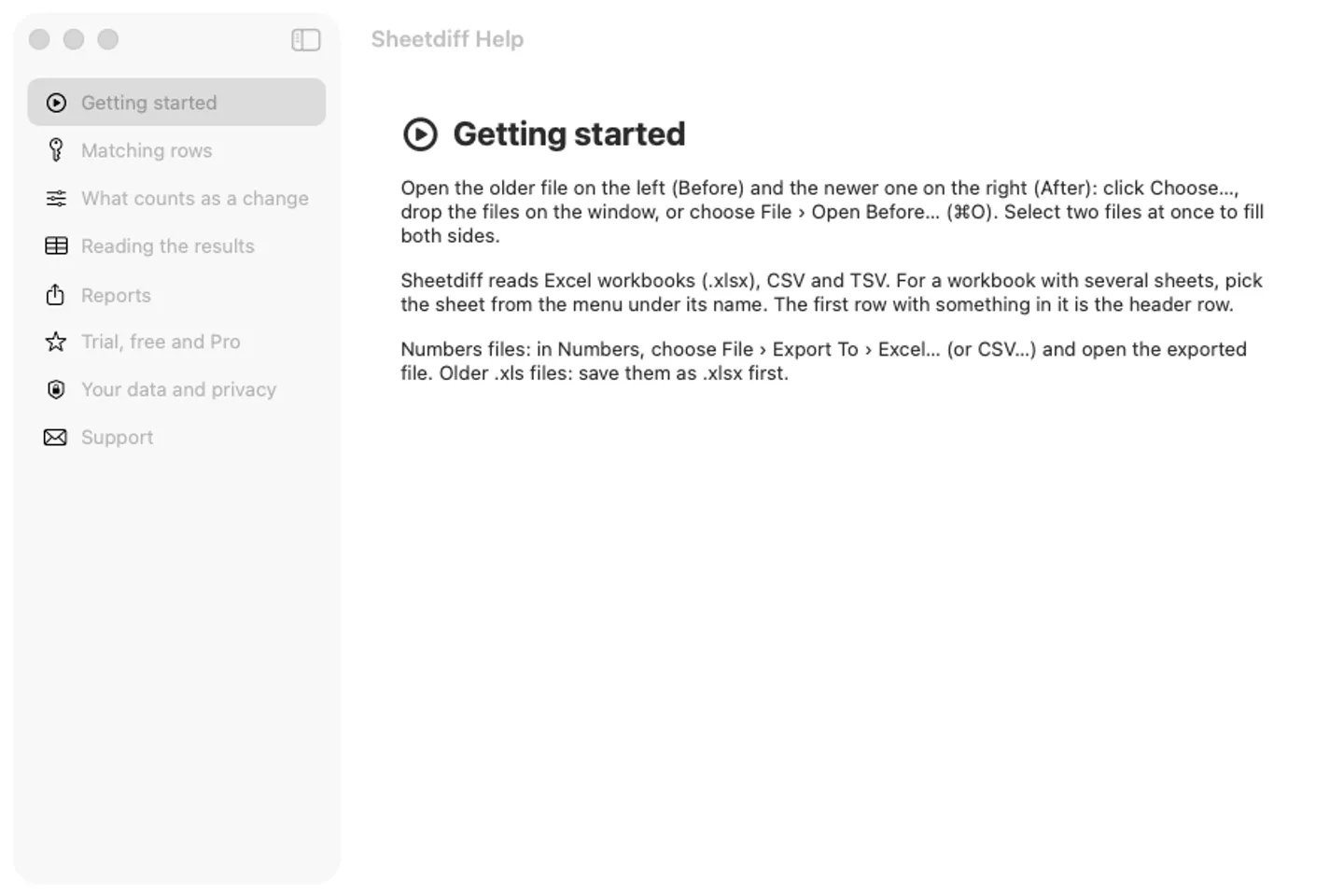
Excel workbooks (.xlsx, any sheet), CSV and TSV. For a Numbers file, choose File › Export To › Excel… in Numbers first; save older.xls files as.xlsx.
What is a key column?
A column that names each row once, such as an order number, SKU or email. Sheetdiff suggests one; choose Row order when there is none.
What’s free, and what does a key add?
Everything is unlocked for 14 days. Then, without a key, Sheetdiff still compares files of any size with full counts and lists the first 500 differences. A key lists every difference and adds the Excel and HTML reports, on up to 3 Macs. It’s a one-time purchase on Gumroad, with no subscription.
Where do I enter my license key?
Choose Sheetdiff › Settings…, open the Pro tab, paste the key from your Gumroad receipt and click Activate.
How do I get updates?
Sheetdiff checks for updates on its own; you can also choose Check for Updates… from the Sheetdiff menu. Updates are free.
Do I have to pay again on another Mac?
No. One license key works on up to 3 of your Macs. Download the app again from your Gumroad receipt or library and enter the same key.
From the Sheetdiff help page.
Requirements
- macOS
- macOS 14 Sonoma or later
- Processor
- Apple silicon and Intel
- Languages
- English, Spanish
- Download
- 3.2 MB disk image
- Version
- 1.0
Privacy
Sheetdiff reads your spreadsheets on your Mac and never uploads them; it has no account or tracking. Your license key is kept in your Keychain. The only internet requests are the license check with Gumroad (when you enter a key and about once a week) and checking for updates at fitztoppicks.com.
Questions about your purchase or license key? Reply to your Gumroad receipt or contact us.