Dockswitch
What it does: Dockswitch: save your Dock as profiles (work, school, streaming) and switch from the menu bar in one click. Your original Dock is backed up first. Everything stays on your Mac, with no account and no tracking.
- Checkout by Gumroad
- Notarized by Apple
- No FitzTopPicks account needed
Free to use without a key: 2 Dock profiles, switching from the menu bar, backups and Restore Original, import and export, for good.
Buy a license key to unlock Pro: as many Dock profiles as you like.
macOS 14 Sonoma or later · Version 1.0 · 2.9 MB disk image · Notarized by Apple
One-time $1.99 for Pro. No subscription. One license key works on up to 3 of your Macs.
Download: The download (a signed, notarized .dmg) comes with your purchase in your Gumroad receipt, together with your license key. Updates install from inside the app.
Buy now opens Gumroad's checkout on this page; Gumroad is the seller and handles payment, sales tax and your receipt.
Screenshots
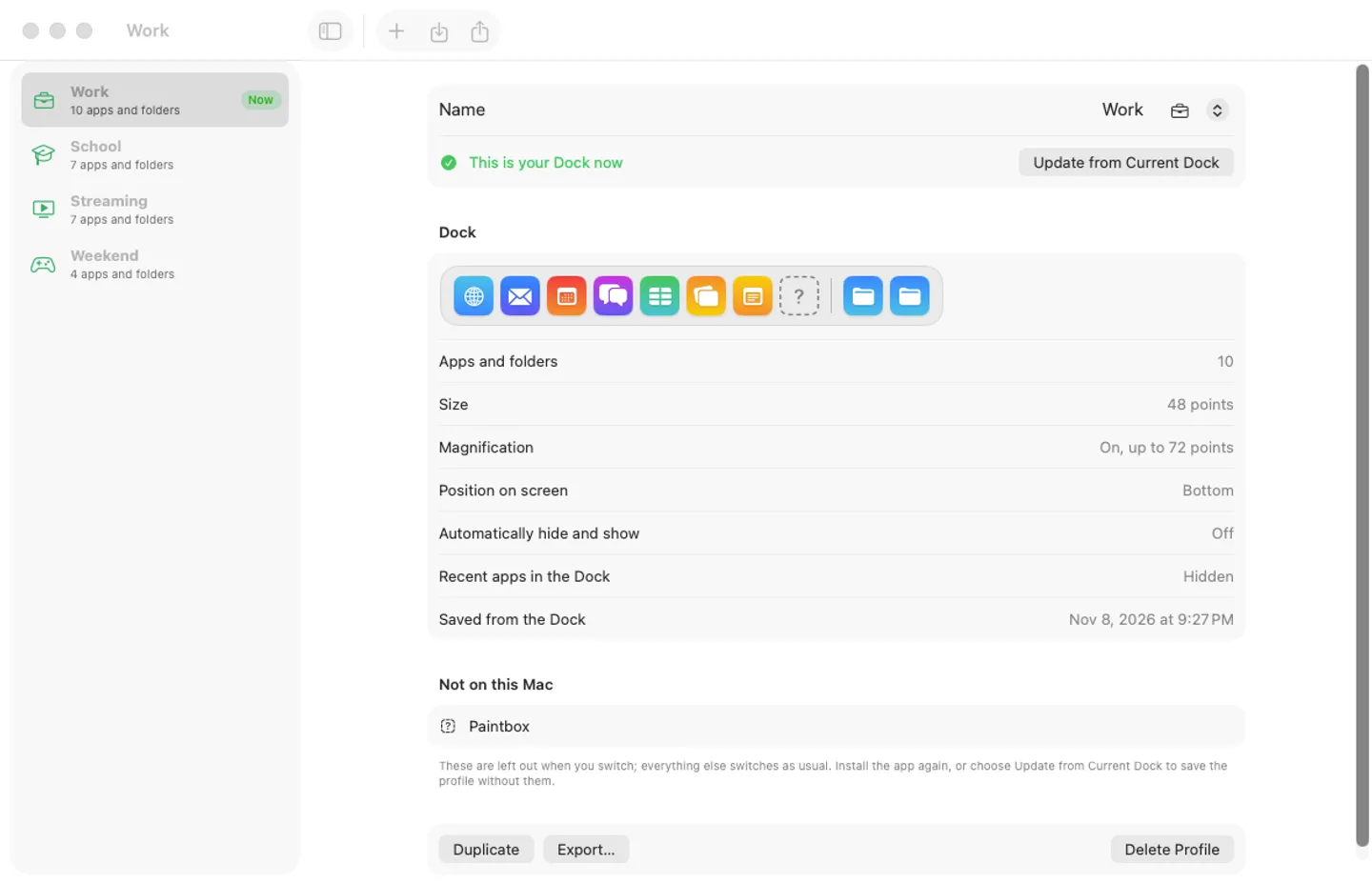
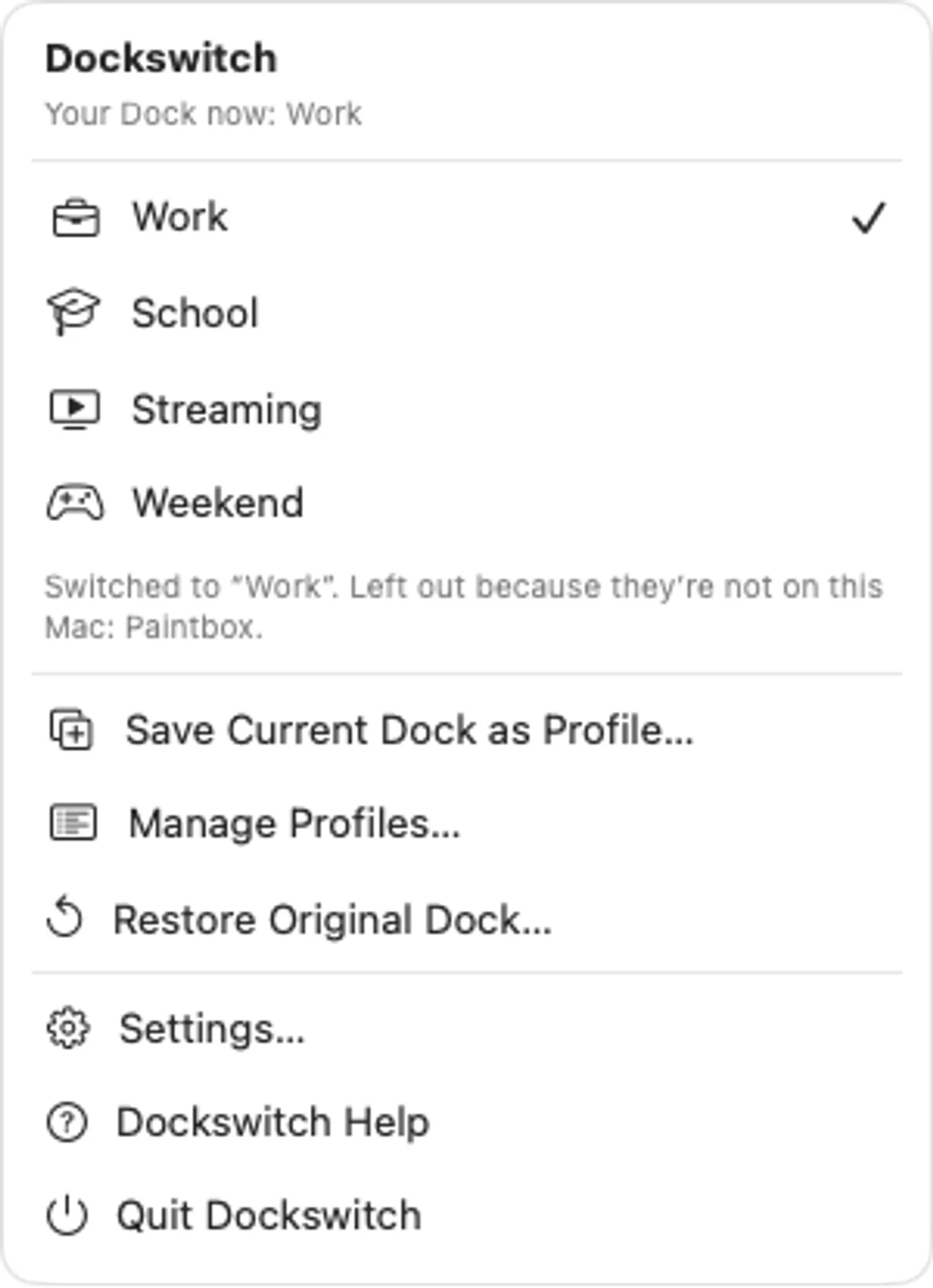
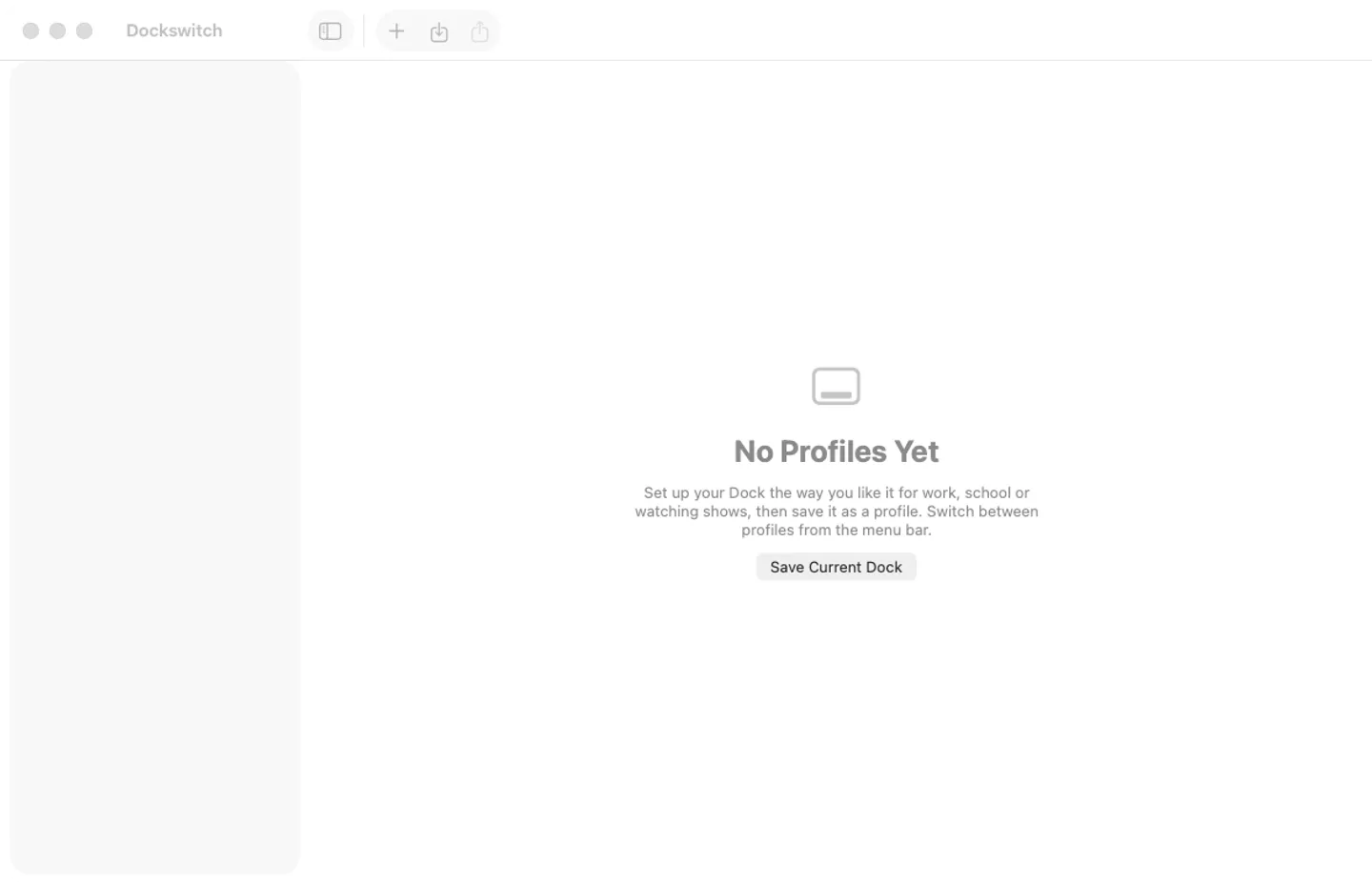
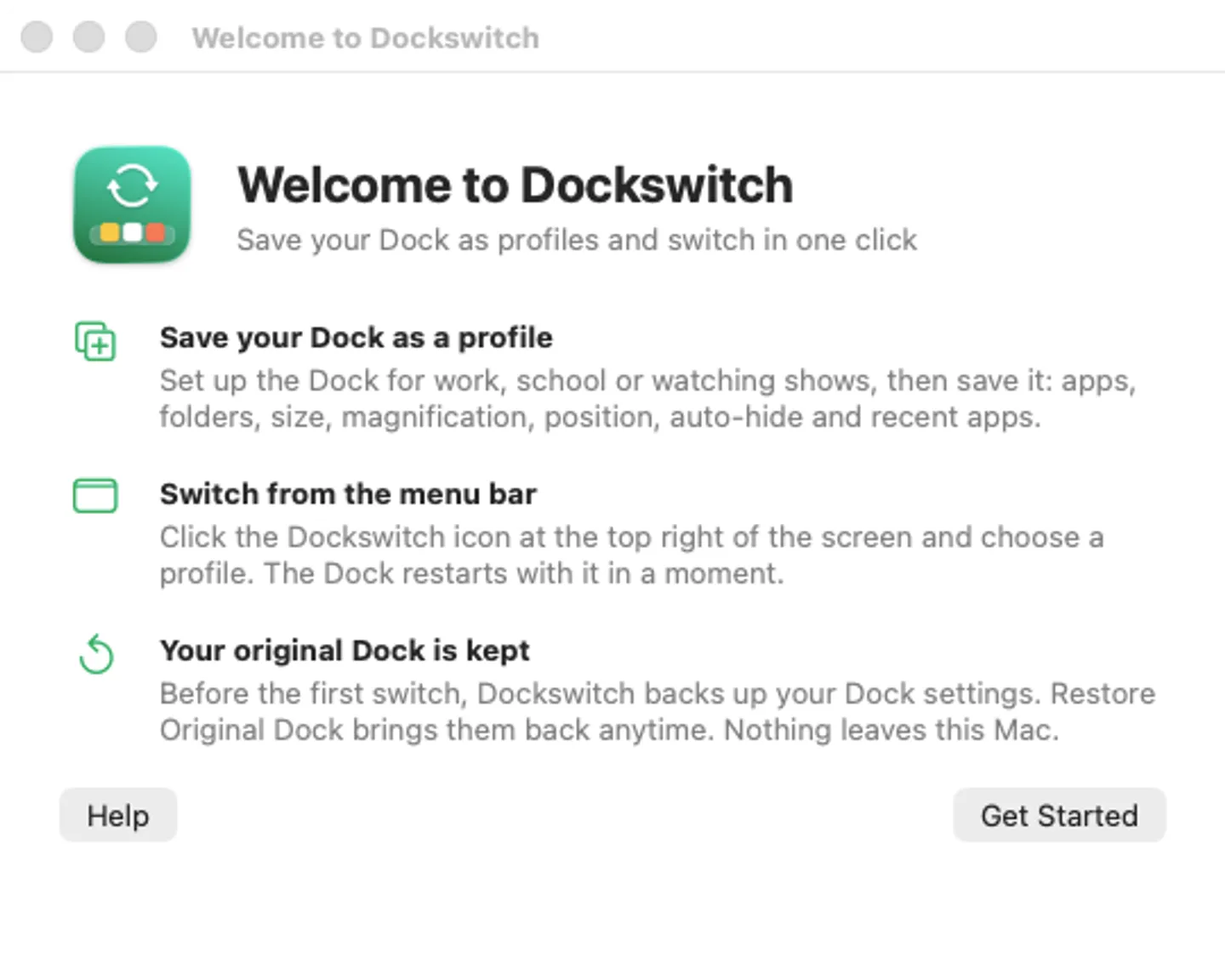
4 pictures: swipe or scroll sideways.
What you get
- Dockswitch for Mac: macOS 14 Sonoma or later
- The signed, notarized .dmg download and your license key, in your Gumroad receipt
- One license key for up to 3 of your Macs
- Updates that install from inside the app
- A one-time price: no subscription
Features
- Save the Dock as it is: apps, folders and stacks, size, magnification, position, auto-hide and recent apps
- Switch profiles from the menu bar in one click; the Dock restarts once
- Your original Dock is backed up before the first switch; Restore Original brings it back
- Apps no longer on your Mac are left out, not shown as question marks
- Rename, duplicate, reorder, import and export profiles
- Pro: as many profiles as you like
- English and Spanish
Free vs Pro
| Feature | Free | Pro |
|---|---|---|
| What you can do | 2 Dock profiles, switching from the menu bar, backups and Restore Original, import and export, for good | Everything free, plus as many Dock profiles as you like |
| Price | Free download | $1.99 one-time |
Questions
Where are my profiles saved?
In a file on your Mac. Settings › General › Show Data Folder in Finder shows it; the Dock backups are listed under Settings › General › Backups.
How do I get my old Dock back?
Choose Restore Original Dock… in the Dockswitch menu. Dockswitch backed up your Dock before its first switch, and it backs up the Dock as it is before every restore, so a restore can be taken back too.
I deleted a profile by mistake.
Choose Edit › Undo right away: it puts the profile back where it was. Deleting a profile never changes your Dock.
What’s free, and what does a key add?
Without a key you can keep 2 Dock profiles, with switching from the menu bar, backups, Restore Original, import and export, for as long as you like. A key adds as many profiles as you like, on up to 3 Macs. It’s a one-time purchase on Gumroad, with no subscription.
Where do I enter my license key?
Choose Dockswitch › Settings…, open the Pro tab, paste the key from your Gumroad receipt and click Activate.
How do I get updates?
Dockswitch checks for updates on its own; you can also choose Check for Updates… from the Dockswitch menu. Updates are free.
From the Dockswitch help page.
Setting it up
How to open a newly downloaded Mac app the first time
Step by step, with what to do if your Mac asks a question.
Requirements
- macOS
- macOS 14 Sonoma or later
- Processor
- Apple silicon and Intel
- Languages
- English, Spanish
- Download
- 2.9 MB disk image
- Version
- 1.0
Privacy
Dockswitch keeps your profiles and Dock backups on your Mac and has no account or tracking. Your license key is kept in your Keychain. The only internet requests are the license check with Gumroad (when you enter a key and about once a week) and checking for updates at fitztoppicks.com.
Questions about your purchase or license key? See Help and FAQ, reply to your Gumroad receipt or contact us.