Mailshelf
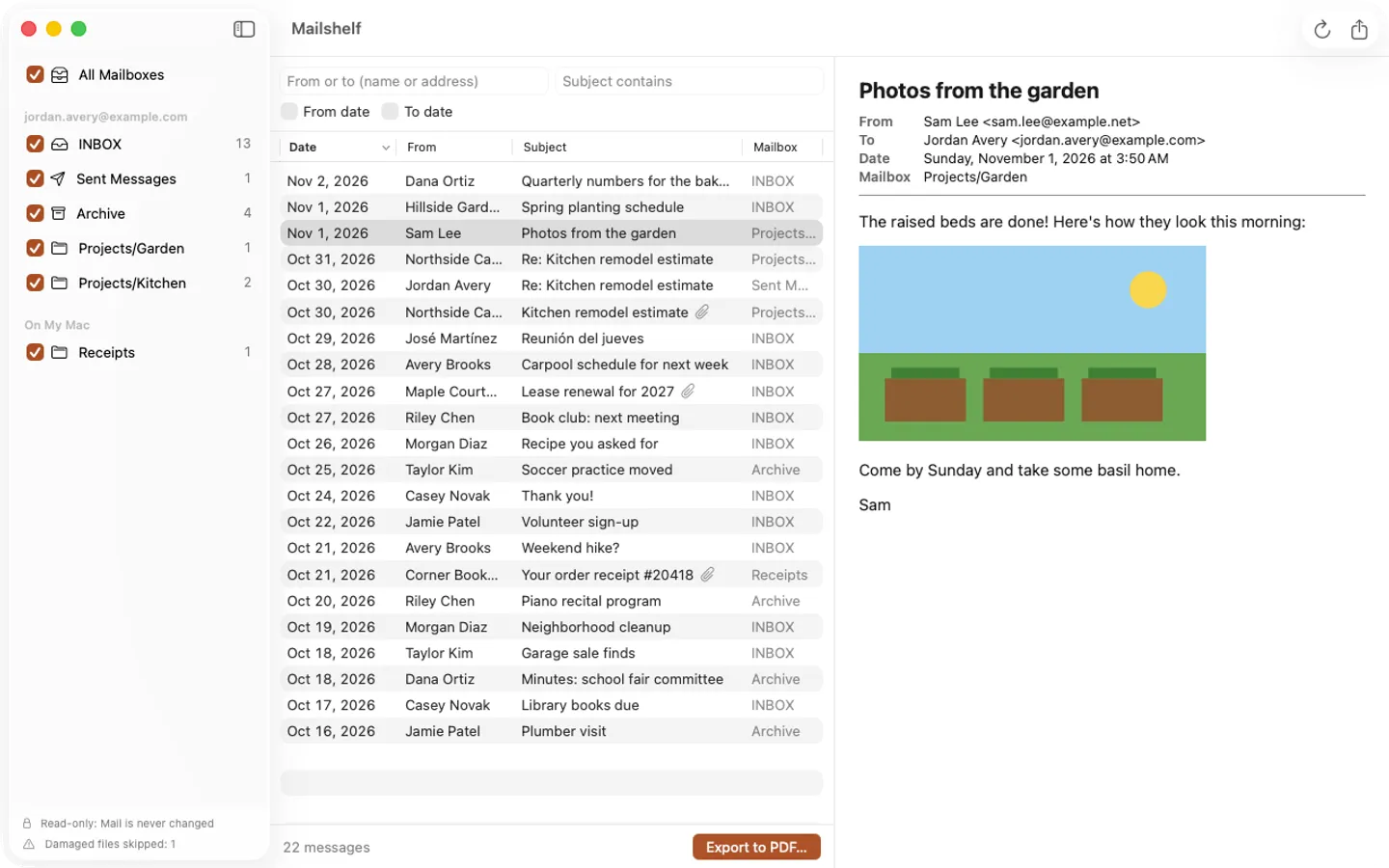
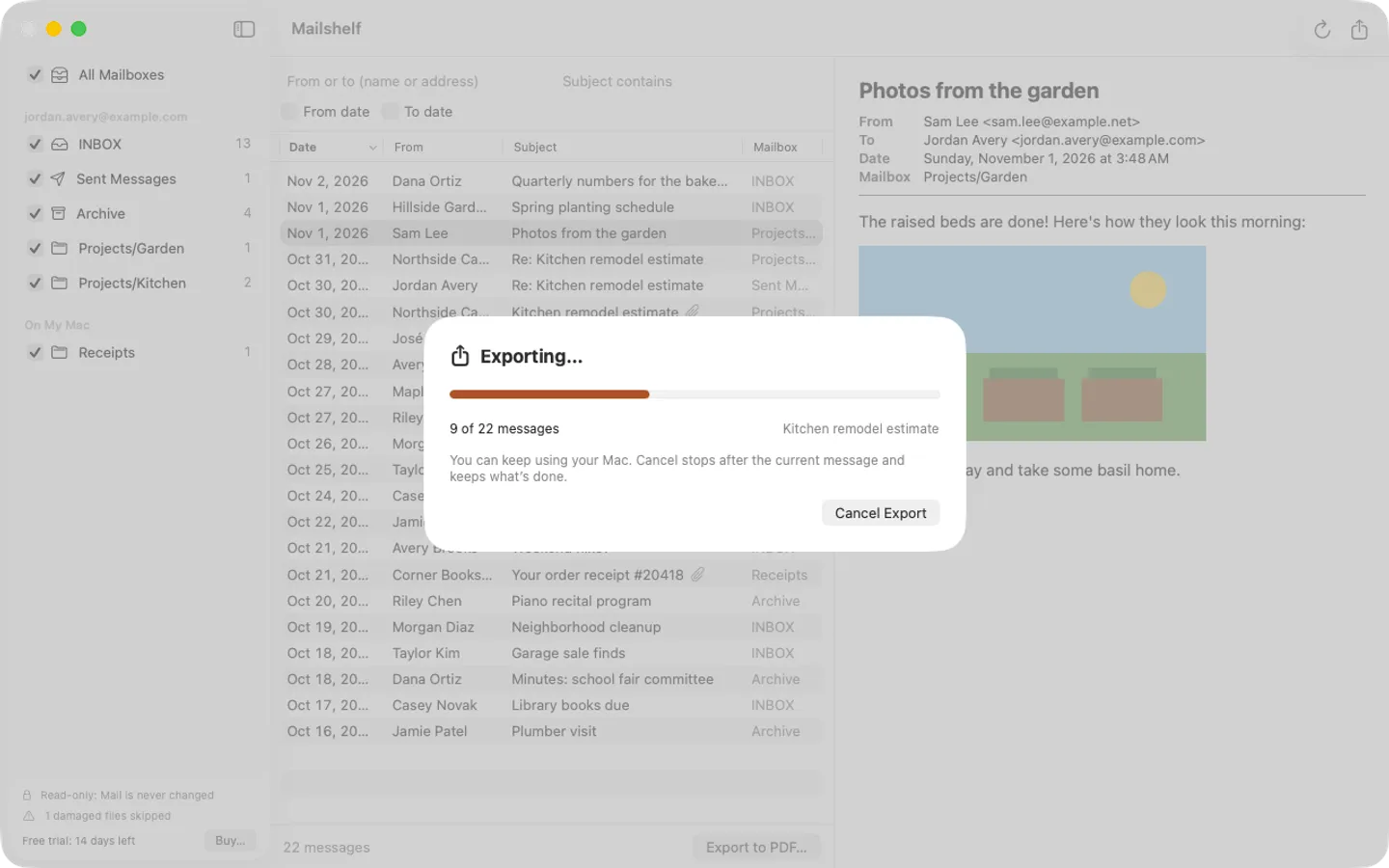
What it does: Mailshelf exports Apple Mail messages to searchable PDFs, one per message, with the attachments saved beside them and a CSV index. Read-only: your mail is never changed, remote images are never loaded, and nothing leaves your Mac.
- Checkout by Gumroad
- Notarized by Apple
- No FitzTopPicks account needed
Free to use without a key: browse, filter and preview all your mail and export 10 messages at a time. Everything works for the first 14 days.
Buy a license key to unlock exports of any size, as many messages at once as you like.
macOS 14 Sonoma or later · Version 1.0 · 3.1 MB disk image · Notarized by Apple
One-time $14.99. No subscription. One license key works on up to 3 of your Macs.
Download: The download (a signed, notarized .dmg) comes with your purchase in your Gumroad receipt, together with your license key. Updates install from inside the app.
Buy now opens Gumroad's checkout on this page; Gumroad is the seller and handles payment, sales tax and your receipt.
Screenshots
4 pictures: swipe or scroll sideways.
What you get
- Mailshelf for Mac: macOS 14 Sonoma or later
- The signed, notarized .dmg download and your license key, in your Gumroad receipt
- One license key for up to 3 of your Macs
- Updates that install from inside the app
- A one-time price: no subscription
Features
- One searchable PDF per message: header, text and attachment list
- Attachments saved in a folder beside each PDF
- index.csv of every message (date, from, to, subject, mailbox, file)
- Filter by mailbox, date range, sender or recipient, and subject
- Read-only: Mail is never changed; remote images are never loaded
- Progress and Cancel for exports of thousands of messages
- English and Spanish
Free vs With a license key
| Feature | Free | With a license key |
|---|---|---|
| What you can do | Browse, filter and preview all your mail and export 10 messages at a time. Everything works for the first 14 days | Buy a license key to unlock exports of any size, as many messages at once as you like. |
| Price | Free download | $14.99 one-time |
Questions
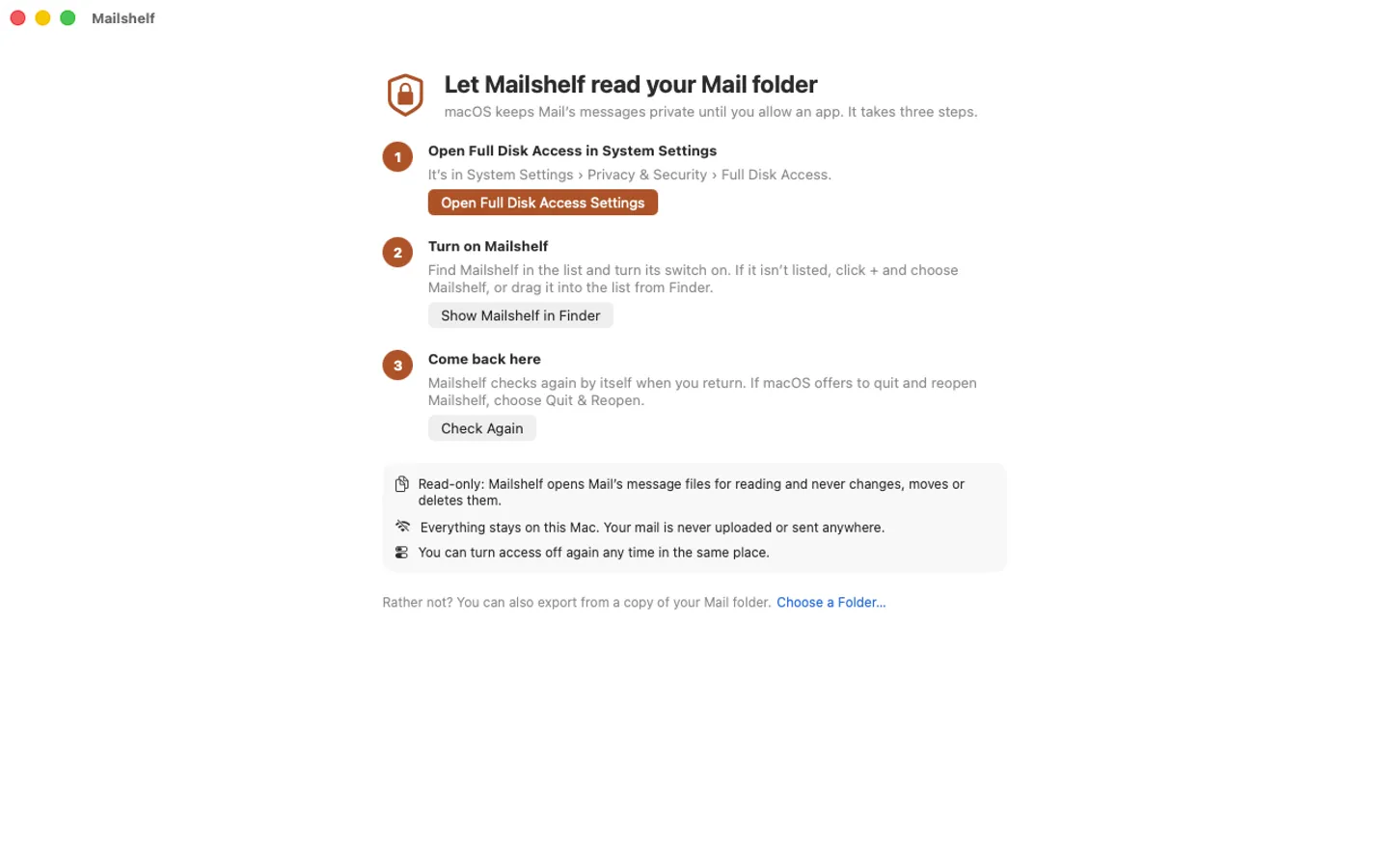
Why does Mailshelf need Full Disk Access?
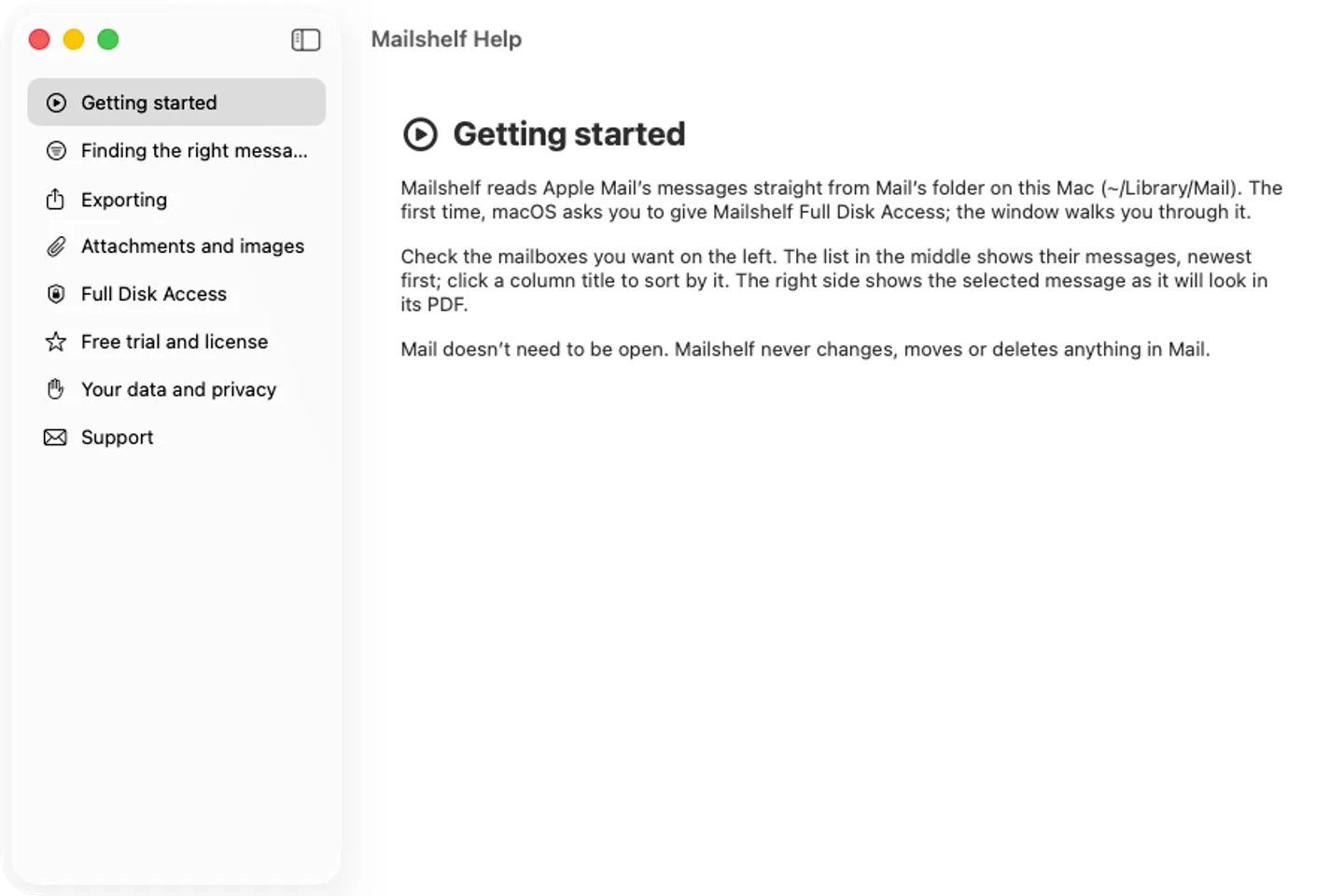
MacOS protects Apple Mail’s folder. Turn on Mailshelf in System Settings › Privacy & Security › Full Disk Access; the app walks you through it. Or export from a copy of your Mail folder with File › Choose Mail Folder….
Does it change my mail?
No. Mailshelf only reads Mail’s files. Exports are new files in a folder you choose.
What’s free, and what does a key add?
Everything works for 14 days. After that, without a key, you can browse, filter and preview all your mail and export 10 messages at a time. A key exports as many messages as you like, on up to 3 Macs. It’s a one-time purchase on Gumroad, with no subscription.
Where do I enter my license key?
Choose Mailshelf › Settings…, open the Pro tab, paste the key from your Gumroad receipt and click Activate.
How do I get updates?
Mailshelf checks for updates on its own; you can also choose Check for Updates… from the Mailshelf menu. Updates are free.
Do I have to pay again on another Mac?
No. One license key works on up to 3 of your Macs. Download the app again from your Gumroad receipt or library and enter the same key.
From the Mailshelf help page.
Requirements
- macOS
- macOS 14 Sonoma or later
- Processor
- Apple silicon and Intel
- Languages
- English, Spanish
- Download
- 3.1 MB disk image
- Version
- 1.0
Privacy
Mailshelf reads Apple Mail's files on your Mac (with the Full Disk Access you give it) and never changes them. It has no account or tracking, never uploads your mail, and never loads remote images. Your license key is kept in your Keychain. The only internet requests are the license check with Gumroad (when you enter a key and about once a week) and checking for updates at fitztoppicks.com.
Questions about your purchase or license key? Reply to your Gumroad receipt or contact us.