Worksheet Maker
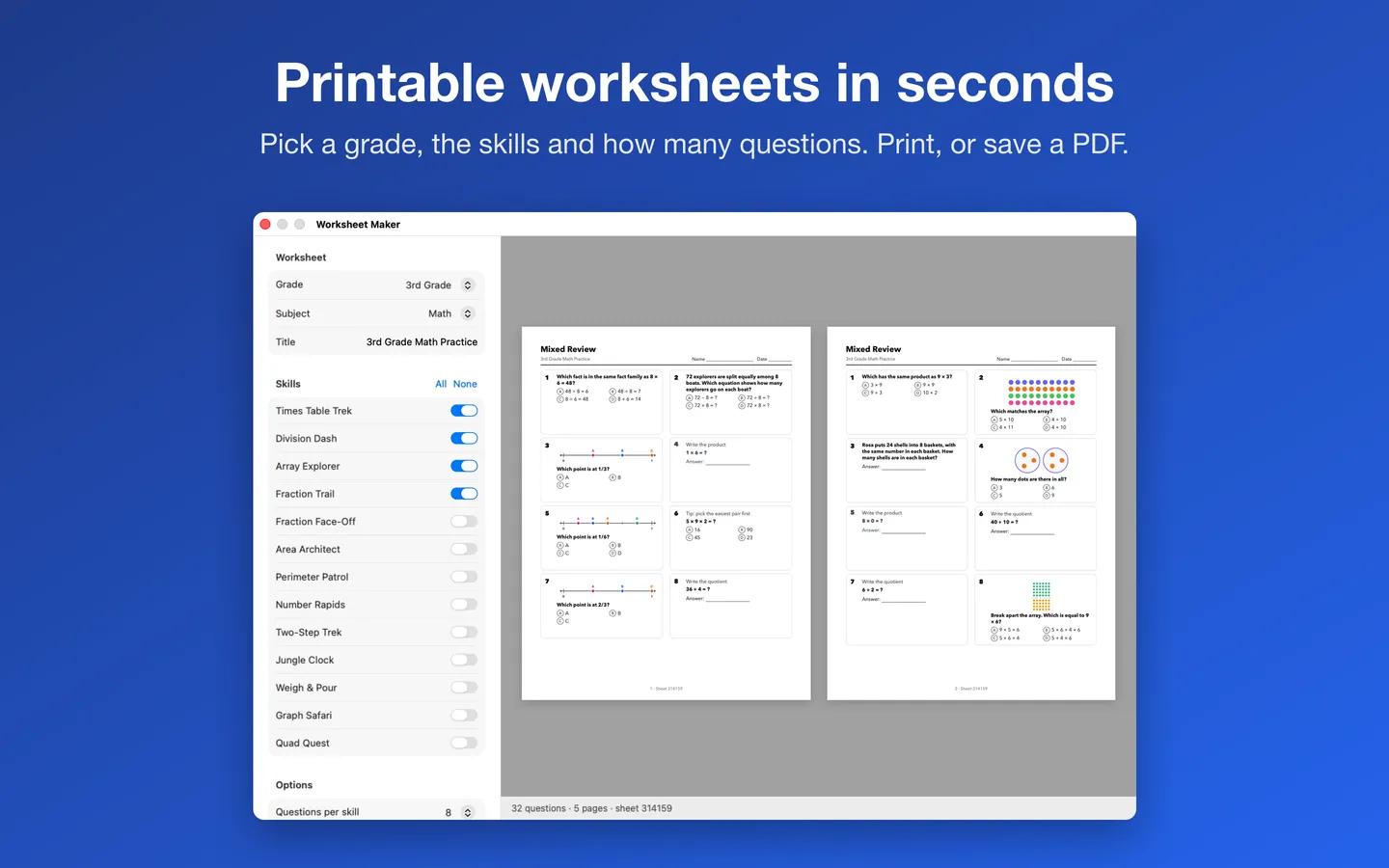
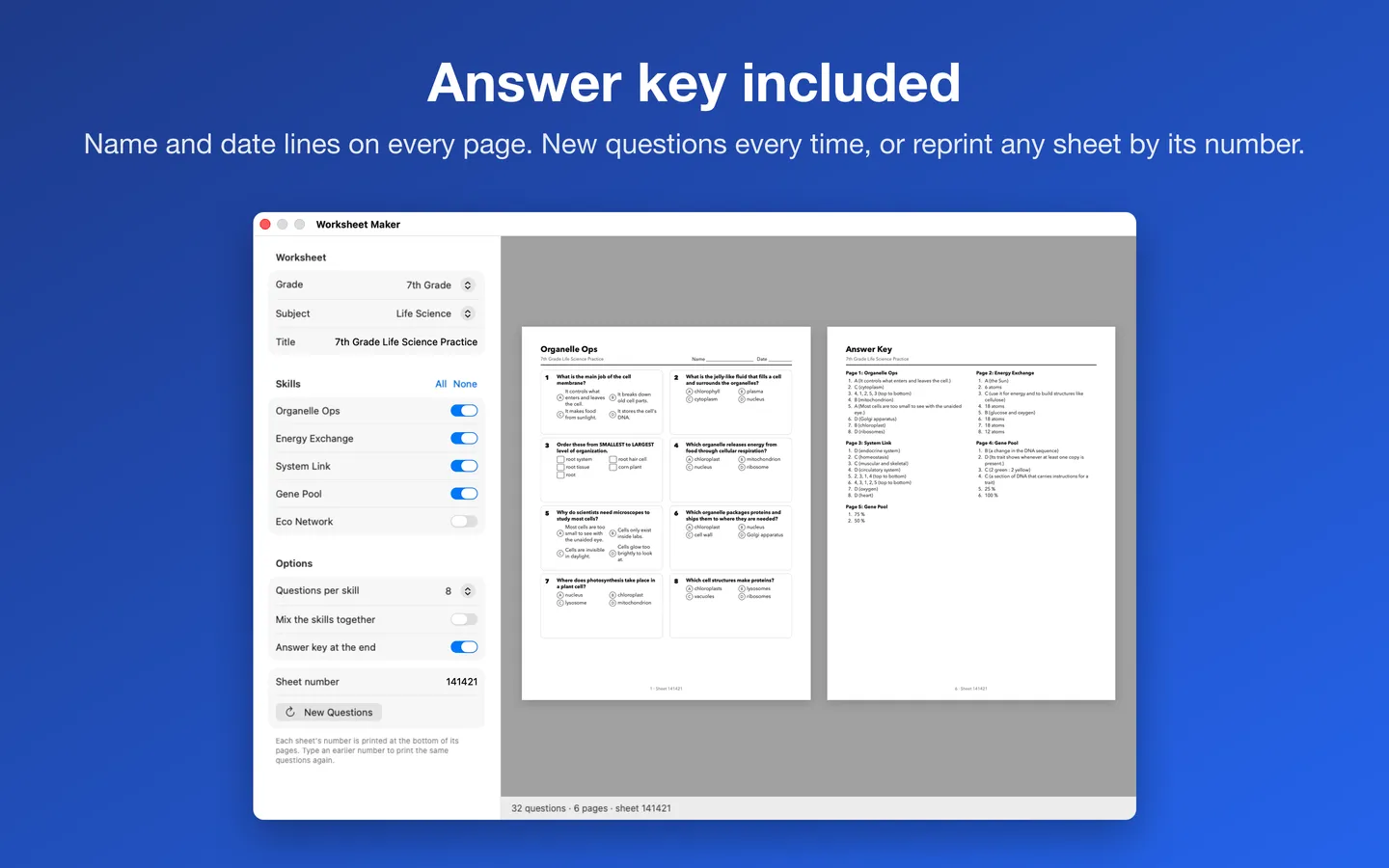
What it does: Make a new printable worksheet in seconds, for Kindergarten through 8th grade. Pick a grade, a subject and the skills, choose how many questions, and print or save a PDF with an answer key.
- Checkout by Gumroad
- Notarized by Apple
- No FitzTopPicks account needed
Free to use without a key, for good: addition, subtraction and multiplication facts and 1st-grade sight words print and save as PDFs, as worksheets and timed drills, with a small "Made with Worksheet Maker" line on each page. Every other skill previews free.
Buy a license key to unlock every skill from Kindergarten to 8th grade, answer keys, division drills, flash cards and Riddle Math, with no credit line.
macOS 14 Sonoma or later · Version 1.3.0 · 5.2 MB disk image · Notarized by Apple
One-time $4.99 for every skill. No subscription. One license key works on up to 3 of your Macs. Print as many copies as you like for your own students or children.
Download: The download (a signed, notarized .dmg) comes with your purchase in your Gumroad receipt, together with your license key. Updates install from inside the app.
Buy now opens Gumroad's checkout on this page; Gumroad is the seller and handles payment, sales tax and your receipt.
Screenshots
4 pictures: swipe or scroll sideways.
What you get
- Worksheet Maker for Mac: macOS 14 Sonoma or later
- The signed, notarized .dmg download and your license key, in your Gumroad receipt
- One license key for up to 3 of your Macs
- Updates that install from inside the app
- A one-time price: no subscription
Features
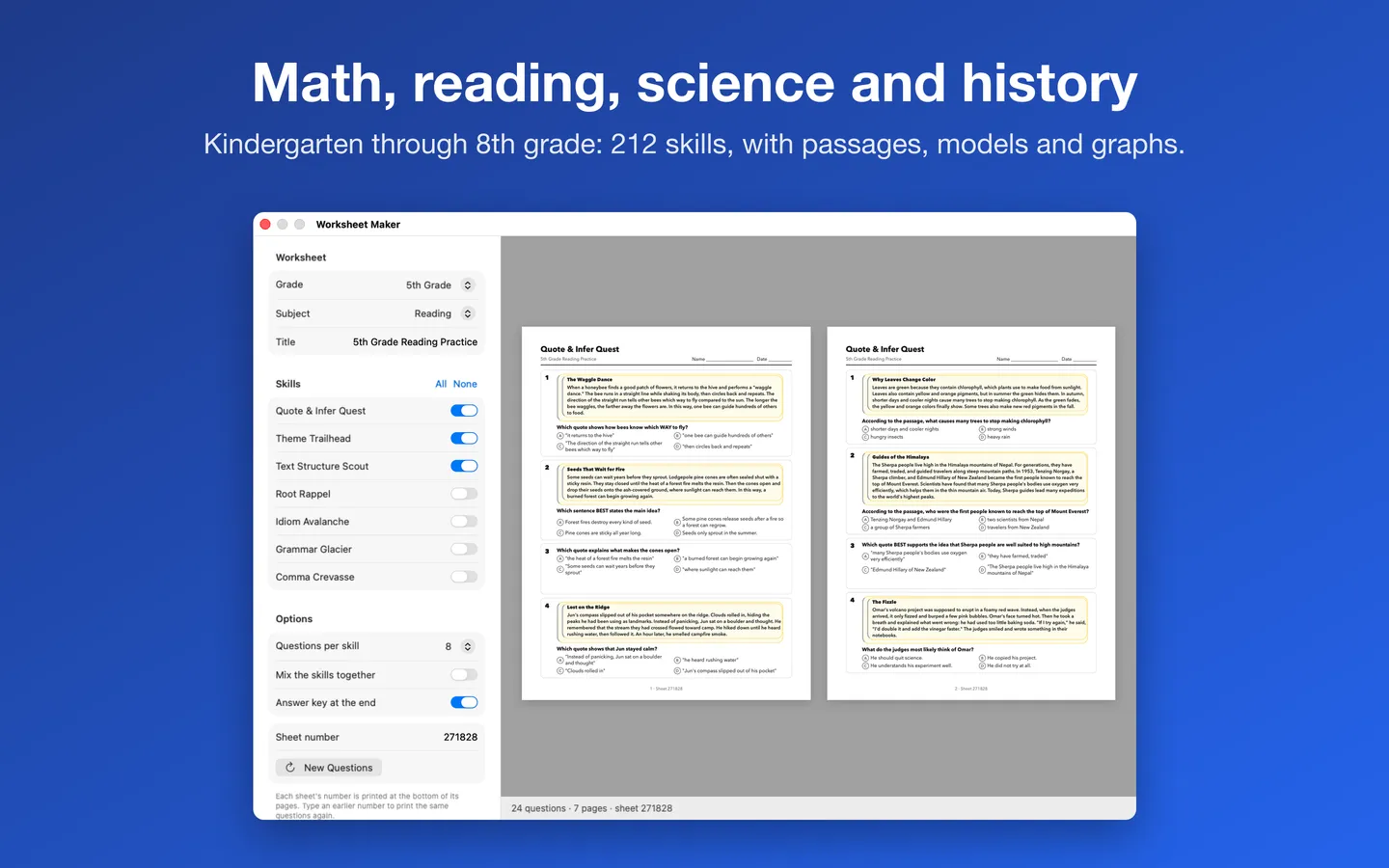
- Kindergarten through 8th grade: math, reading and ELA, science and history, plus Social Studies for every grade from 1st to 8th
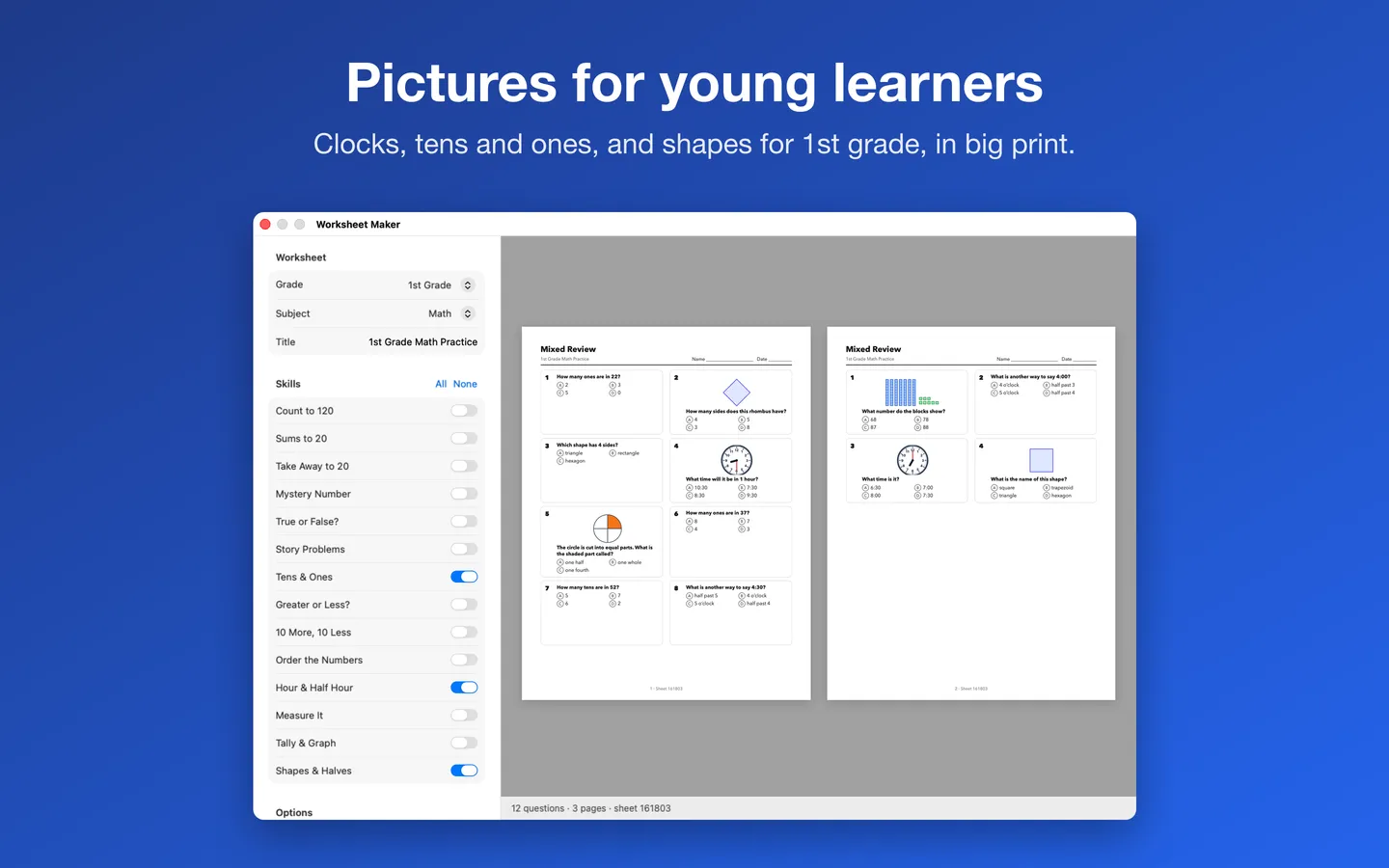
- Multiple choice, write-in and put-in-order questions, many with pictures, number lines, clocks, graphs and models
- Name and date lines on every page; Pro adds an answer key at the end
- Mix the skills into one review, or give each skill its own pages; 4 to 32 questions per skill
- Timed fact drills: 50 or 100 addition, subtraction or multiplication facts with a time goal; Pro adds division drills and answer keys
- Flash cards (Pro): any skill as cut-apart cards, eight to a page, with the answers on the back for double-sided printing
- Riddle Math (Pro): solve the problems to spell out the answer to one of 339 kid-friendly riddles
- Sight Words: reading sheets made only from the Dolch sight words you choose
- Snap a Sheet: drop in a photo of a worksheet your child brought home and get a fresh practice sheet at that grade and skill, made on your Mac
- Every sheet is numbered: type the number back in to make the same sheet again
- Print, or save a PDF (US Letter, scaled to fit on A4)
Free vs With a license key
| Feature | Free | With a license key |
|---|---|---|
| What you can do | Addition, subtraction and multiplication facts and 1st-grade sight words print and save as PDFs, as worksheets and timed drills, with a small "Made with Worksheet Maker" line on each page. Every other skill previews free | Buy a license key to unlock every skill from Kindergarten to 8th grade, answer keys, division drills, flash cards and Riddle Math, with no credit line. |
| Price | Free download | $4.99 one-time |
Questions
How do I print the same worksheet again?
Every worksheet has a number at the bottom of its pages. Type that number into Sheet number with the same grade, subject and skills, and you get the same questions again.
Why did I get fewer questions than I asked for?
A few skills have a set number of different questions (for example, reading skills with a fixed group of passages). Worksheet Maker never repeats a question on one sheet, so it prints all of them. The line under the preview tells you when this happens.
What does “Mix the skills together” do?
It shuffles the questions from all the skills you chose onto shared pages for a mixed review. Questions about a reading passage stay together, right under it. Turn it off to give each skill its own pages.
What paper size does it use?
US Letter (8.5 × 11 in). On A4 paper, macOS scales each page to fit.
How do I add my license key?
Your key is in your Gumroad receipt. Choose Worksheet Maker › License…, paste it and click Activate. One key works on up to 3 of your Macs.
What is free, and what needs a key?
Free for good, without a key: addition, subtraction and multiplication facts and 1st-grade sight words, printed or saved as PDFs, with a small "Made with Worksheet Maker" footer. A license key unlocks every other skill and grade and removes the footer.
From the Worksheet Maker help page.
Setting it up
How to open a newly downloaded Mac app the first time
Step by step, with what to do if your Mac asks a question.
Requirements
- macOS
- macOS 14 Sonoma or later
- Processor
- Apple silicon and Intel
- Languages
- English
- Download
- 5.2 MB disk image
- Version
- 1.3.0
What's new
Version 1.3.0 ·
- Worksheet Maker now has a free version, with no 7-day countdown: addition, subtraction and multiplication facts and 1st-grade sight words print and save as PDFs for good, as worksheets and timed drills, with a small "Made with Worksheet Maker" line on each page.
- A license key adds every other skill from Kindergarten to 8th grade, answer keys, division drills, flash cards and Riddle Math, and leaves off the credit line. Every skill still previews free, marked Pro.
- If you already have a license key, nothing changes: everything stays unlocked.
Version 1.2.2 ·
- Easier to read: warning, success and error text now uses deeper shades in Light Mode, so it stands out clearly on the window (Dark Mode looks the same).
- The privacy notes in About and Help now say exactly what the More Mac Apps list downloads: one file from fitztoppicks.com, at most once a day, the same for everyone.
Version 1.2.1 ·
- Licence checks are stricter, so Pro stays tied to a real licence key. Nothing changes for buyers with a key.
From Worksheet Maker's release notes. Updates install from inside the app.
Privacy
Worksheets are made on your Mac, offline. The app collects nothing; it remembers your last choices and your license key (in your Keychain) on your Mac. The only network requests are the license check with Gumroad (your license key, when you enter it and about once a week), checking for updates at fitztoppicks.com and downloading the list of our other Mac apps from fitztoppicks.com when you open it (at most once a day; the same file for everyone); none sends anything about your worksheets.
Questions about your purchase or license key? See Help and FAQ, reply to your Gumroad receipt or contact us.
More Mac apps


Also for teachers
Printables that go with it
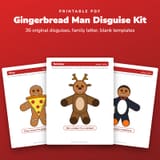 Gingerbread Man Disguise Kit: 36 Disguises and Family LetterPrintable PDF · $2.99
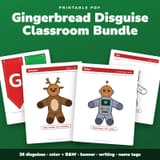 Gingerbread Man Disguise Classroom Bundle: Banner, Writing, Name TagsPrintable PDF · $3.99
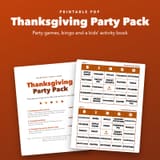 Thanksgiving Party Pack: Games, Bingo and Kids Activity BookPrintable PDF · $4.49
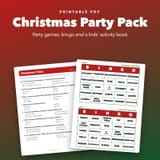 Christmas Party Pack: Games, Bingo and Kids Activity BookPrintable PDF · $3.49