How to get a live animated wallpaper on a Mac
UpdatedShort answer
macOS has no wallpaper that moves all the time: Dynamic Wallpapers brighten and darken through the day, and the aerial wallpapers animate only as you lock or unlock the Mac. For motion on the desktop you need an app: free ones such as Plash show a web page or an animated GIF as the wallpaper, and live wallpaper apps draw a scene behind your icons.
The free ways
Built in: Dynamic Wallpapers and aerials
- Open System Settings › Wallpaper.
- Pick a Dynamic Wallpaper: it brightens and darkens through the day for where you are.
- Or pick a Landscape, Cityscape, Underwater or Earth aerial. It animates as you lock or unlock the Mac, and by default the same aerial plays as your screen saver.
- Shuffle Aerials changes the still image at an interval you choose.
Free: a web page as wallpaper with Plash
Plash is a free app by Sindre Sorhus (sindresorhus.com/plash) that makes a website your desktop wallpaper.
- Install Plash and open it from the menu bar.
- Add a website: an animated page, a dashboard or an animated GIF. It shows as your desktop wallpaper.
A busy page keeps the Mac working all the time, which costs battery on a laptop.
Where the free ways stop
- Dynamic Wallpapers change slowly over the day; they don't move.
- Aerials animate only when you lock or unlock the Mac, and as a screen saver.
- A looping video or web page repeats the same clip and knows nothing of the time, the weather or the season.
- Anything animating all the time uses power, so check that it pauses when windows cover the desktop and on battery.
How Driftpane does it

Driftpane is a Mac app we make: live 3D wallpaper for your Mac, drawn in real time behind your desktop icons.
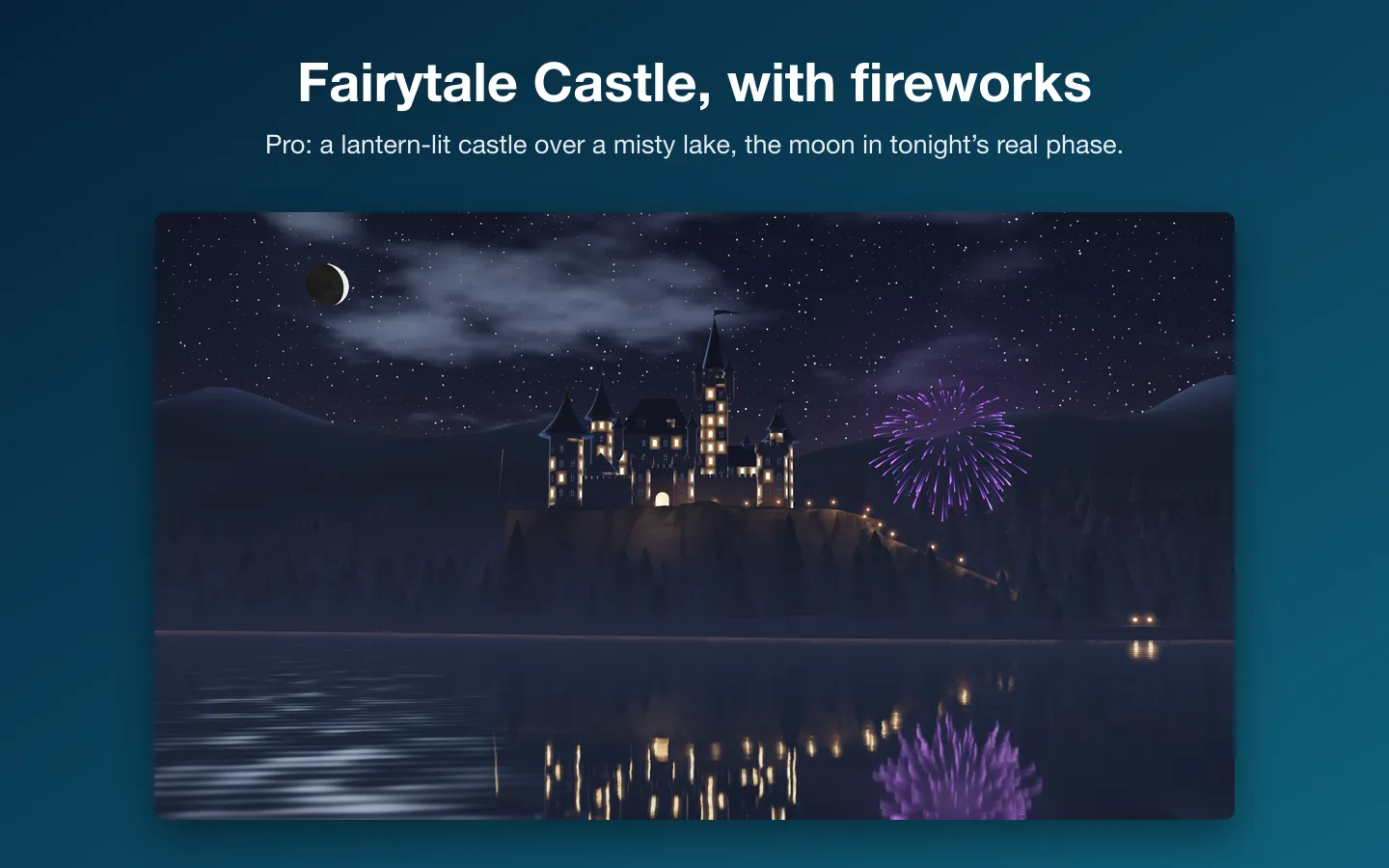
- Driftpane lives in the menu bar. Pick a scene from the thumbnails: Deep Reef is free, and Pro adds ten more, from Fairytale Castle to Earth from Orbit.
- The scene is drawn live in 3D with Metal just behind your desktop icons, on every display and every Space. The light follows the real time of day, and some scenes follow your real weather if you type a city or turn on location.
- It pauses when the desktop is covered, the screen is locked or asleep, and on battery unless you choose Run on Battery.
- Shuffle Daily picks a different scene each day, and auto quality and lower frame rates keep 4K and 5K displays and warm Macs comfortable.
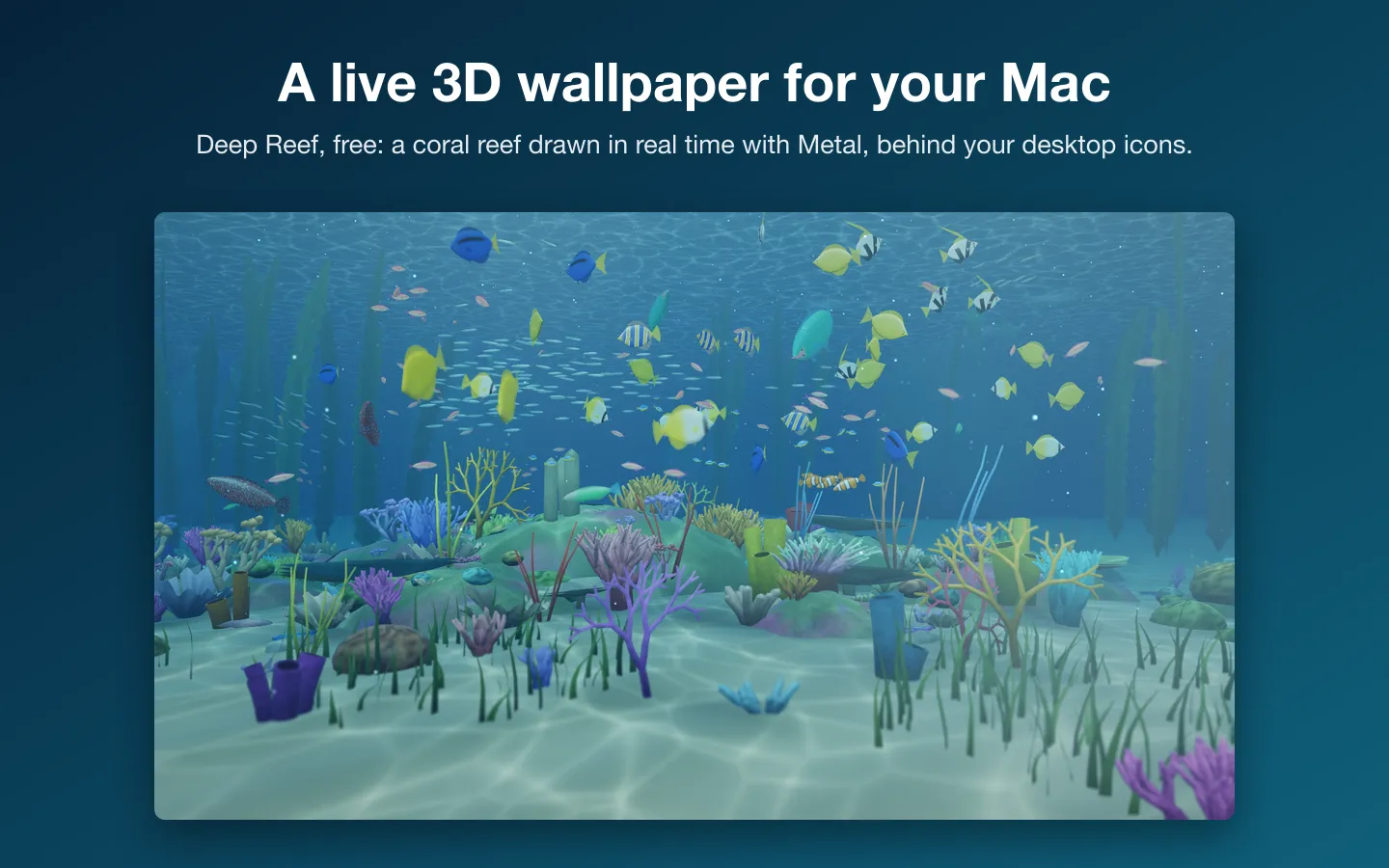
Free to use without a key: Deep Reef, a coral reef with schools of fish, sunbeams and caustics, the light of the real hour and glowing plankton at night.
$14.99 one-time for Pro, no subscription. Buy a license key to unlock Pro: ten more scenes, Fairytale Castle, Rainy Window Café, Alpine Lake, Northern Lights Cabin, Earth from Orbit, Zen Koi Pond, Neon City Rain, Nebula Flythrough, Tropical Beach Sunset and Cozy Fireplace Library.
macOS 14 Sonoma or later, on a Mac with Apple silicon (M1 or later). Earth from Orbit uses NASA’s Blue Marble and Black Marble imagery (NASA Earth Observatory).
Questions
Does a live wallpaper drain the battery?
Anything drawn all the time uses some power. Driftpane pauses when the desktop is covered, when the screen is locked or asleep, and on battery unless you turn on Run on Battery, so it mostly draws while you can see it.
Can I use my own video as a wallpaper?
macOS doesn't offer that by itself. Some apps play a video file as the wallpaper; Driftpane doesn't, because it draws its own scenes in real time.
Which Macs does Driftpane need?
macOS 14 Sonoma or later on a Mac with Apple silicon (M1 or later). Intel Macs aren't supported.
Does the weather feature track me?
It's optional. Type a city or ZIP code, or turn on Use my location, which is rounded to about a kilometer and used only on your Mac. The forecast comes from MET Norway, at most once an hour while a weather scene shows.