How to print an A0 sewing pattern at home on a Mac
UpdatedShort answer
First check whether the pattern came with a print-at-home file. If it only has the A0 (copy-shop) file, the free Adobe Acrobat Reader can split it across Letter or A4 pages at 100% with its Poster option. Preview can't tile a page.
The free ways
Look for the print-at-home file first
- Many PDF patterns come in two versions: an A0 or 36 × 48 in copy-shop file, and a Letter/A4 file already split into pages with a test square. Check the download and the pattern's instructions.
- If there's a print-at-home file, print it with Scale set to 100% (not Scale to Fit), print the test-square page first and measure it before printing the rest.
Free: Acrobat Reader's Poster printing
Adobe Acrobat Reader is free for Mac and can tile one big page across many small sheets.
- Open the pattern in Acrobat Reader. If it has a layer per size, open the Layers panel and hide the sizes you don't need.
- Choose File › Print. Under Page Sizing & Handling, click Poster.
- Set Tile Scale to 100%, choose an overlap (for example 0.5 in or 10 mm), and turn on Cut marks and Labels.
- To test first, save the tiles as a PDF instead of printing (Printer…, then PDF › Save as PDF), print one page of that at 100% and measure something you know the size of.
- Print all the tiles, trim or fold along the cut marks, lay them out in order and tape them together.
Or have it printed on one sheet
- Copy shops and online pattern-printing services print A0 and 36 × 48 in files on one large sheet. Send them the copy-shop file and ask for 100% scale.
Where the free ways stop
- Preview has no poster or tiling option: printing an A0 page on Letter either shrinks it to fit or cuts most of it off.
- Acrobat's Poster option prints every tile, including blank ones around the pieces, and can't print a single tile as a test.
- Its labels give row and column numbers, but there's no assembly map, so a big pattern takes some puzzling.
- Hiding sizes only works when the designer made the pattern with layers.
- Any print setting other than 100% (Scale to Fit, Shrink oversized pages) makes the pattern the wrong size.
How Sheetloom does it
Sheetloom is a Mac app we make: booklets, n-up, step-and-repeat and big sewing patterns, laid out for printing.
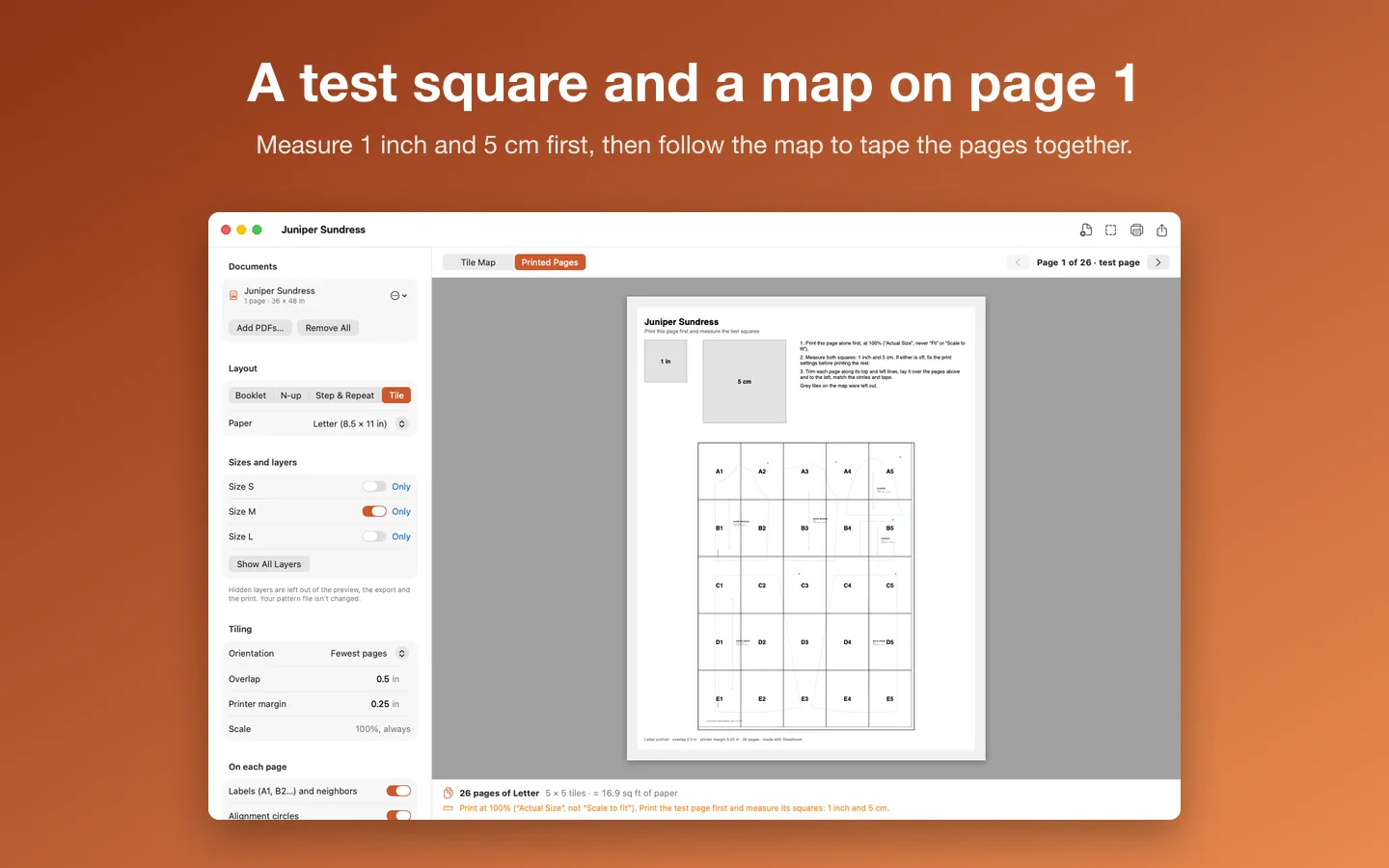
- Open the A0 or copy-shop PDF and pick Letter, A4 or Legal.
- Turn off the sizes you don't need when the pattern has layers, and set the overlap.
- Skip the tiles you don't need (blank tiles are skipped for you) and see the page count first.
- Print the test page with a 1 inch and a 5 cm square and the assembly map, measure it, then print the rest at 100%.
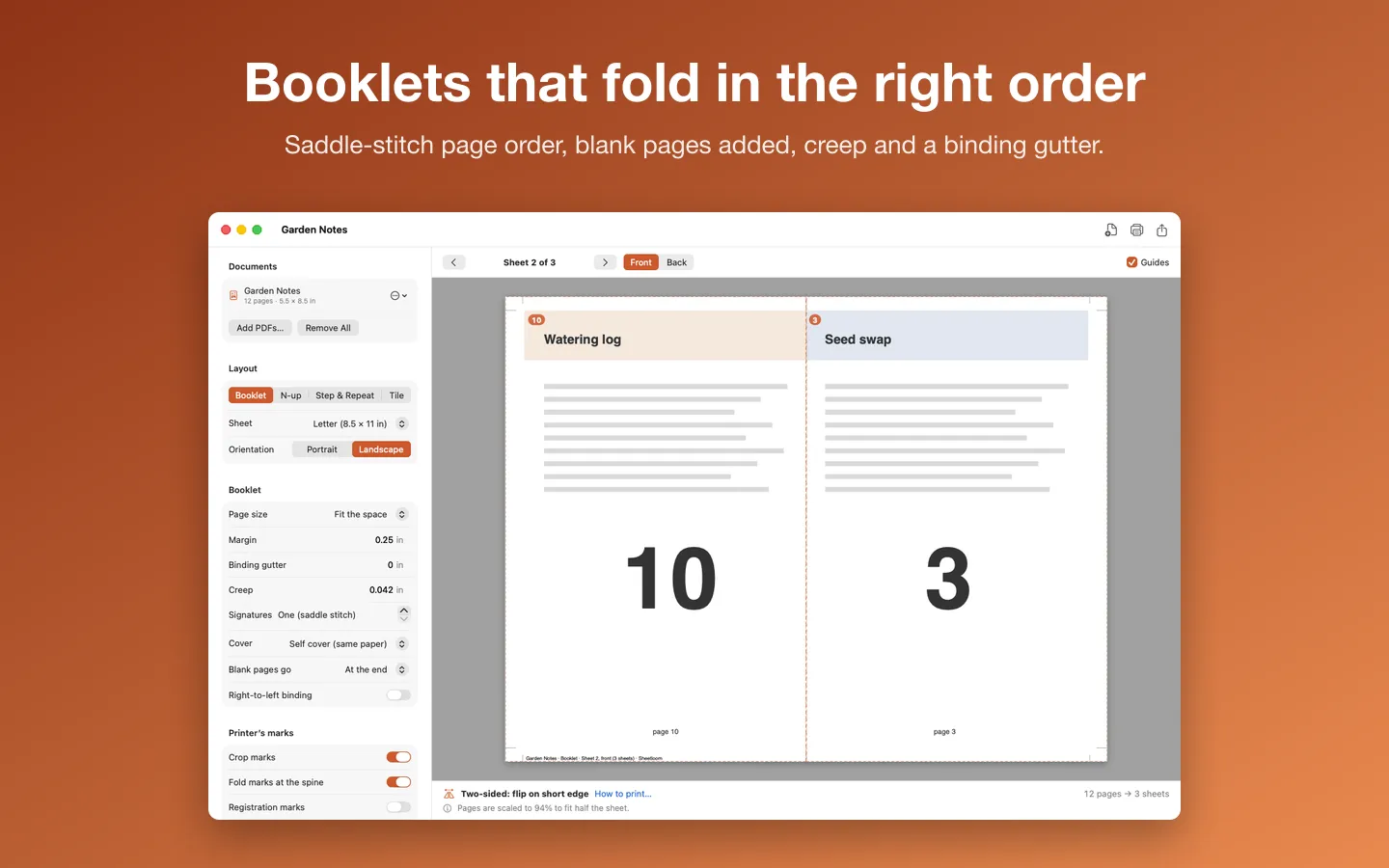
Free to use without a key: every layout, the preview, export and print, for jobs up to 8 sheets of paper, and Tile mode for single-page sewing patterns.
$29.99 one-time for Pro, no subscription. Buy a license key to unlock Pro: long booklets, big card runs, any number of sheets, and sewing patterns with any number of pages.
macOS 14 Sonoma or later. Apple silicon and Intel. Makes regular PDFs for office, home and copy-shop printers (not PDF/X). Patterns fit when printed at 100%: check the test square first.
Questions
How do I know it printed at the right size?
Measure the test square with a ruler. If it matches (1 inch, 5 cm or whatever the pattern states), you're printing at 100%. If not, look for a setting such as Scale to Fit or Shrink oversized pages, set the scale to 100% and print the test again.
How many sheets does an A0 pattern take?
A0 is 841 × 1189 mm. On A4 or Letter, with printer margins and a small overlap, it's usually around 25 sheets, more with a bigger overlap. Skipping blank tiles saves a few.
Should I overlap the pages or trim them?
Either works. An overlap gives you room to line up the marks and tape; with no overlap you trim the margins and butt the edges together. Follow the pattern's own instructions if it has them.
What paper sizes can Sheetloom print on?
Letter, A4 and Legal, and Tabloid and A3 too, from A0, copy-shop (36 × 48 in) or any large PDF.