How to open a DBF file (dBase or FoxPro) on a Mac
UpdatedShort answer
Numbers won't open a .dbf file, but the free LibreOffice suite will: its Calc spreadsheet opens dBase tables and asks which character set the text uses. If the .dbf came with a map (a .shp and a .shx file with the same name beside it), it's that map's table, so open the .shp in the free QGIS instead. Either way, check the long text (memo) fields and the accented letters after opening: they're what goes wrong most.
The free ways
Free: LibreOffice Calc
- Download LibreOffice from libreoffice.org and install it (it’s free and open source).
- Keep the table's other files beside it: a .dbt or .fpt file with the same name holds its memo fields, and a .cpg file can name its character set.
- In LibreOffice, choose File › Open and pick the .dbf file.
- When it asks for the character set, pick the one the old program used: a DOS one (code page 437 or 850) for DOS programs, Windows-1252 for Windows ones. If accented letters look wrong, open it again with another.
- Save a copy as .xlsx or .csv with File › Save As, so you never work in the original.
If it's map data: QGIS
- If the .dbf sits beside .shp and .shx files with the same name, it's a shapefile's attribute table.
- Install the free QGIS from qgis.org, drag the .shp file into it, then right-click the layer and choose Open Attribute Table.
- To save the table, right-click the layer, choose Export › Save Features As, and pick CSV or an Excel format.
Where the free ways stop
- If the .dbt or .fpt file isn't beside the table, the memo fields (long notes) are gone: they aren't inside the .dbf.
- The wrong character set turns accented or Cyrillic letters into junk, and only trying another one tells you which is right.
- LibreOffice is a whole office suite to install for one old file, and a table saved back from it may not open in the old program again, so work on a copy.
How Relicdesk does it
Relicdesk is a Mac app we make: open and export old dBase, FoxPro and Project XML files.
- Open a .dbf file or a whole folder: dBase III, IV, 5 and 7, FoxPro, Visual FoxPro and Clipper tables, memo fields included.
- The code page comes from the file, or you choose one yourself: DOS, Windows, Cyrillic, Asian and UTF-8 text.
- Search, sort and read every record in full, and deleted records too if you ask. The file is only read, never changed.
- Export to Excel (.xlsx), CSV or SQLite with real numbers and dates. Without a key you can open, search and read every file for good; free exports hold the first 100 rows.
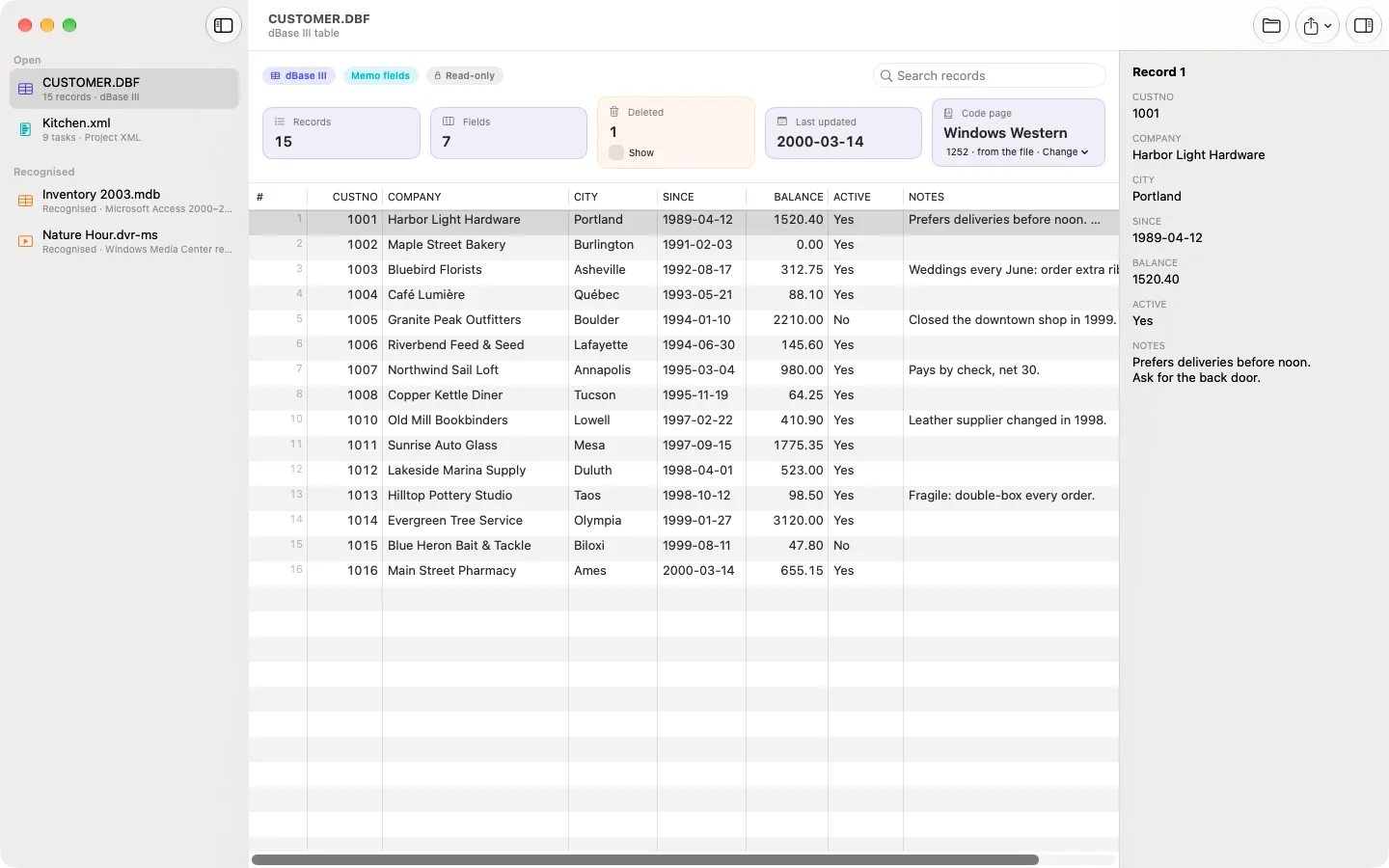
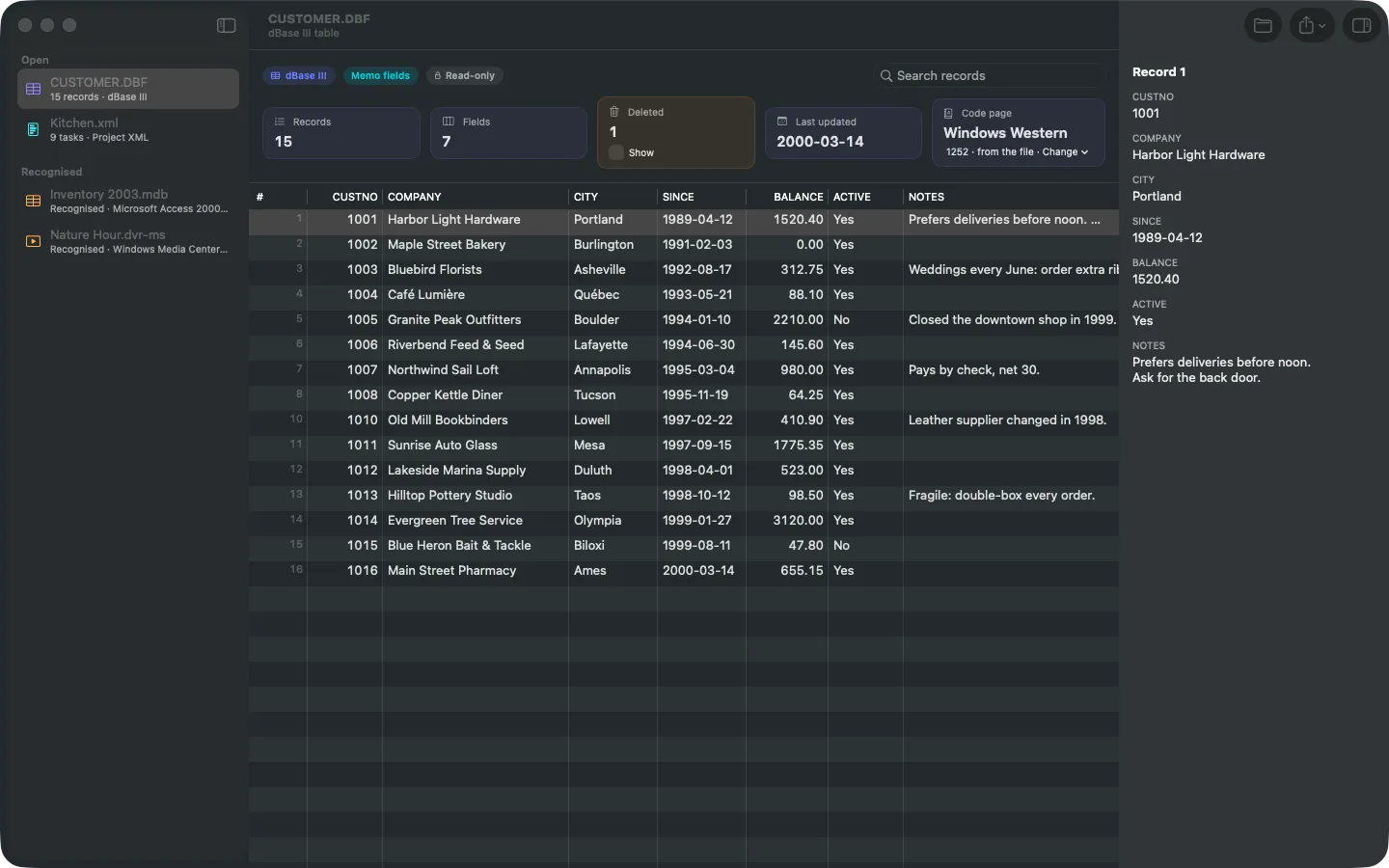
Free to use without a key: open, search, sort and read every file, for good. Free exports hold the first 100 rows.
$29.99 one-time for Pro, no subscription. Buy a license key to unlock Pro: every row in every export.
macOS 14 Sonoma or later. Apple silicon and Intel.
Questions
What is a .dbf file?
A table from dBase, one of the most used database programs of the 1980s and 1990s, in the format FoxPro, Clipper and many accounting, point-of-sale and mapping programs kept using. Each .dbf is one table; its long text is in a .dbt or .fpt file with the same name.
Why are the accented letters wrong?
Old programs stored text in a code page, such as DOS 437 or 850 or Windows-1252, and a .dbf doesn’t always say which. Read with the wrong one, letters like é and ñ come out as junk. Relicdesk reads the code page from the file when it’s there and lets you choose another.
Can Relicdesk edit or save the .dbf?
No. It only reads your files and exports copies to Excel, CSV or SQLite, so the original stays exactly as it was.
Does it open Access or Project files?
It opens Microsoft Project XML plans, with a Gantt chart and a task table. Access databases and Project .mpp files it recognises and describes, but doesn’t open yet.