How to keep an OSHA 300 log and post the 300A summary on a Mac
UpdatedShort answer
OSHA's recordkeeping forms (the 300 log, the 300A summary and the 301 incident report) are free on osha.gov, and they open on a Mac in Preview, Numbers or Excel. Record each case on a 301 and a line of the 300 log, total the year on the 300A, have a company executive certify it, and post it from February 1 to April 30. Keep all of it for five years. This page isn't legal advice: check with OSHA what applies to your business.
The free ways
Free: OSHA's forms package
- Download OSHA's injury and illness recordkeeping forms from osha.gov (Forms 300, 300A and 301, with their instructions). Open the PDFs in Preview, or the spreadsheet version of the log in Numbers or Excel.
- For each work-related injury or illness that meets OSHA's recording criteria, fill in a 301 incident report and add a line to the 300 log within 7 calendar days of learning about it.
- Count days away from work and days on restricted duty as they happen: calendar days, weekends included, up to 180.
- After the year ends, total the log on the 300A (zeros if there were no cases), fill in the average number of employees and the hours worked, and have a company executive certify it.
- Post the 300A where employees can see it from February 1 to April 30. If your establishment has to submit it electronically, do that on OSHA’s Injury Tracking Application by March 2.
- Keep the 300 log, the 300A and the 301s for five years after the end of the year they cover.
Where the paper forms get slow
- The forms don't decide what is recordable: that's the employer's call under OSHA's rules, case by case.
- Days away and restricted are counted by hand, with the 180-day cap and cases that run into the next year.
- Every case is written twice, on the 301 and on the 300 log, and the 300A totals are added up by hand.
- Privacy cases need a separate confidential list, and five years of logs are files you keep track of yourself.
How Floorledger does it

Floorledger is a Mac app we make: people, equipment, jobs and safety records for small shops.
- Enter each case once in Floorledger's Injury Log: the case screen holds what the 301 asks for, and the 300 log line and the 300A totals come from it.
- Work through the recordability checklist: it lists the rule’s criteria and records your answers; the decision stays yours.
- Let it count days away and restricted (with the 180-day cap) and run the 7-day clock from the day you learned of the case. Privacy cases stay off the log, on their own confidential list.
- Close the year with the 300A's certification block and the February 1, March 2 and April 30 dates, and print the 300, 300A and 301 as PDFs. The Injury Log is one of the twelve shop modules (people, equipment, jobs and safety) a license key unlocks; the skills matrix for up to 8 people is free.
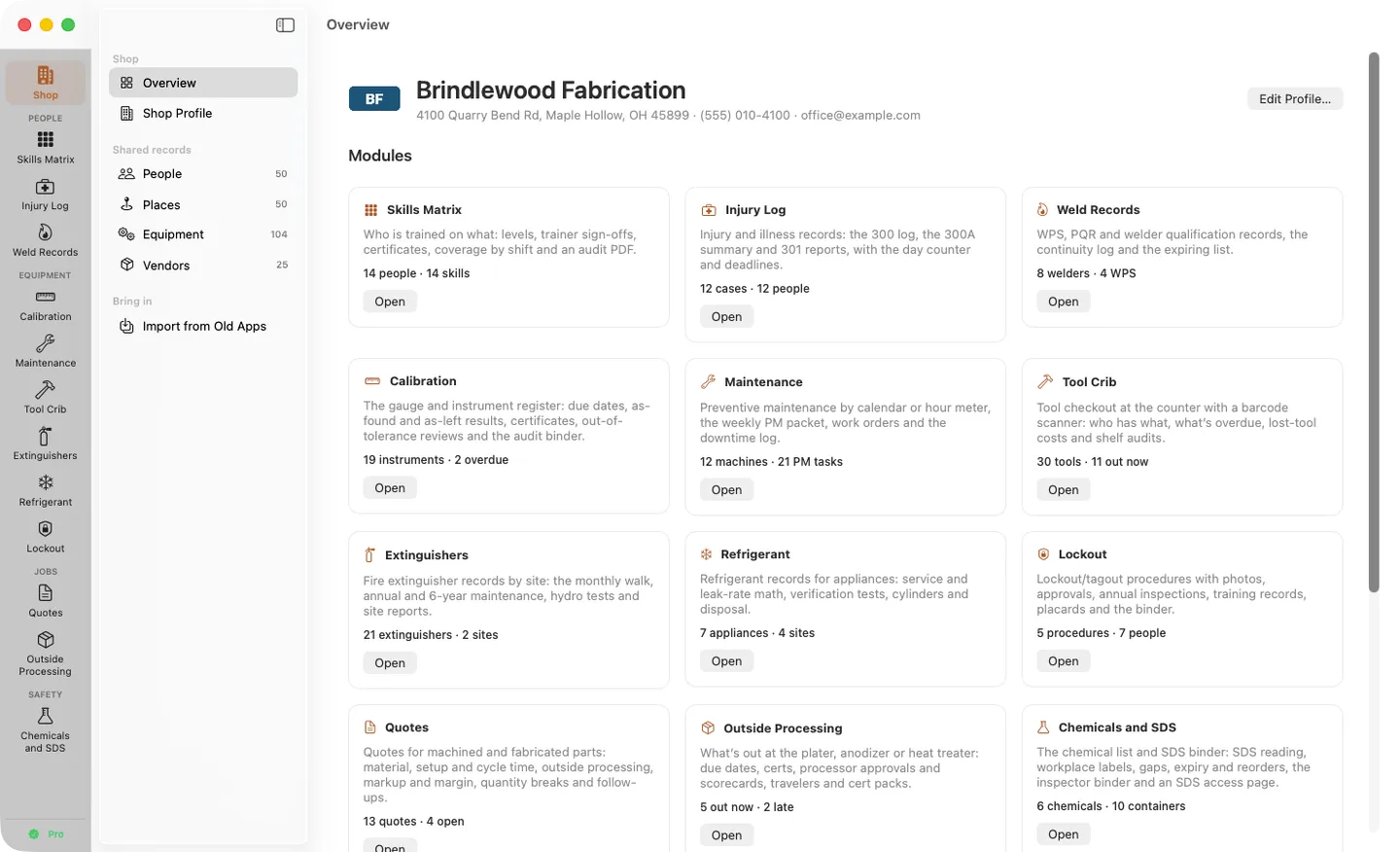
Free to use without a key: the skills matrix for up to 8 people, and the shared shop records, for good.
$79 one-time for Pro, no subscription. Buy a license key to unlock Pro: all twelve modules, with no limits.
macOS 14 Sonoma or later. Apple silicon and Intel.
Questions
Who has to keep an OSHA 300 log?
Many US employers with more than ten employees, outside the industries OSHA lists as partially exempt. Check OSHA’s recordkeeping rules (29 CFR 1904) or ask OSHA for your own business; this page isn’t legal advice.
Do I post a 300A if we had no injuries?
Yes. A covered establishment posts the 300A from February 1 to April 30 even with no cases, with zeros in the totals.
Who has to submit the data electronically?
Under OSHA’s rule, establishments with 250 or more employees, and those with 20 to 249 in the industries OSHA lists, submit the 300A data each year by March 2; establishments with 100 or more employees in another list of industries also submit their 300 and 301 case data. Check the current rule on OSHA’s website.
Does Floorledger decide whether a case is recordable?
No. It lists the rule’s criteria and records your answers; the employer decides. Its forms say so, and it isn’t affiliated with or endorsed by OSHA.